5
2
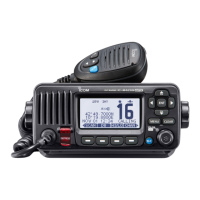
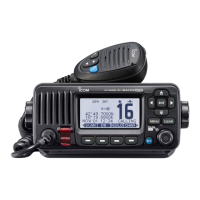
PANEL DESCRIPTION
New2001
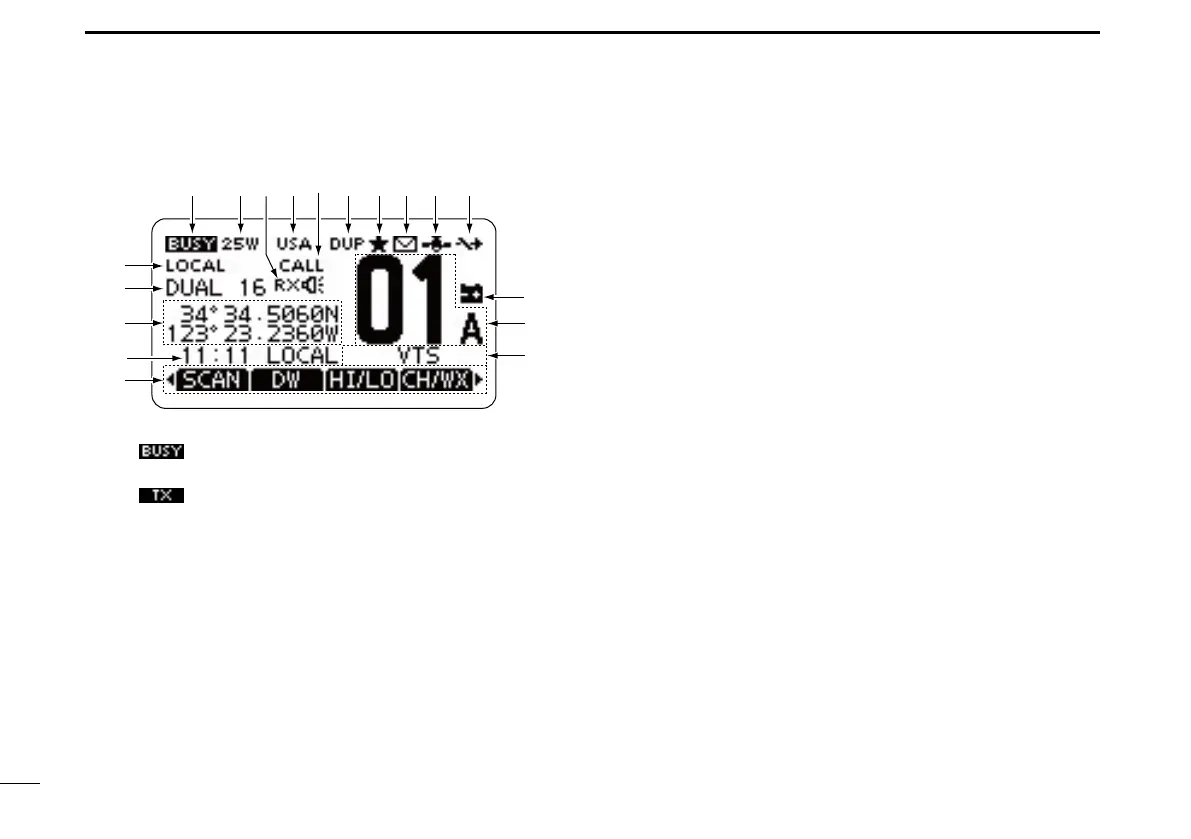
Function display ■
q BUSY/TRANSMIT ICON (p. 11)
“ ➥
” appears when receiving a signal or when the
squelch is open.
“ ➥
” appears while transmitting.
w POWER ICON (p. 11)
“25W” appears when high power is selected. ➥
“1W” appears when low power is selected. ➥
e RX SPEAKER ICON (p. 73)
Appears while in the RX Speaker mode.
r CHANNEL GROUP ICON (p. 10)
A selected channel group icon, U.S.A. “USA,” Interna- ➥
tional “INT” or Canadian “CAN” appears, depending on
the transceiver version.
“WX” appears when the weather channel is selected.* ➥
*Only U.S.A. and Australian version transceivers.
t CALL CHANNEL ICON (p. 9)
Appears when the Call channel is selected.
y DUPLEX ICON (p. 10)
Appears when a duplex channel is selected.
u FAVORITE CHANNEL ICON (p. 18)
Appears when a Favorite (Tag) channel is selected.
i MESSAGE ICON (p. 63)
Blinks when there is an unread DSC message.
o GPS ICON
Stays ON when the GPS receiver is activated and valid ➥
position data is received.
Blinks when invalid position data is being received. ➥
!0 SWITCH ICON (p. 67)
Appears when the “CH 16 SWITCH” in DSC Settings is set
to ‘OFF.’
!1 LOW BATTERY ICON
Blinks when the battery voltage drops to approximately
10 V DC or less.
!2 CHANNEL NUMBER READOUT
Shows the selected operating channel number.
•Whenasimplexchannelisselected,“A”appears.
!3 CHANNEL NAME FIELD
The channel name appears, if programmed. (p. 13)
!8
!4
!6
!7
!5
qw ietr!0you
!1
!2
!3


 To Next Page