69
7
DSC OPERATION
New2001
D Channel 70 Squelch level
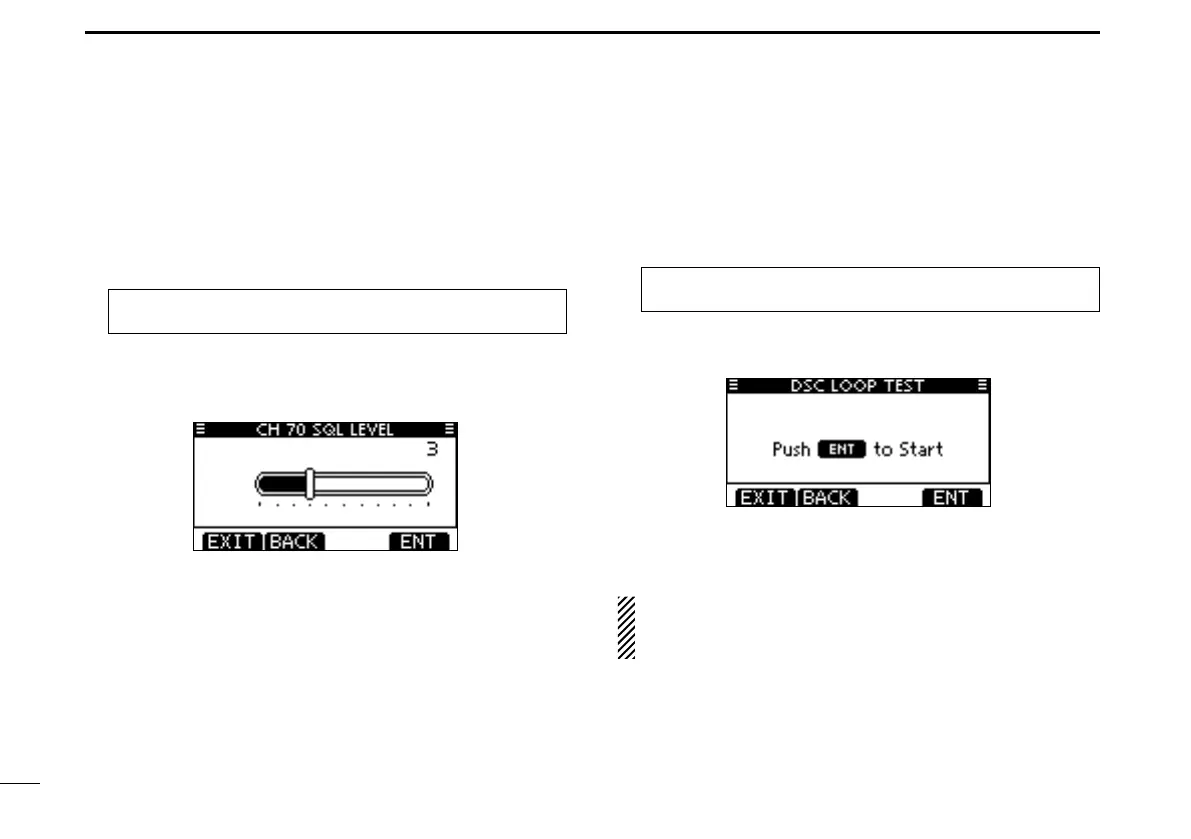
Set the squelch level on Channel 70.
The transceiver has 11 squelch levels between 1 (loose
squelch) and 10 (tight squelch) and OPEN.
OPEN is completely open.
q Enter “CH 70 SQL LEVEL”
in the DSC Settings menu
.
MENU ➪ DSC Settings ➪ CH 70 SQL Level
(Push [MENU])
(Rotate Dial, then push [ENT].)
w Rotate Dial to adjust the squelch level until the noise just
disappears, then push [ENT].
•Push[BACK]tocancelandreturntotheDSCSettingsmenu.
(default)
Push [EXIT] to return to the normal operating mode. e
D DSC Loop Test
The DSC loop test function sends transmit DSC signals to
the receive AF circuit to compare and check the TX and RX
signals at the AF level.
q Enter “DSC LOOP TEST”
in the DSC Settings menu
.
MENU ➪ DSC Settings ➪ DSC Loop Test
(Push [MENU])
(Rotate Dial, then push [ENT].)
w Push [ENT] to start the DSC loop test.
•Push[BACK]tocancelandreturntotheDSCSettingsmenu.
•WhenthetransmitDSCandreceiveDSCsignalsarematched,
“OK” appears.
Push [EXIT] to return to the normal operating mode. e
If “NG” appears in step w, either or both TX and RX DSC
circuits has a problem. In that case, you will have to send
the transceiver to your nearest dealer for repair.



 To Next Page