New2001
72
8
OTHER FUNCTIONS
1
2
3
4
5
6
7
8
9
10
11
12
13
14
15
16
Intercom operation ■
The optional Intercom function allows you to talk between the
deck and the cabin. The optional HM-195
c o m m a n d m i c r o -
p h o n e is required for Intercom operation.
Connect the HM-195
c o m m a n d m i c r o p h o n e as described on
page 88.
•Transmittingisdisabledwhileusingtheintercom.
•Thereceivedsignalismutedwhileusingtheintercom.
Hold down [PWR](Dial) to turn ON the power. q
•The command microphone power is automatically turned ON,
even if the power is OFF.
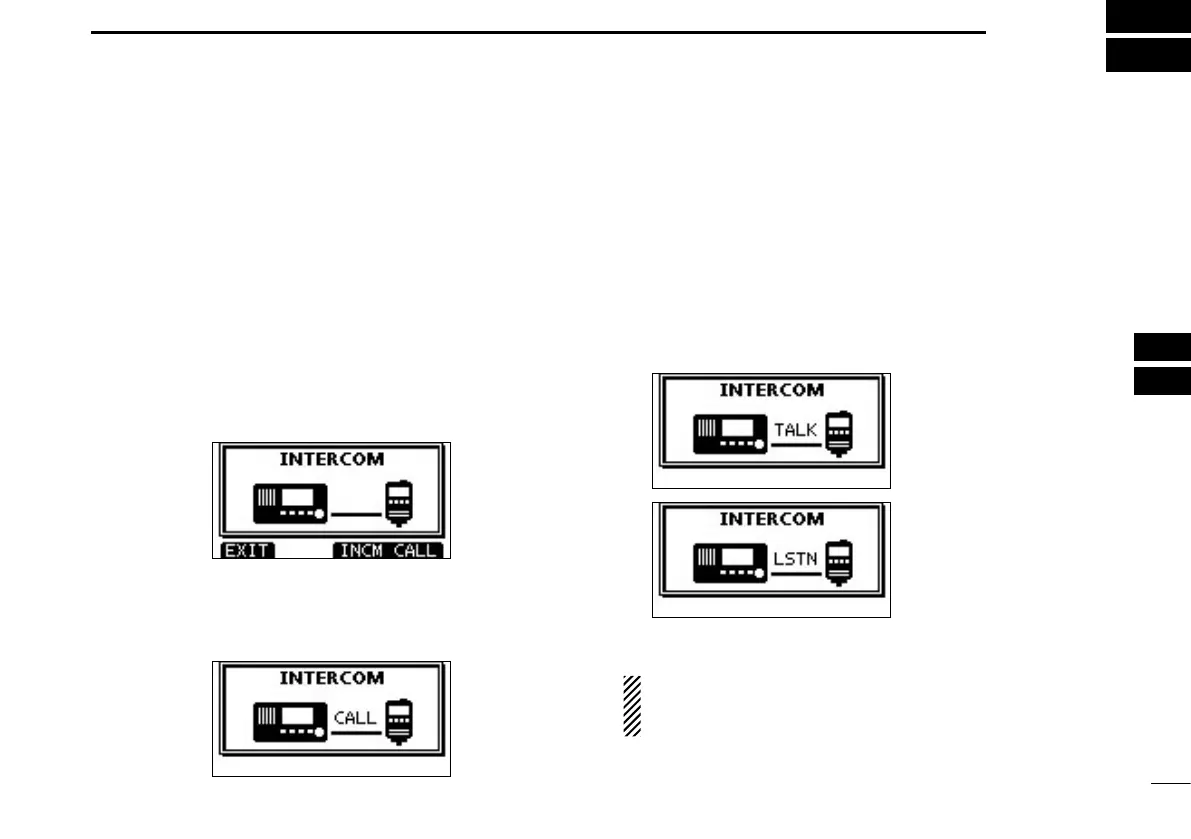
Push [INCM] to enter the Intercom mode. w
Hold down [INCM CALL] to sound the intercom beeps. e
•The transceiver and the command microphone sound beeps
while holding down [INCM CALL].
•“CALL”appears.
After releasing [INCM CALL], hold down [PTT] and speak r
into the microphone at a normal voice level.
•“TALK”appearsonthecaller’sdisplay,or“LSTN”appearsonthe
listener’s display.
•
To adjust the transceiver’s intercom volume level, rotate Dial.
•ToadjusttheHM-195’sintercomvolumelevel,rotate[VOL/SQL]
(Dial) on the HM-195.
After releasing [PTT], you can hear the response through t
the speaker.
y
To return to the normal operating mode, push [EXIT].
While in the Intercom mode, the transmit and receive func-
tions are disabled. When the transceiver is transmitting,
the Intercom function is disabled.
On the caller’s display
On the listener’s display



 To Next Page