15
4
BASIC OPERATION
Adjusting the volume level ■
The volume level can be adjusted with [VOL/SQL](Dial).
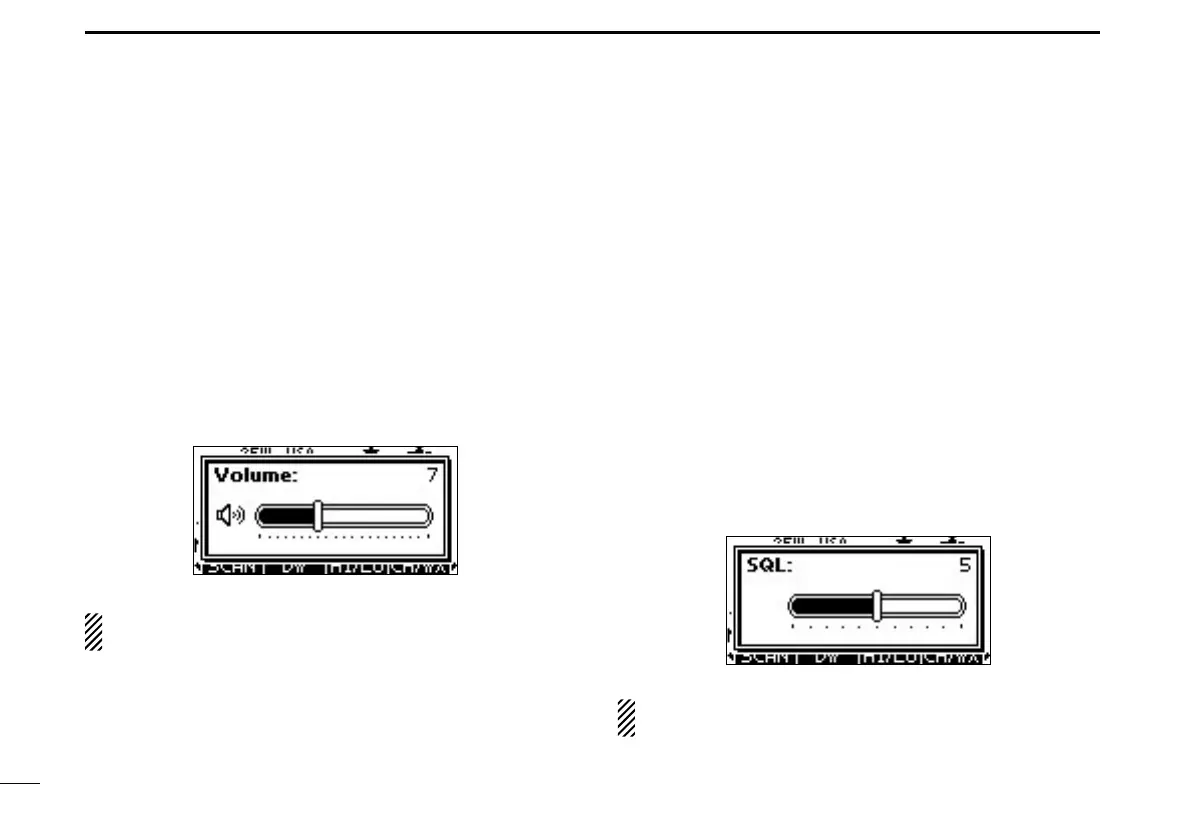
Rotate [VOL/SQL](Dial), or push [VOL/SQL](Dial) one or q
more times to display the volume adjustment screen.
Rotate [VOL/SQL](Dial) to adjust the volume level. w
•Thetransceiverhas20volumelevelsandOFF.
•Ifnokeyoperationisperformedforabout5seconds,thetrans-
ceiver sets the selected volume level, and returns to the normal
mode.
Push [ENT] to set the level, and exit the volume adjust- e
ment mode.
•Push[CLEAR]tocancel.
The desired function can be assigned to Dial. See page 79
for details.
Adjusting the squelch level ■
The squelch level can be adjusted with [VOL/SQL](Dial).
In order to receive signals properly, as well as for the scan
to function effectively, the squelch must be adjusted to the
proper level.
Push [VOL/SQL](Dial) one or more times to display the q
squelch adjustment screen.
Rotate [VOL/SQL](Dial) to adjust the squelch level. w
•The transceiver has 11 squelch levels: OPEN is completely
open; 10 is tight squelch; 1 is loose squelch.
•Ifnokeyoperationisperformedforabout5seconds,thetrans-
ceiver sets the selected squelch level, and returns to the normal
mode.
Push [ENT] to set the level, and exit the squelch adjust- e
ment mode.
•Push[CLEAR]tocancel.
The desired function can be assigned to Dial. See page 79
for details.



 To Next Page