EasyManua.ls Logo

Icom IC-M510E - Using the RX Hailer

Icom IC-M510E
132 pages
Print Icon
To Next Page IconTo Next Page
To Previous Page IconTo Previous Page
Loading...
73
9

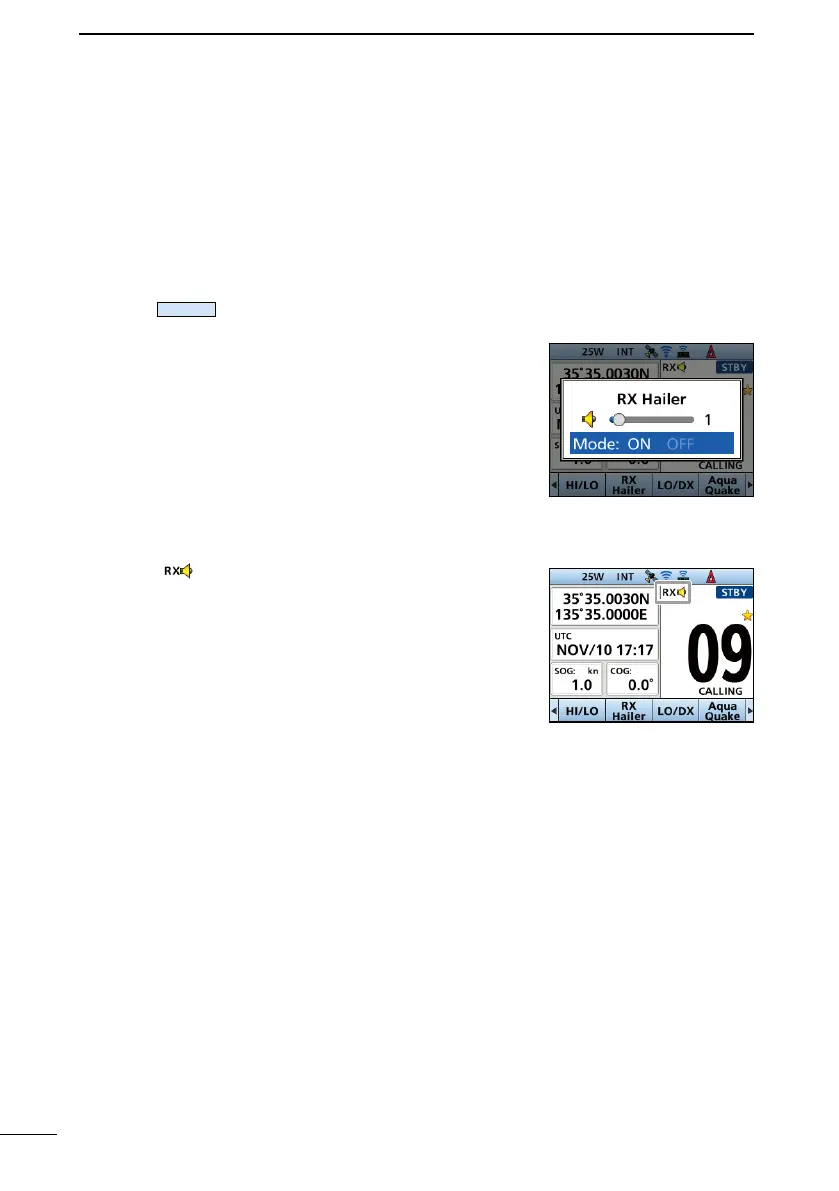
Using the RX Hailer


To use this function, the external hailer speaker must be connected to the CT-M500
connected to the transceiver.
L See page 92 for details of the connection to the CT-M500.
L Connect an external hailer speaker as described on

1. Push
Rx Hailer

2. 

3. 
adjust the volume level.
4. 
The “ ”icon is displayed when the RX hailer function
is set to ON.

Table of Contents

Related product manuals