6
SET MODE
6-7
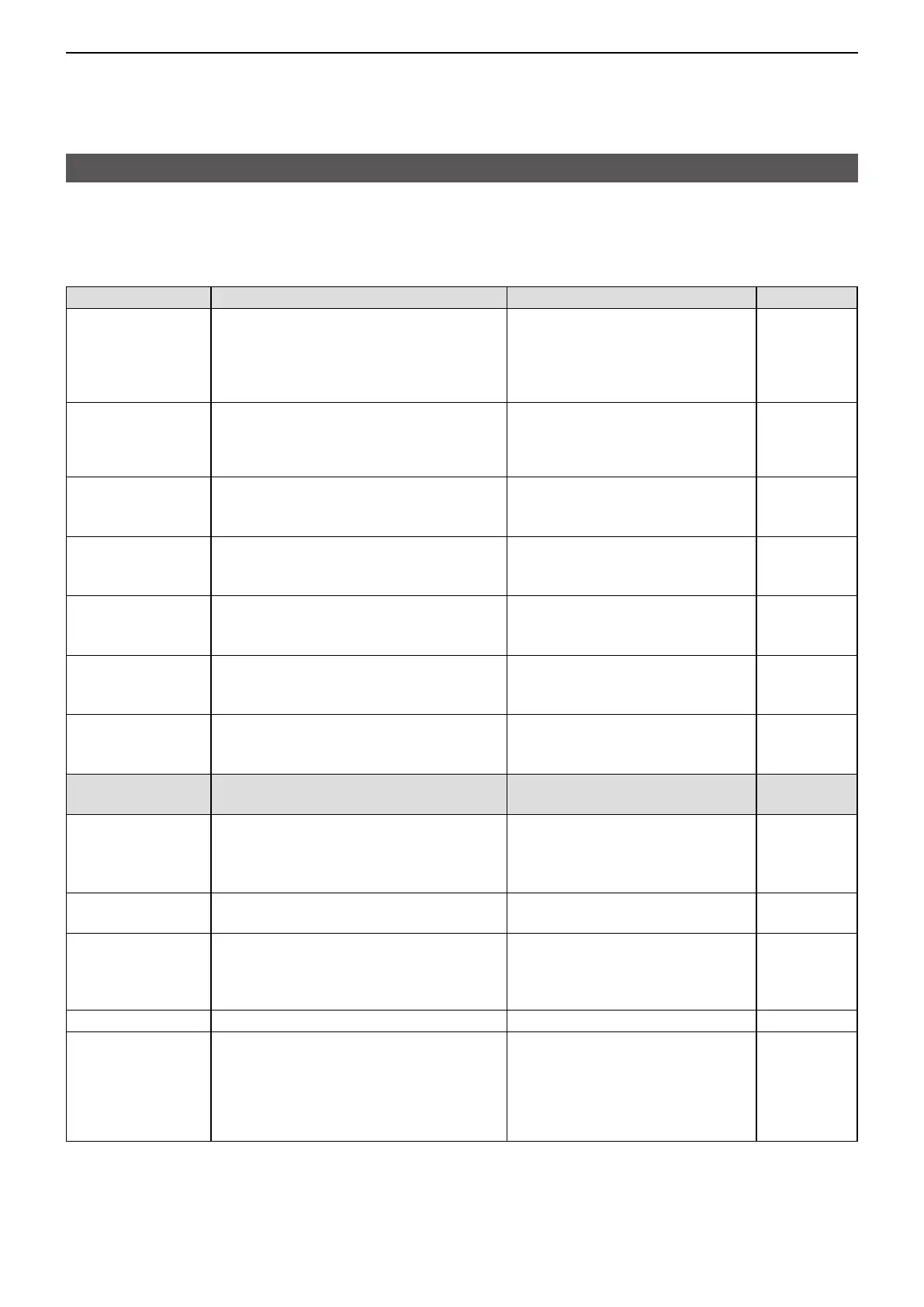
Set mode items (Continued)
The shaded items are also displayed in the Basic Set mode�
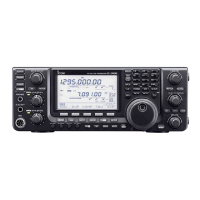
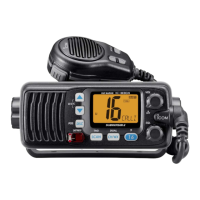
L Items or default values may be dier, depending on the transceiverʼs version or presettings. Ask your dealer for details.
D Cellular
Item Description Option/range Default
Success Tone Selects whether or not to enable the
tone that indicates an individual call was
successfully transmitted�
L The transmission result is also displayed
on the screen�
ON or OFF ON
Failure Tone Selects whether or not to enable the tone
that indicates an individual call failed�
L The transmission result is also displayed
on the screen�
ON or OFF ON
Call Tone
(IND/ GRP/ALL/
TEL)
Sets the call Initiation tone� OFF, Tone1 ~ Tone8
L Larger number makes the tone
lower�
Tone1 (Pi)
Crtsy Beep
(IND/GRP/ALL/
TEL)
Sets the call Termination beep� OFF, Tone1 ~ Tone8
L Larger number makes the tone
lower�
Tone1 (Pi)
RX Tone
(IND/GRP/ALL/
TEL/MSG)
Sets the call Receive tone� OFF, Tone1 ~ Tone8
L Larger number makes the tone
lower�
OFF
Notify Type
(IND/GRP/ALL/
TEL)
Sets the call receive notication type. P-Bell or Pocket beep P-Bell
Notify No�
(IND/GRP/ALL/
TEL/MSG)
Sets the number of tones� Continuous (Except for “MSG”), 1,
3, 10, 20 (times)
3 (times)
RX Notify Actn� Sets the call or message receive
notication type.
Tone, Vibration, or
Tone + Vibration
Tone
Out of Rng Tone Selects whether or not to enable the Out-
of-Area Warning Beep� The beep also
sounds when the transceiver reenters the
service area�
OFF or ON OFF
Range Side Tone Selects whether or not to mute the Side
Tone when the transceiver is out-of-area�
OFF or ON OFF
Sidetone Selects whether or not to output the
transmitting audio to a headset that is
connected to the transceiver�
OFF or ON OFF
Sidetone Volume*
6
Sets the Side tone volume� 0 ~ 32 10
Echo Canceller Selects whether or not to enable the
Echo Cancelling function.
L Commonly used for an earphone MIC, and
headset�
L This function is not usable when the
“Sidetone” is set to “ON.”
ON or OFF ON
*
6
Displayed only when “ON” is selected in the “Sidetone” item.


 To Next Page