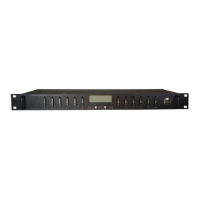
Distribution Series 3 Dual Bus
855-314-002_Rev2.0_Instruction Manual
Activate Alarm Form C Contact: Set the check box for the Alarm relay
to trigger for an undercurrent condition. The default setting is Disabled.
Send E-mail: Set the check box to have a Bus Under-Current alarm e-
mail sent to the e-mail addresses set up on the "E-mail Setup" page (see
Section 4.8). The default setting is Disabled.
NOTE: Save Settings to enable any changes made.
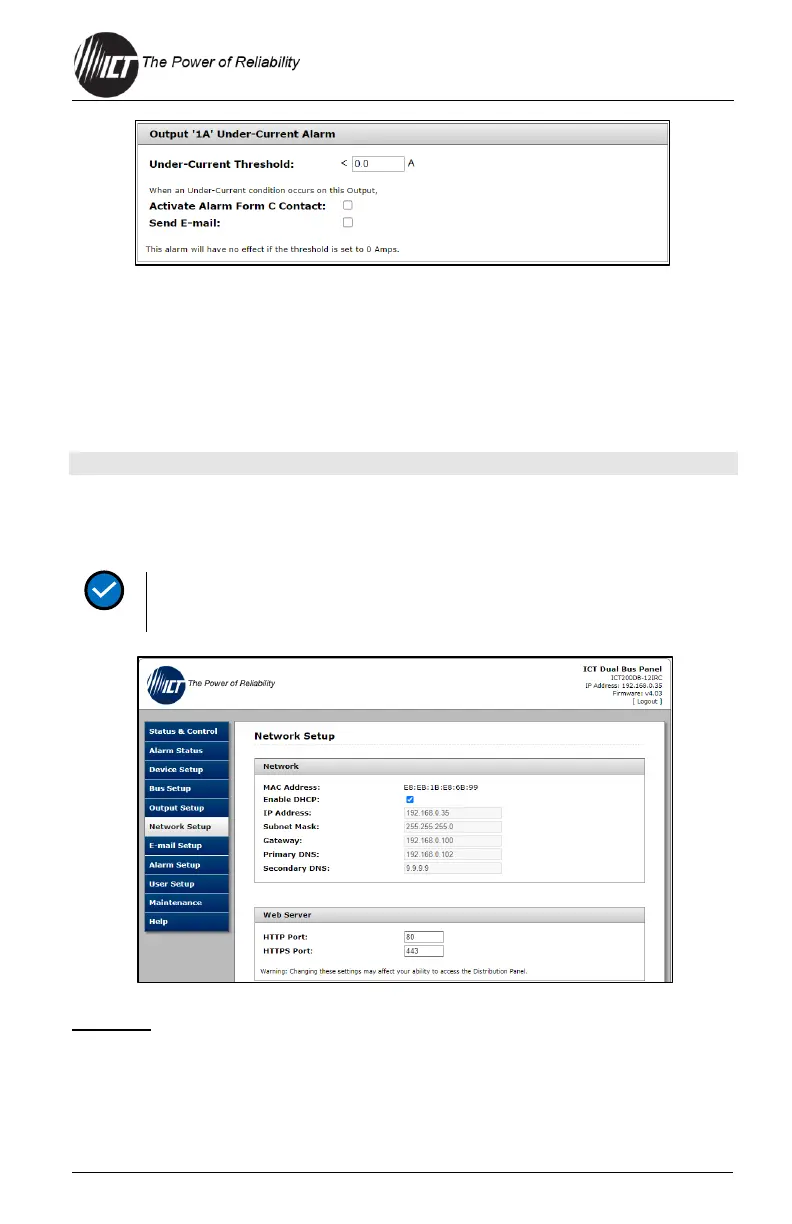
4.7 Network Setup
Use this tab to configure the unit’s network settings.
Saving any changes to the network settings will cause the unit to
re-start, output power will be unaffected.
Network
MAC Address: Shows the MAC address assigned to the unit. It is also
shown on the LCD Network Status screen.
Enable DHCP: Set the check box if the network uses a DHCP server to
automatically assign IP addresses. The default is Enabled.


 To Next Page
 Loading...