• Restoring the unit to Factory Default settings may cause loss
of network communications due to loss of custom changes to
any network settings.
• Restoring the unit to Factory Default settings will not affect the
power output.
To reset only the network settings and Administrator password to the
original default values (see Section 3.3).
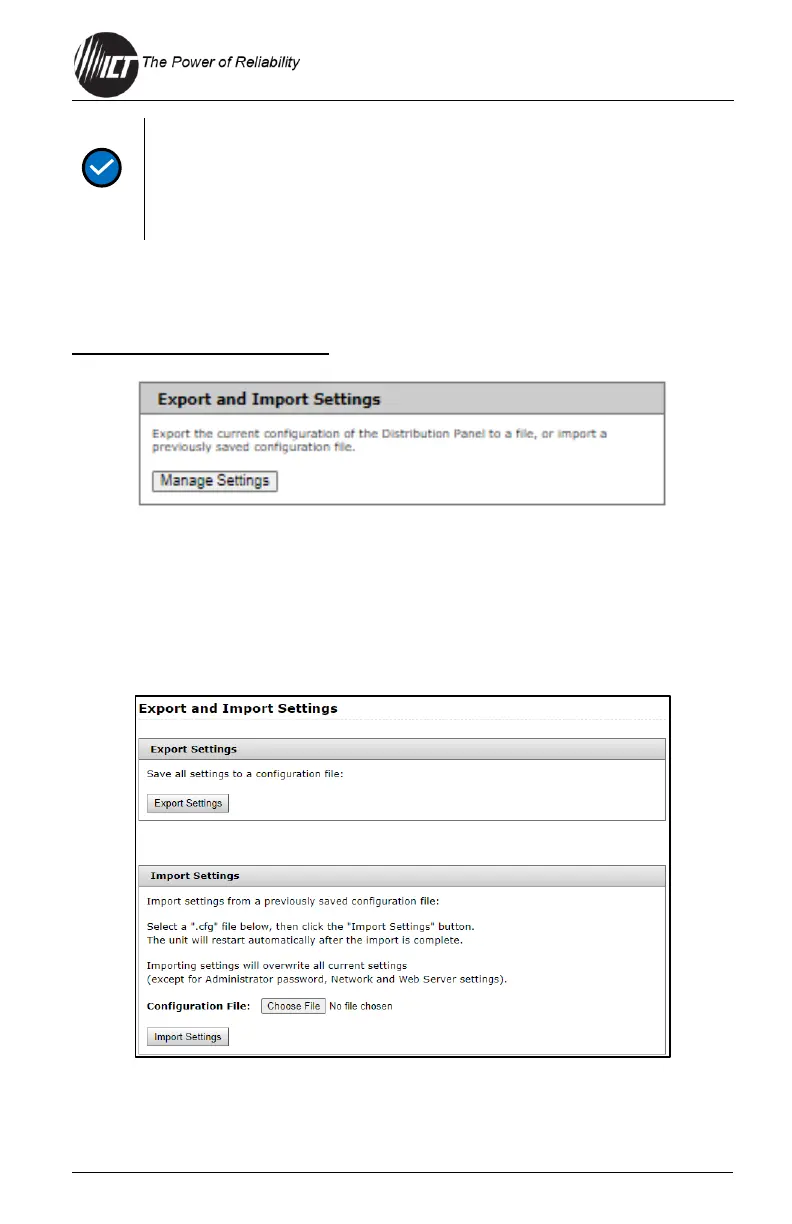
Export and Import Settings
Select the "Manage Settings" button to access the Export and Import
Settings page shown below. Use this page to export all system settings to
an encrypted .cfg file which may be imported into other units to speed
configuration. The export does not include Administrator password, Network
nor Web Server settings. Use the Import Settings section on other systems
to locate this file and then import it to any other Distribution Series 3.


 To Next Page
 Loading...