28 iDirect Satellite Router Installation and Commissioning Guide
iDX Release 3.3
Loading Options Files with iSite
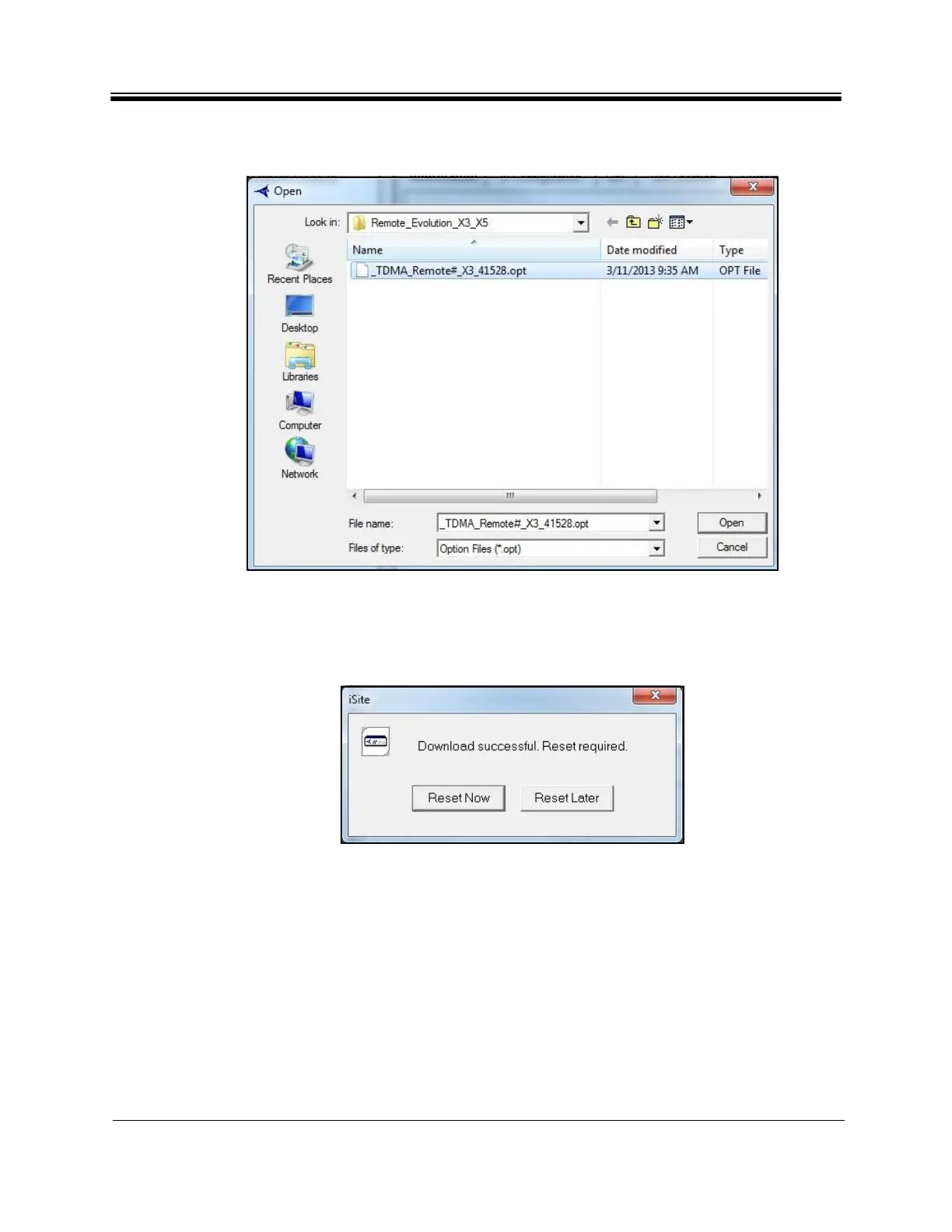
2. In the Open dialog box, navigate to the folder on the local PC containing the specific
options file for the site.
Figure 18. Open Dialog Box with Remo
te
Options File Selected
3. Select the .opt
file and click Open.
4. When iSite requests confirmation, click Ye
s. The Options File is loaded on the Satellite
Router.
Figure 19. Resetting the Satellite Router After Download
5. Click Re
set Now.
Reset of the Satellite Router causes a forced logout from iSite. After the reset, t
he IP address
of the Satellite Router changes to that specified in the Options File. The new IP address is
determined in advance by the Network Service Provider or Network Operator.
The default password is also specified in the options file. If the Network Service Provider
changed the Satellite Ro
uter password from the iDirect factory default, log in to the router
using the new password.
After loading the options file, continue to “Pointing the Antenna with iSite” on page31.



 To Next Page