58 iDirect Satellite Router Installation and Commissioning Guide
iDX Release 3.3
Loading Options Files with Web iSite
3. At the bottom of the page under Configuration From File, click Browse.
4. Navigate to the location on the local PC where the .json file is located.
5. Select the Downstream T
emplate file by double-clicking the filename or clicking Open.
6. Under Con
figuration From File, click Apply.
7. The data fields in the Downli
nk, LNB, and Package Multicast sections update with the
information in the Downstream Template file.
8. Confirm that the displayed
data is correct.
9. In the top navigation bar in We
b iSite, click the Admin button.
10. In the Restart De
vice section of the File Management page, click Restart.
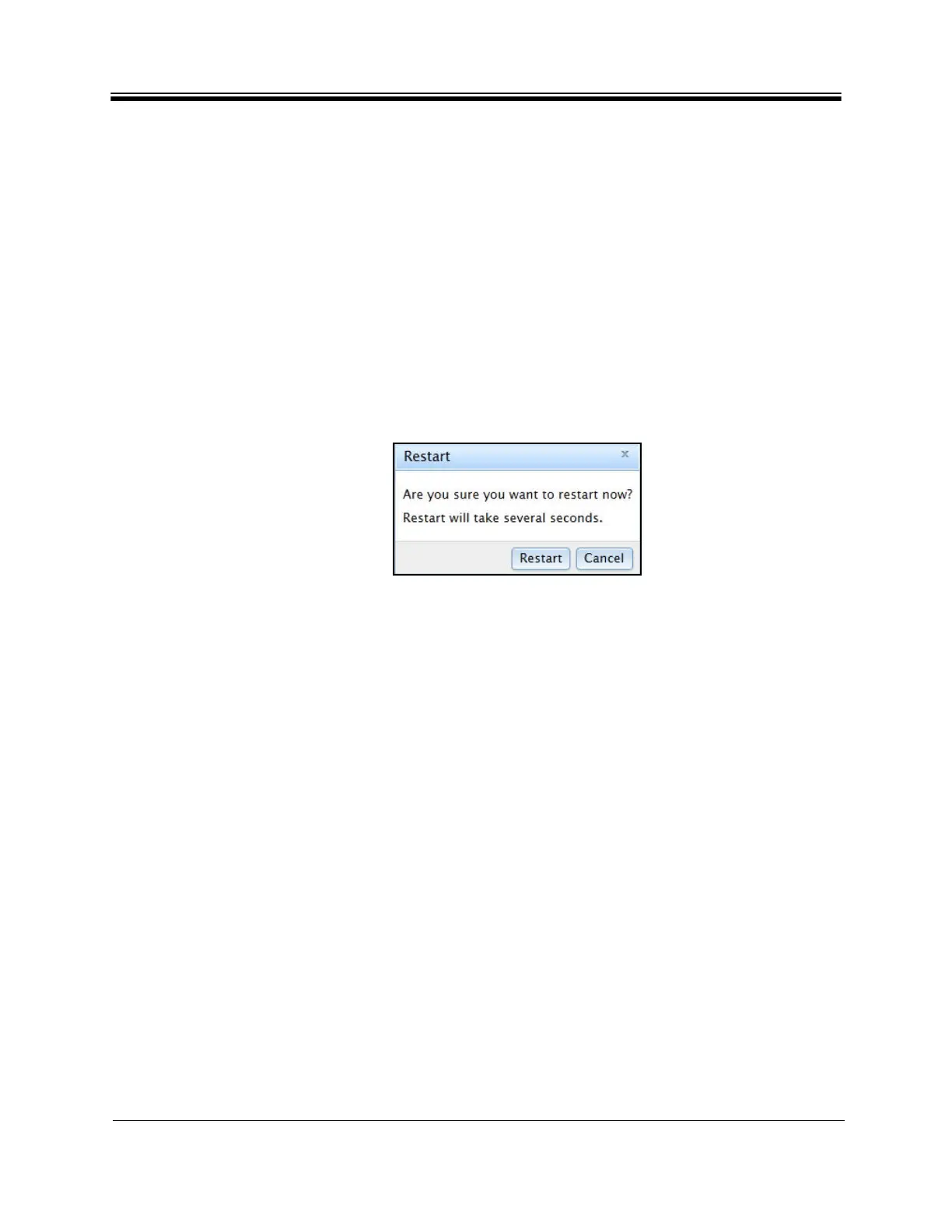
11. In the Restart
confirmation box (Figure 38), click Restart. The Satellite Router restarts
and loads the new configuration.
Figure 38. Restart Confir
mation
Box
Note: Restarting forces Web iSite to log out of the
Satellite Router. Log in again using
the default IP address and password.
After loading the Downstream Template and restarting the
Satellite
Router, proceed to
“Pointing the Antenna with Web iSite” on page 59. Once the antenna is correctly pointed, the
Network Operator can use iBuilder to push the software pa
ckage and the remote-side options
file.



 To Next Page