iDirect Satellite Router Installation and Commissioning Guide 63
iDX Release 3.3
Peaking the Antenna
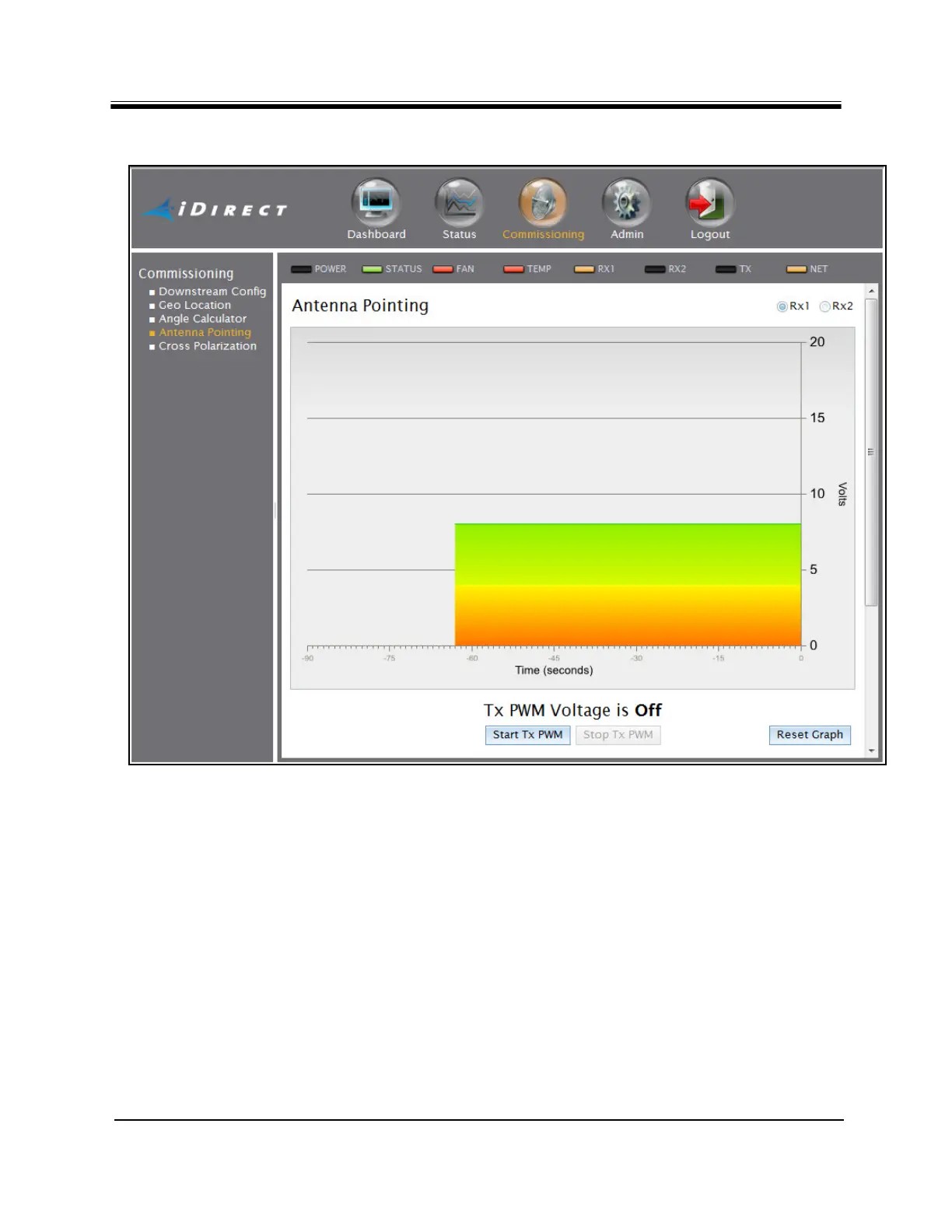
Figure 40. Web iSite Antenna Pointing Graphic Display: X7
5. Verify that the Tx IF is connected from the TX Out port of the Satellite Router to the input
of the voltmeter. Move the antenna at least 20 degrees away from the marked heading in
azimuth.
6. While observing the voltmeter, click Start Tx PWM.
7. Verify that the BUC voltage is disabled by obs
erving the voltage drop on the voltmeter.
With no received signal, DC voltage drops to zero for about ten seconds, until the PWM
starts. After that, the voltmeter indicates about 0.4 V of PWM output (no signal).
8. Return the antenna azimuth to the position marked during coarse alignment. Slowly
sweep the
reflector a few degrees either side of the coarse azimuth while observing the
peak indicators. The bar graph progressively turns from red, to yellow, and then to green
as downstream carrier signal strength increases.



 To Next Page