70 iDirect Satellite Router Installation and Commissioning Guide
iDX Release 3.3
Verify the Download
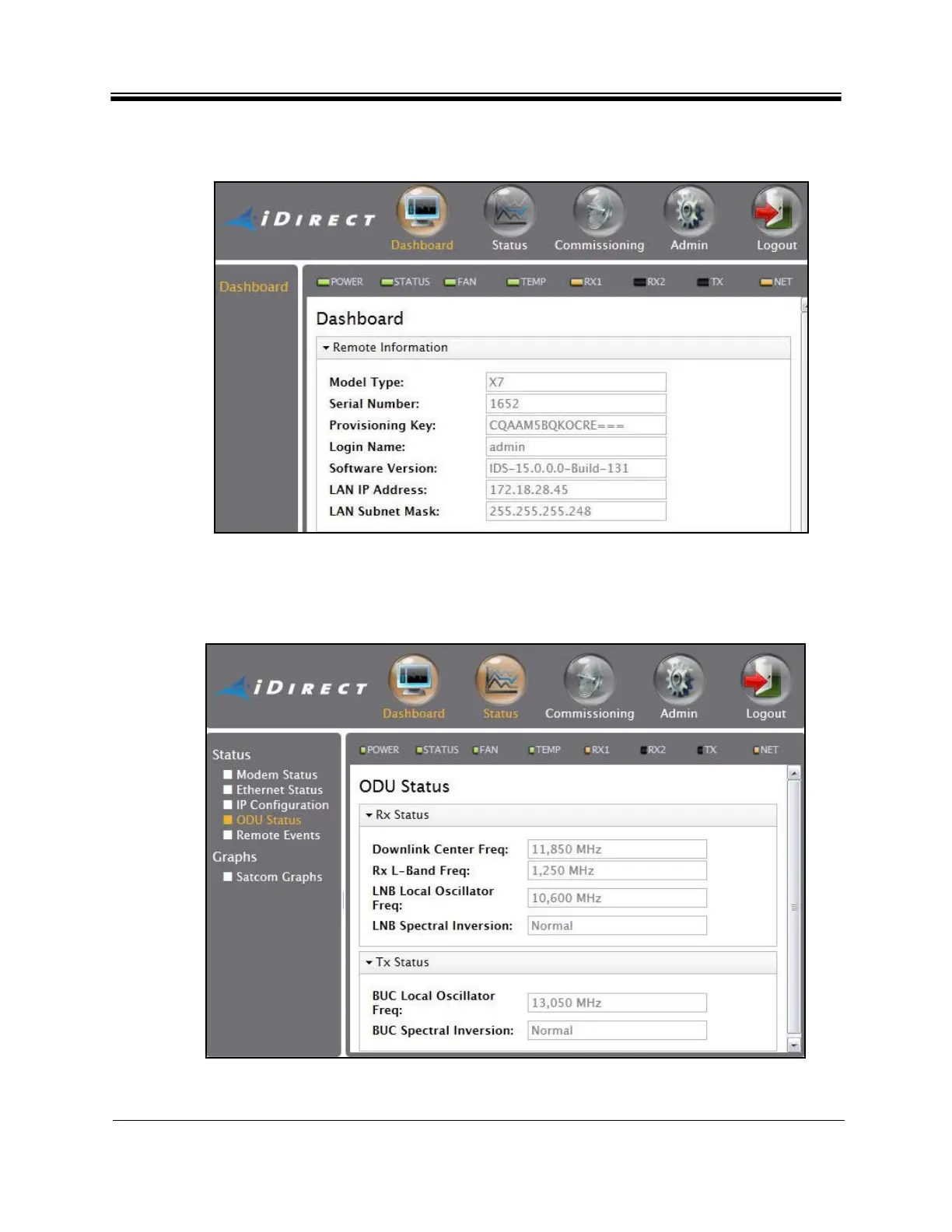
Confirm that the Software Version on the Web iSite Dashboard is correct. This is especially
important when the software package was multicast to the Satellite Router. See Figure 42.
Figure 42. Web iSite: Confirming the So
ftware Version
Confirm that the LNB and BUC frequency information is correc
t. The data can be viewed in
Web iSite by clicking the Status button, and selecting ODU Status from the left-hand menu
pane. See Figure 43.
Figure 43. Web iSite: ODU Status



 To Next Page