iDirect Satellite Router Installation and Commissioning Guide 77
iDX Release 3.3
Setting Geographic Location of an X7
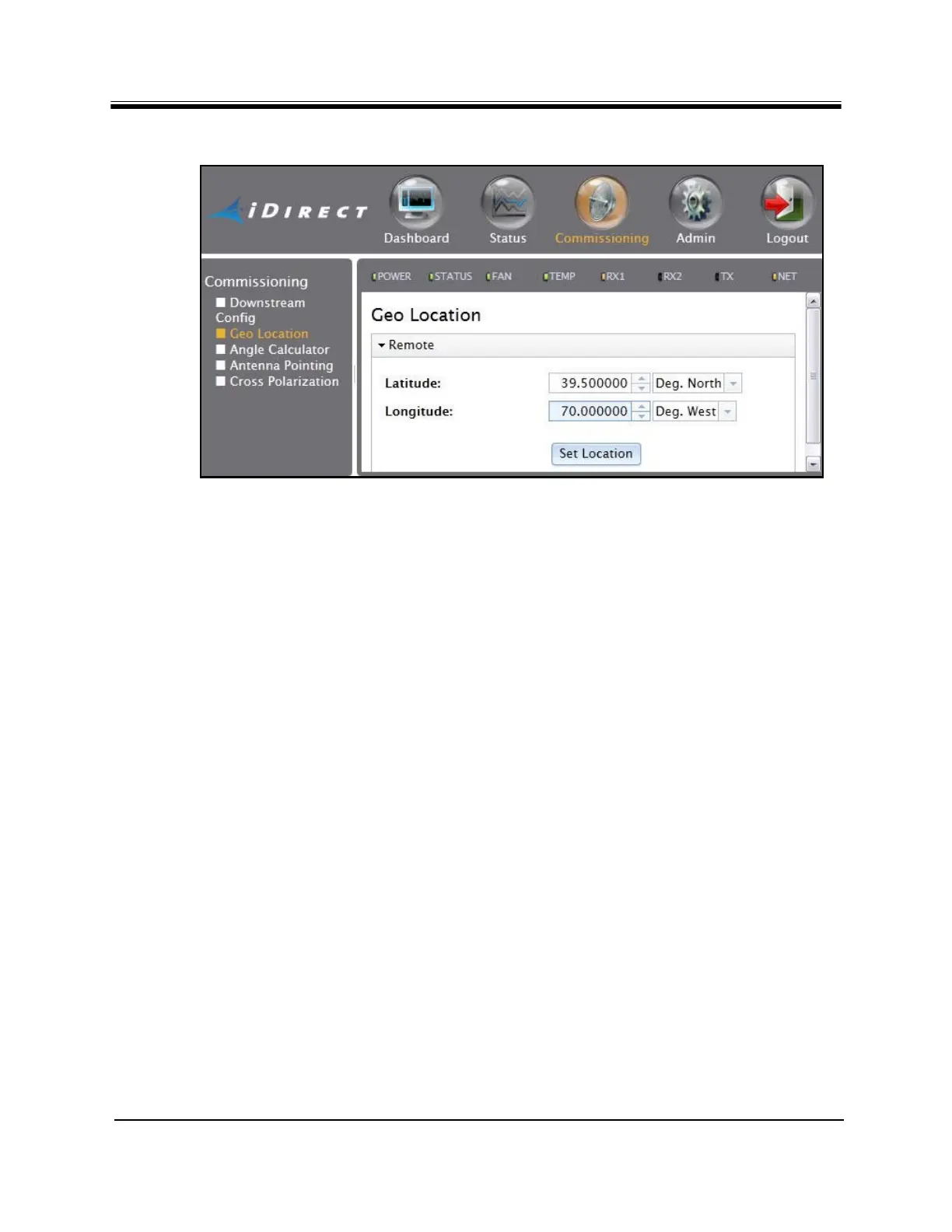
Figure 45. Setting Geographic Location: Evolution X7
5. Enter the remote site latitude and longitude in the appropriate data entry fields using
decimal notation.
Note: The numerical data may be typed into the fields, or modifi
ed by clicking
the arrow buttons.
6. Select degrees of North or South latitude, and East or W
est longitude.
7. After entering the correct inf
ormation, click Set Location.
CAUTION: Double-check the geographic coordinates before clicking Set Location.
8. Click the Admi
n button at the top of the Web page.
9. Restart the Satellite Router by clicking Resta
rt on the File Management page.
After setting geographic location, continue with
the procedures in “Cross Polarization” on
page79.



 To Next Page