6 MOVING THE ROBOT WITH IRC
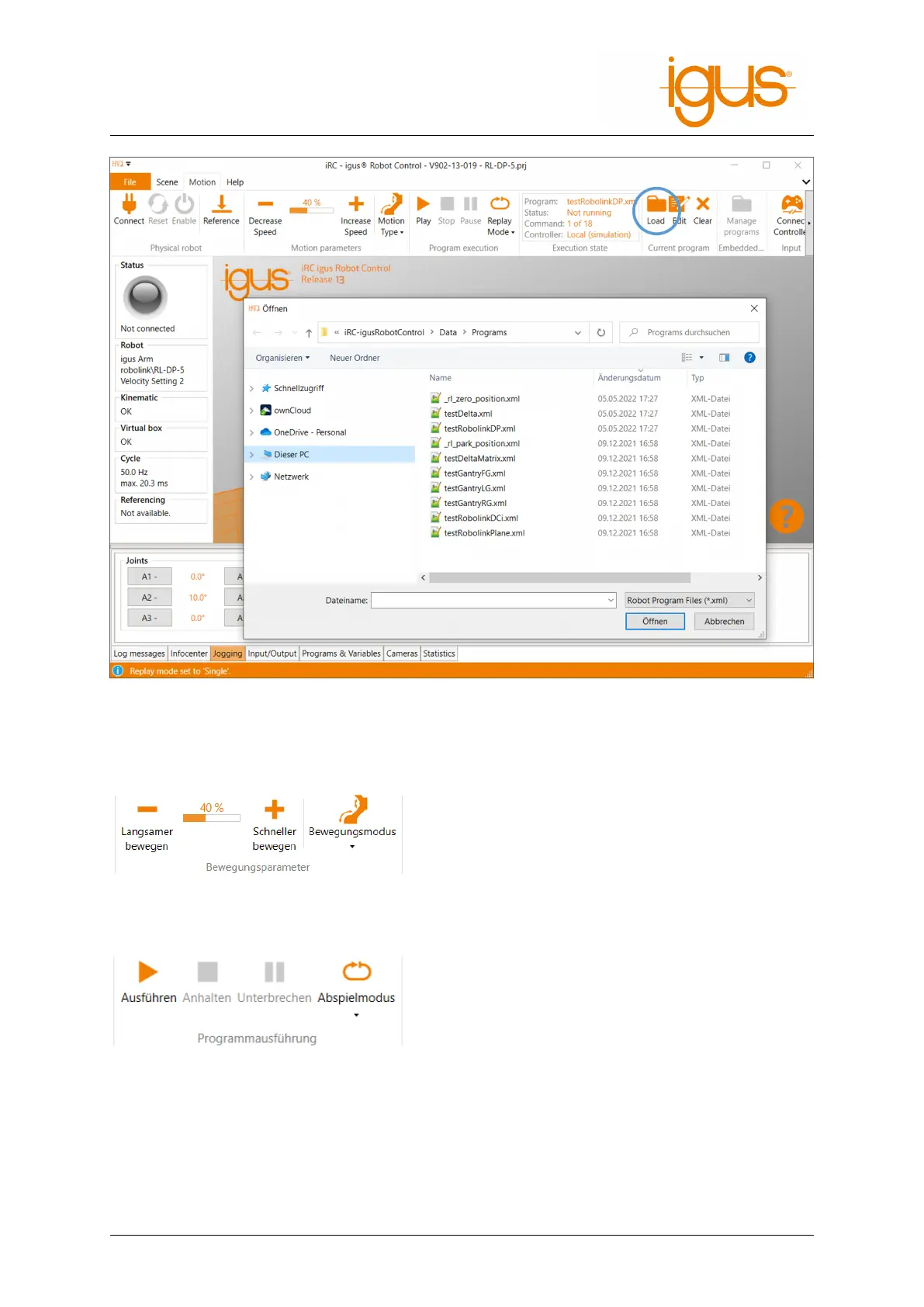
Figure 10: Loading a program (highlighted in blue).
2. Set the basic speed:
• Before starting an untested program, set the
speed to e.g. 20%.
• Be especially attentive during the first complete
program run and have the emergency stop key
ready.
3. Start the program:
• Click the "Execute" icon in the "Program Exe-
cution" button group of the "Motion" tab.
4. Pause or interrupt the program:
• After pressing the "Pause" icon, the robot can continue with the program by clicking the
"Run" icon again.
• After pressing the "Stop" icon, the program will start with the first command when the
"Run" icon is clicked again.
• The "Play" mode can be set to three different values:
©2022 igus® GmbH 20



 To Next Page