10 MODBUS
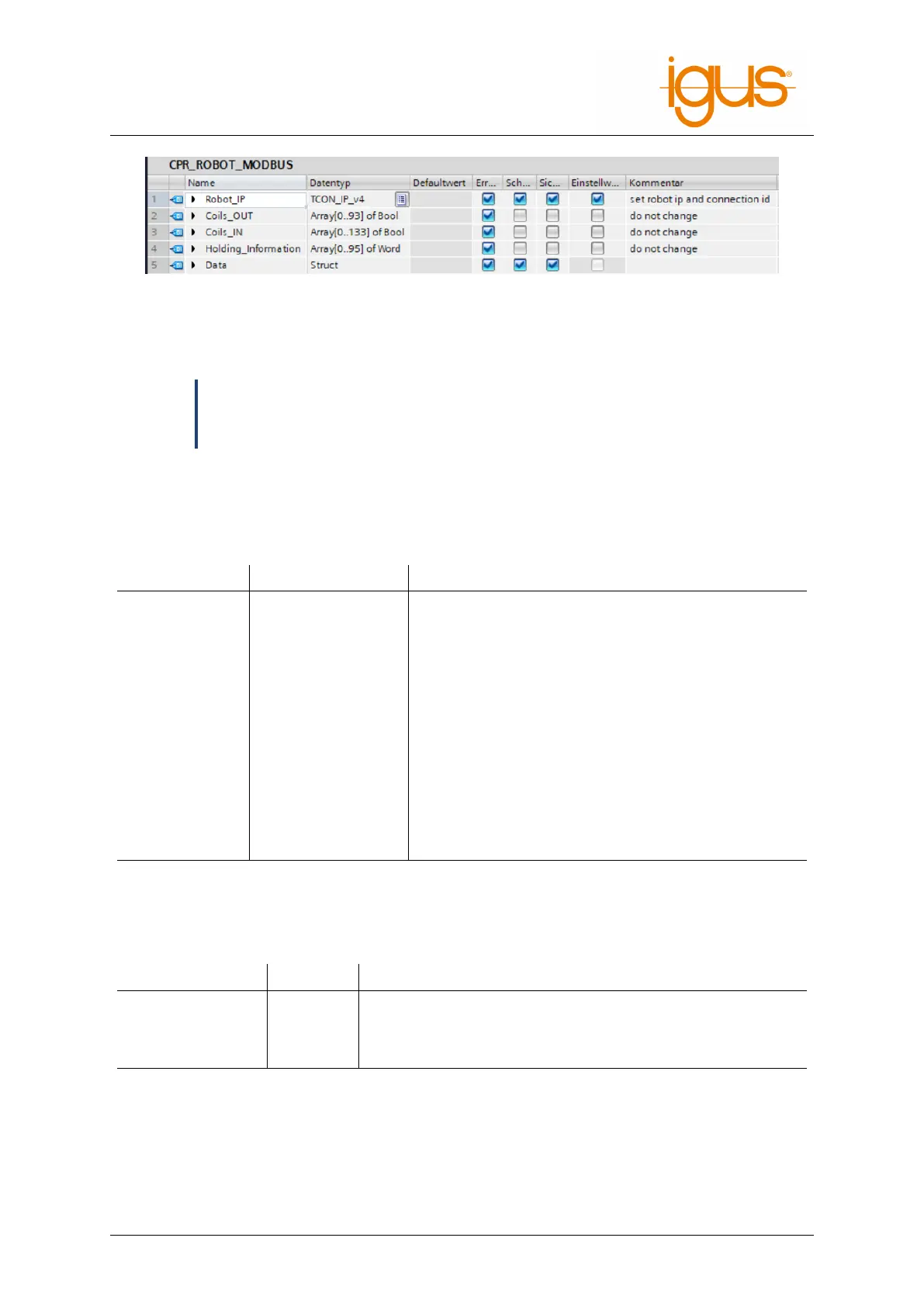
If you have not changed the IP address of your robot, the corresponding addresses are already entered
in the default values. In the structure Data all entries from the Modbus mapping are accessible.
ð
Nomenclature
All data to send to the robot are marked with CMD or OUT. All data, from the robot
to the controller, are marked with Info or IN.
10.3.2 Inserting the Robot Communication FB
The FB CPR_Robot is responsible for communication with the robot. This function block requires the
following input signals.
Signal Data Type Explanation
Request_MB Bool Retrieve data from the robot. As long as this input is
set, the FB maintains active communication with the
robot.
Disconnect_MB Bool Disconnects the TCP/IP connection with the robot,
can be used for resetting errors
Reset Bool Resets the robot
Enable Bool Enables the robot
Reference Bool References all robot joints
StartProgram Bool Starts the robot program
StopProgram Bool Stops the robot program
Robot_Data CPR_ROBOT_MODBUS In/Out for the robot data block
The Robot_Data input provides the function block with all the data it needs to communicate with the
robot. By using several data blocks and CPR_Robot FB’s it is possible to communicate with several
robots at the same time. The following signals are available as outputs.
Signal Data Type Explanation
Enabled Bool Robot is enabled
Referenced Bool Robot is referenced
ProgrammRunning Bool The robot program is running
10.3.3 Data Access
To access the robot data, the data in the robot DB can be manipulated. These are then automatically
transferred to the robot and processed.
©2022 igus® GmbH 52



 To Next Page