7 PROGRAMMING A ROBOT WITH IRC
To select a specific command as the starting point for execution, click on "Start Here" in the context
menu (see Fig. 14).
7.2 Comments and Information within the Program
7.2.1 Information about the Program
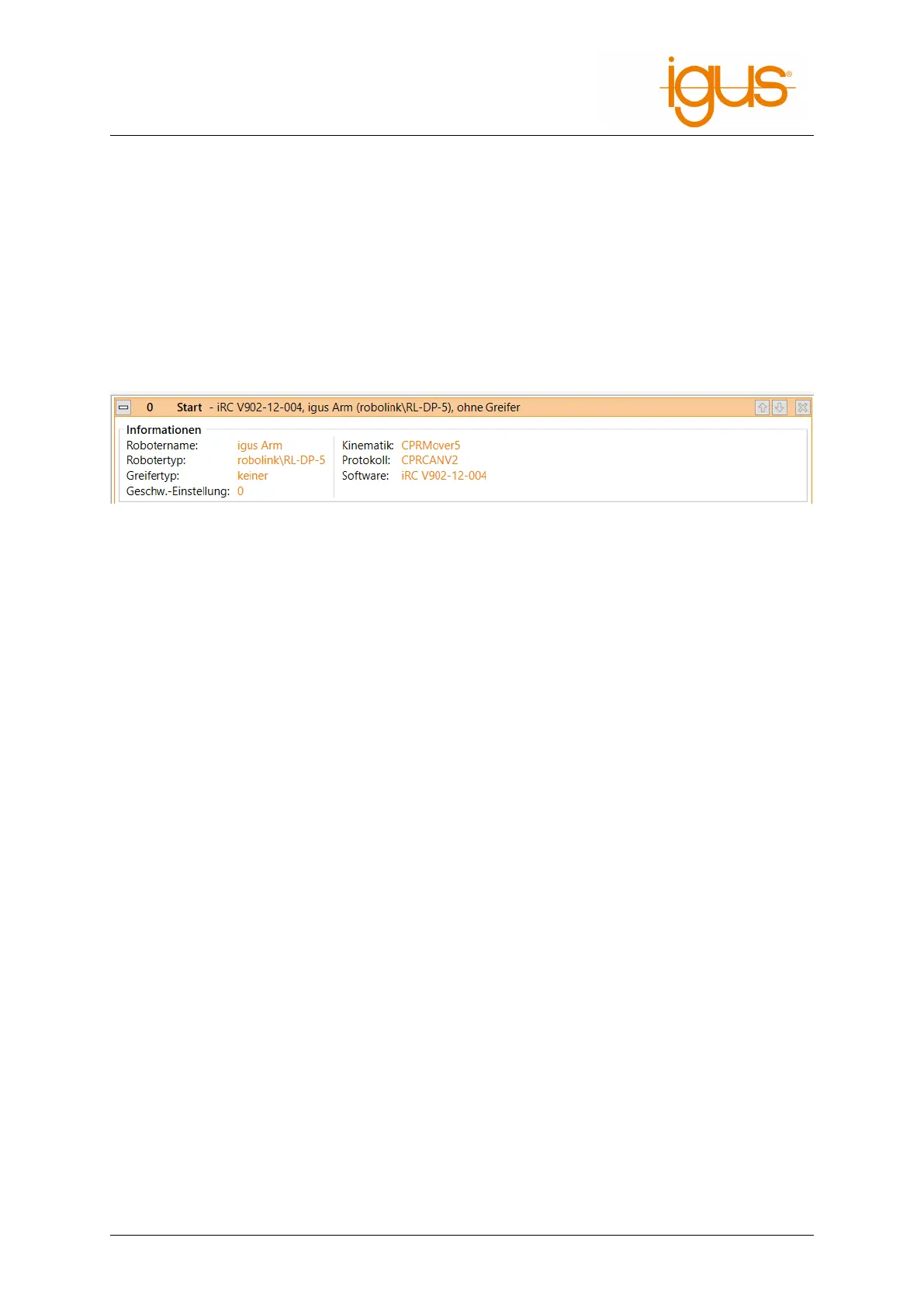
The program editor inserts the pseudo command Start at the beginning of each program. It does
not represent a real command, but displays information about the current hardware, software and
kinematics. It is not possible to move or remove it.
When loading a program, this information is compared to avoid executing an incompatible program.
Figure 15: The Start line contains information about the current hardware.
7.2.2 Descriptions
Each command of a program contains a description. It should be used to describe to other users what
the command is for.
7.2.3 Comments
The Comment command can be used to insert plain descriptions into programs. It has no effect to
the robot during execution.
It can be found in the program editor in the menu item "Special" → "Comment".
7.3 Motion
7.3.1 Abort Conditions
Each motion command can be provided with a abort condition. It is a conditional expression that
follows the syntax described in section 7.5.1. During the execution of the motion command, the in-
struction is continuously evaluated, and the moment it evaluates to "true", the robot stops moving.
It can be specified respectively under "abort condition" for each motion command.
7.3.2 Acceleration and Smoothing
To prevent abrupt movements an axis acceleration (percentage of maximum acceleration) and a
smoothing factor can be specified for each motion command. With a smoothing factor of 1-100%,
the motion instruction is smoothed with the following instruction, so that, for example, several linear
movements form smooth curves instead of stopping at each target point and starting again.
Smoothing is only possible with immediately following motion commands of the same type. E.g.
linear and circular movements can be smoothed with each other and axis movements with them-
selves. If a motion sequence is interrupted by a motion of a different type or by a logic instruction, the
smoothing is also interrupted and the robot stops briefly. The maximum number of commands that
can be smoothed is limited to 5-20, depending on the robot, in order to prevent calculation pauses in
the program sequence. In case of long paths this is shows by regular braking and restarting.
©2022 igus® GmbH 24



 To Next Page