9 SOFTWARE CONFIGURATION
9 Software Configuration
The behavior of the robot can be changed via the configuration. The most important parameters can
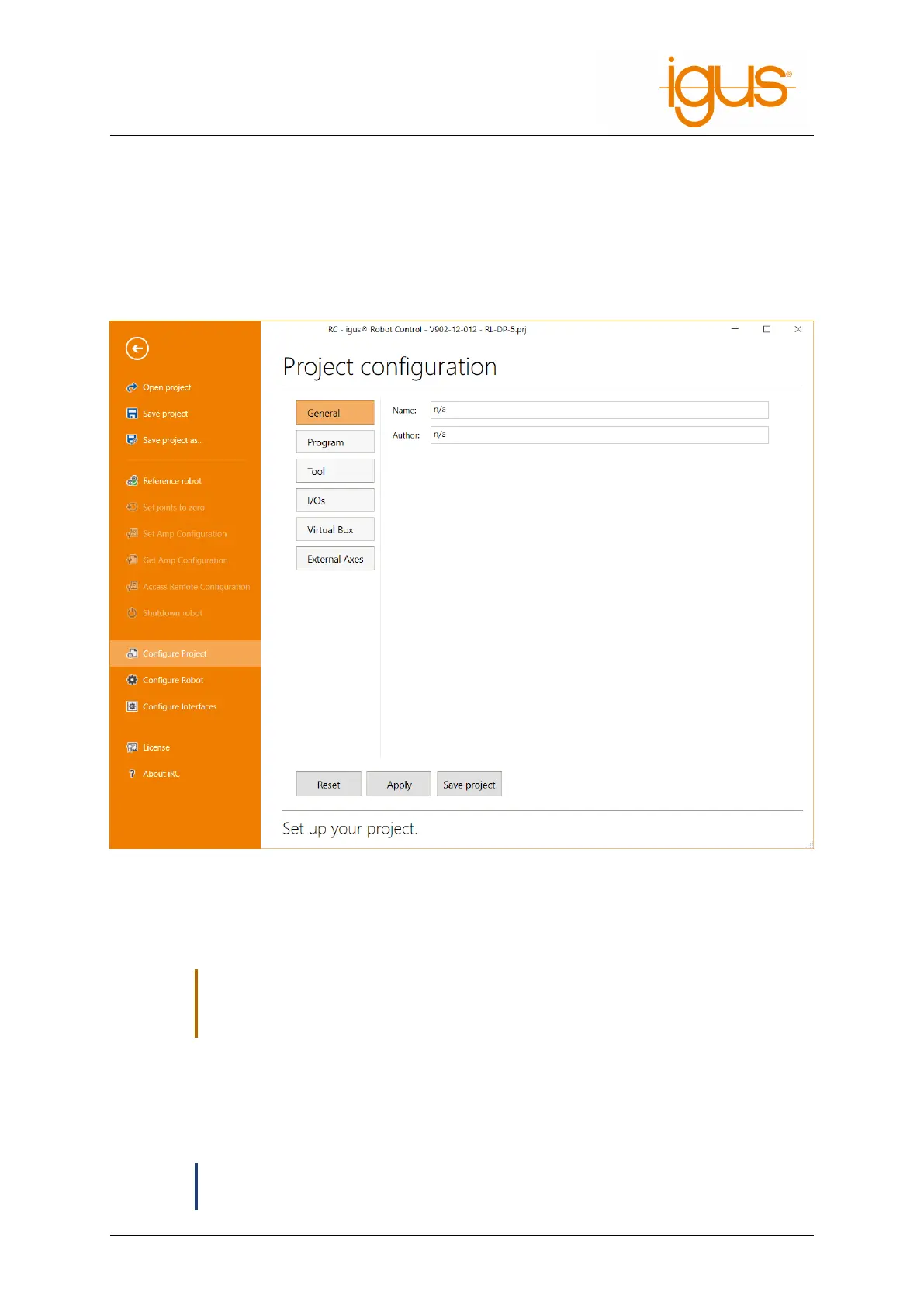
be found in the configuration area of iRC - igus Robot Control, which can be opened via "File" (see
Fig. 27). Settings concerning the project can be found under "Project configuration", cross-project
settings under "Robot configuration". The interfaces can also be configured on a project-by-project
basis via "interface configuration".
Figure 27: The project configuration area.
More specific settings can be made via the project, robot, and tool configuration files. The settings of
the axis modules can be accessed and changed via "Get/Set Amp Configuration" (see section 8.3).
,
Change the configuration files only if you know what you are doing! Test the robot care-
fully, because it could move unexpectedly fast or collide! Changes of the firmware pa-
rameters can lead to overheating of the motors or the electronics!
If you use a robot with integrated controller (TinyCtrl), the changes must also be made there. When
making changes via the configuration area, connect the robot first. Clicking on "Apply" or "Save
Project" will automatically synchronize the changes with the robot controller. Changes to the config-
uration files must be transferred manually, use the "Access Configuration" area.
ð
Some changes to the integrated robot controller are only applied after a restart. Wait at
least 20 seconds after the transfer and restart the robot.
©2022 igus® GmbH 40



 To Next Page