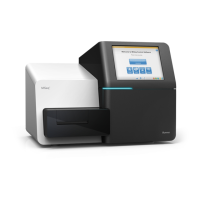
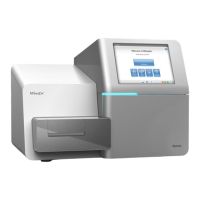
If the instrument is configured for BaseSpace, you are prompted to log in to BaseSpace. If the instrument
is configured for standalone mode, the next step is loading the flow cell.
Log in to BaseSpace
1 Enter your BaseSpace user name and password.
2 Select Next.
Load the Flow Cell
1 Remove the used flow cell from a previous run.
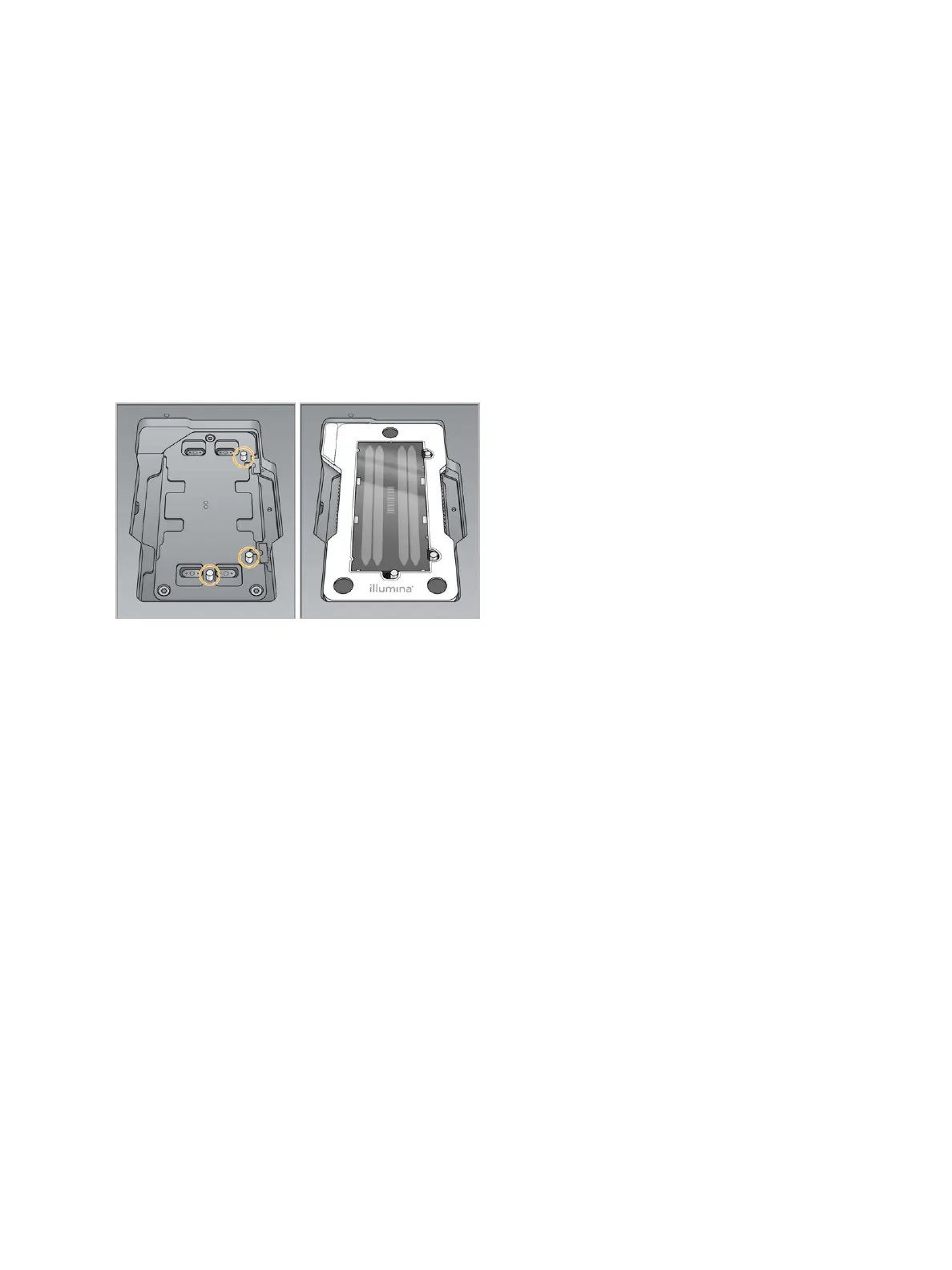
2 Align the flow cell over the alignment pins and place the flow cell on the stage.
Figure 12 Load the Flow Cell
3 Select Load.
The door closes automatically, the flow cell ID appears on the screen, and the sensors are checked.
4 Select Next.
Empty the Spent Reagents Container
1 Remove the spent reagents container and discard the contents in accordance with applicable
standards.
Document # 15046563 v04
For Research Use Only. Not for use in diagnostic procedures.
16
NextSeq 500 System Guide


 To Next Page