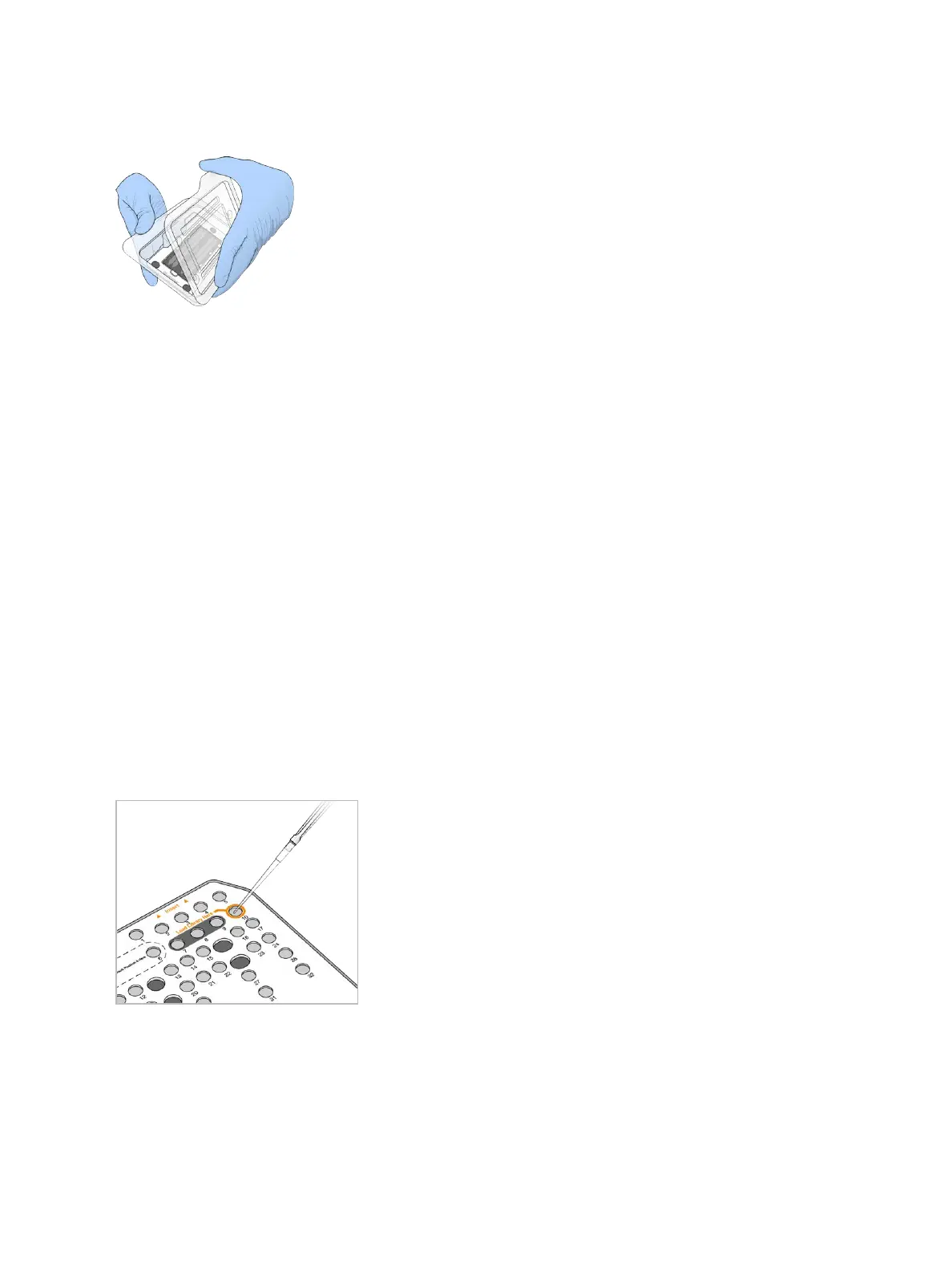
Figure 10 Remove from Clamshell Package
5 Clean the glass surface of the flow cell with a lint-free alcohol wipe. Dry the glass with a low-lint lab tissue.
Prepare Libraries for Sequencing
The library volume and loading concentration differ depending on the version of NCS you are running.
Control Software Version Library Volume Library Concentration
NCS v1.3, or later 1.3 ml 1.8 pM
NCS v1.2, or earlier 3 ml 3 pM
Denature and Dilute Libraries
Denature and dilute your libraries to a loading volume of 1.3 ml and a loading concentration of 1.8pM for high
output kits and 1.5 pM for mid output kits. In practice, loading concentration can vary depending on library
preparation and quantification methods. For instructions, see the
NextSeq System Denature and Dilute
Libraries Guide (document # 15048776)
.
Load Libraries onto the Reagent Cartridge
1 Clean the foil seal covering reservoir #10 labeled Load Library Here using a low-lint tissue.
2 Pierce the seal with a clean 1 ml pipette tip.
3 Load 1.3 ml of prepared 1.8 pM libraries into reservoir #10 labeled Load Library Here. Avoid touching the
foil seal as you dispense the libraries.
Figure 11 Load Libraries
Set Up a Sequencing Run
1 From the Home screen, select Sequence.
The Sequence command opens the imaging compartment door, releases consumables from a previous
run, and opens the series of run setup screens. A short delay is normal.
Document # 15046563 v04
For Research Use Only. Not for use in diagnostic procedures.
15
NextSeq 500 System Guide


 To Next Page