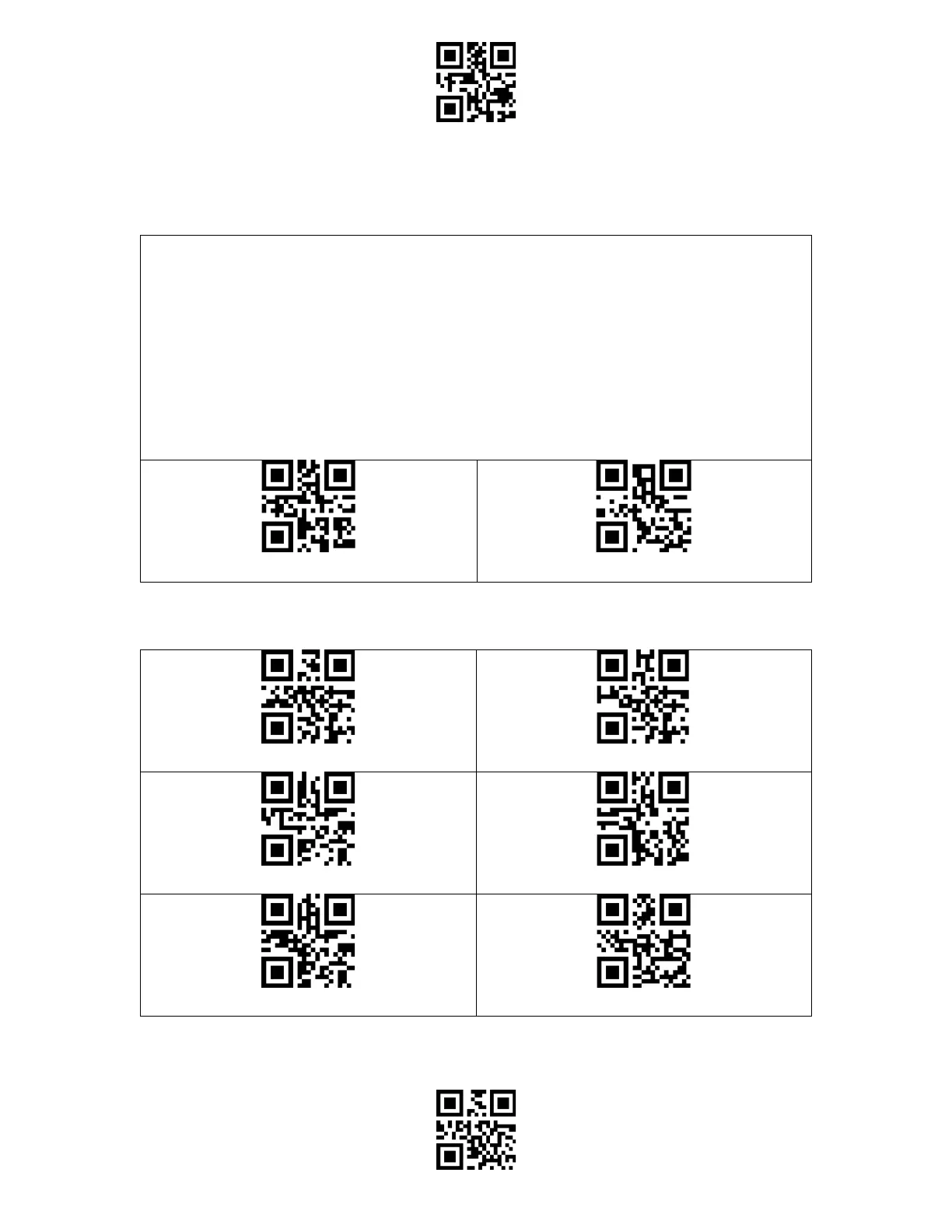
The BCST-91 is compatible with Windows, Android, Mac OS, and iOS operating systems. The
default compatible systems are Windows and Android. You may scan the barcodes below to
set the operating system you want to work with.
Note: If you want to use the BCST-91 with an Android device, please use the Gboard input
method, and set the scanner as "Windows/Android Mode" and the input keyboard as
"American Keyboard". The barcode scanner supports Gboard input method and will not be
affected by the language setting of the Gboard input method.



 To Next Page