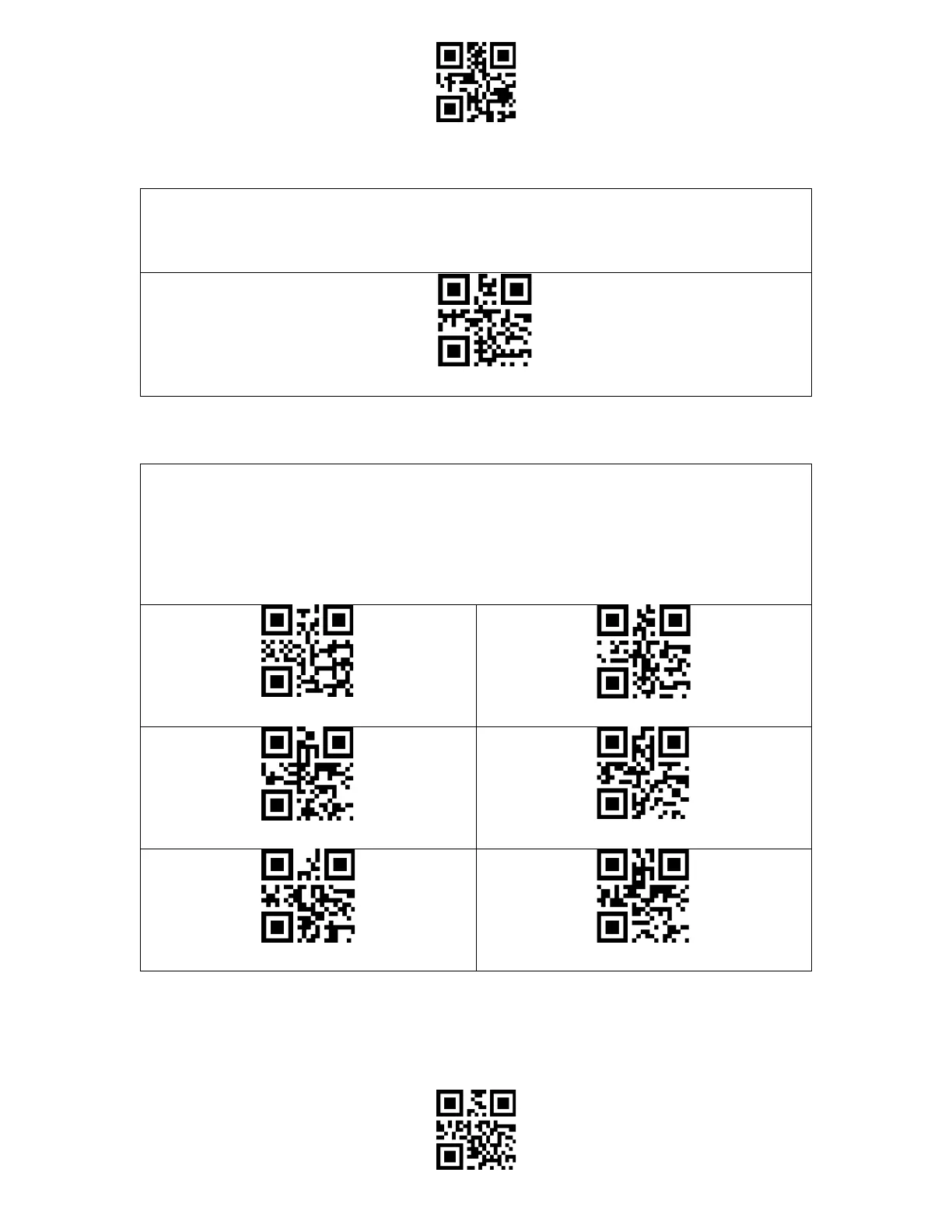
Enter Setup
Exit and Save
If you want to know the remaining battery volume of the BCST-91, you may scan the
barcode "Reveal Battery Status" without scanning the "Enter Setup" barcode. And the
remaining battery amount will be output to the device connected with the BCST-91.
The product defaults working under high-speed transmission mode. By default, the data
transmission interval is 0ms, which can improve your working efficiency.
If you want to use the product with some low-speed software (like the Excel on Android
phones), please adjust the data transmission interval accordingly, as the issue of data loss or
garbled characters can happen if the interval is too short.
(*) Set Data Transmission Interval as 0ms
Set Data Transmission Interval as 16ms
Set Data Transmission Interval as 32ms
Set Data Transmission Interval as 64ms
Set Data Transmission Interval as 96ms
Set Data Transmission Interval as 128ms



 To Next Page