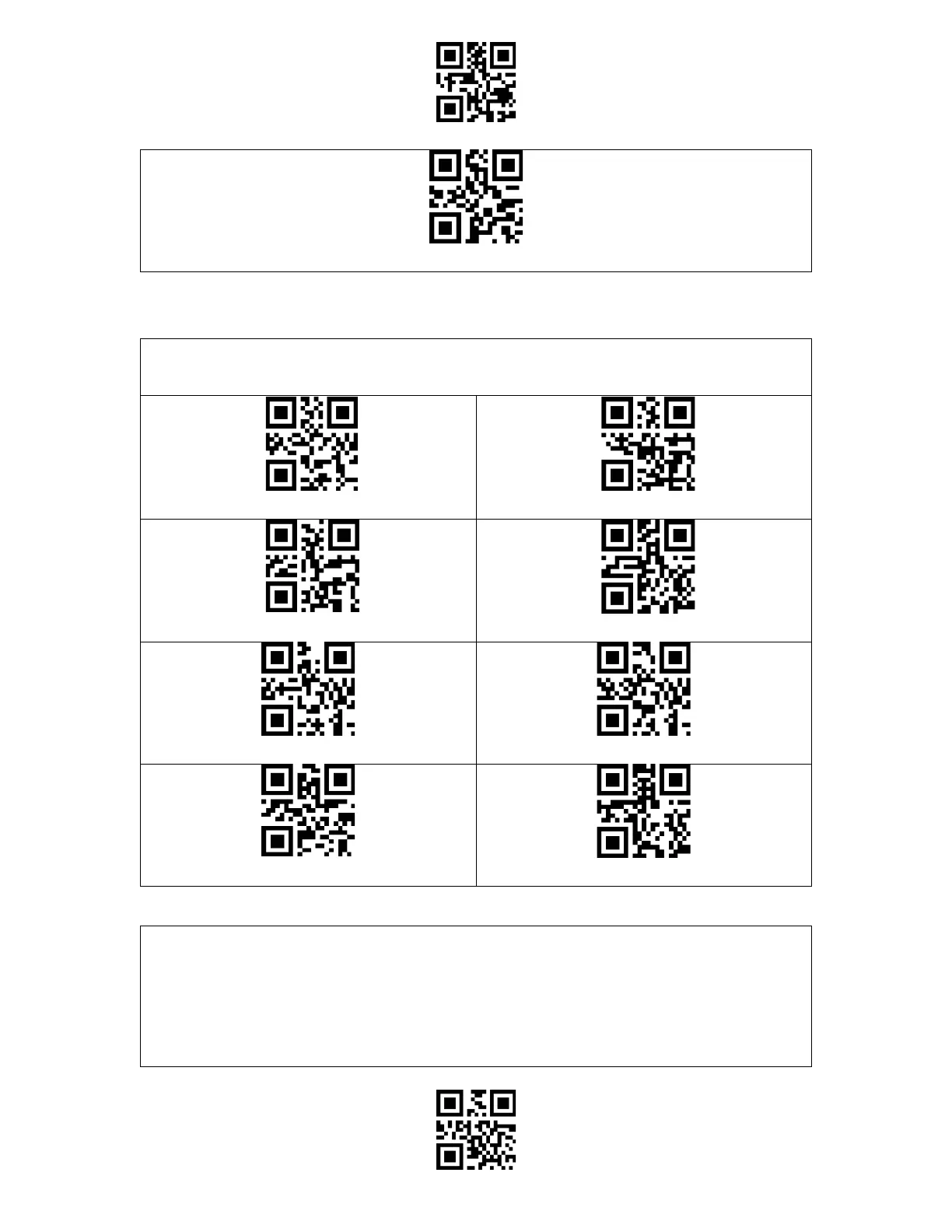
Enter Setup
Exit and Save
Set Data Transmission Interval as 256ms
To save battery, you may set the interval for the scanner to enter auto sleep mode. The preset
interval is 10 minutes.
Set Auto Sleep Interval as 1min
Set Auto Sleep Interval as 3min
Set Auto Sleep Interval as 5min
(*)Set Auto Sleep Interval as 10min
Set Auto Sleep Interval as 30min
Set Auto Sleep Interval as 60min
When the scanner is out of the transmission range, the barcodes scanned will be kept in the
built-in memory/buffer/cache temporarily.
If you want to upload the data stored in the built-in memory/buffer/cache to your computer
or phone, please double-click the scan button when the barcode scanner is in the
transmission range.



 To Next Page