recognize the barcodes with these initial characters. Please refer to the Appendix I for the
supported characters.
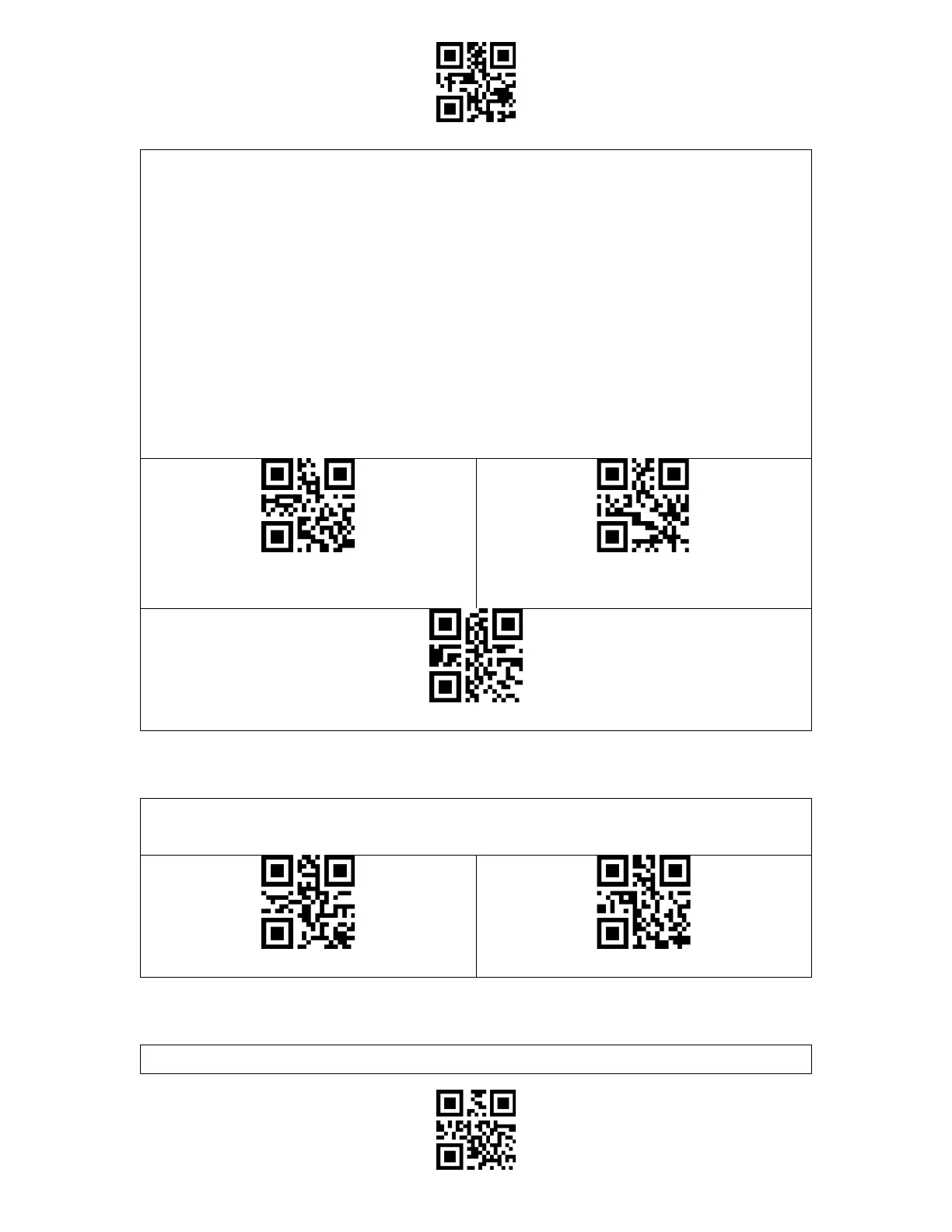
Steps to enable reading barcodes with initial characters "A" and "6" are as below:
1. Read the "Enter Setup" barcode.
2. Read the "Set the Special Initial Character" barcode.
3. Read the "A" barcode in Appendix I;
4. Read the "6" barcode in Appendix I;
5. Read the "Exit and Save" barcode.
Note: After you set the initial characters by steps above, the BCST-91 will only recognize
the barcodes with specific initial characters. If you want to disable the function, please read
the "Enter Setup" - "Remove the Restriction on Initial Characters" - "Exit and Save".
The inverted barcode refers to the 1D barcode with white lines on black ground (The
recognition of different inverted 2D barcodes is set separately.



 To Next Page