EasyManua.ls Logo

Inateck BCST-91 - Barcode Type Settings: UPC-A; UPC-A Settings

Inateck BCST-91
64 pages
Print Icon
To Next Page IconTo Next Page
To Previous Page IconTo Previous Page
Loading...
Enter Setup
Exit and Save
29
UPC-A
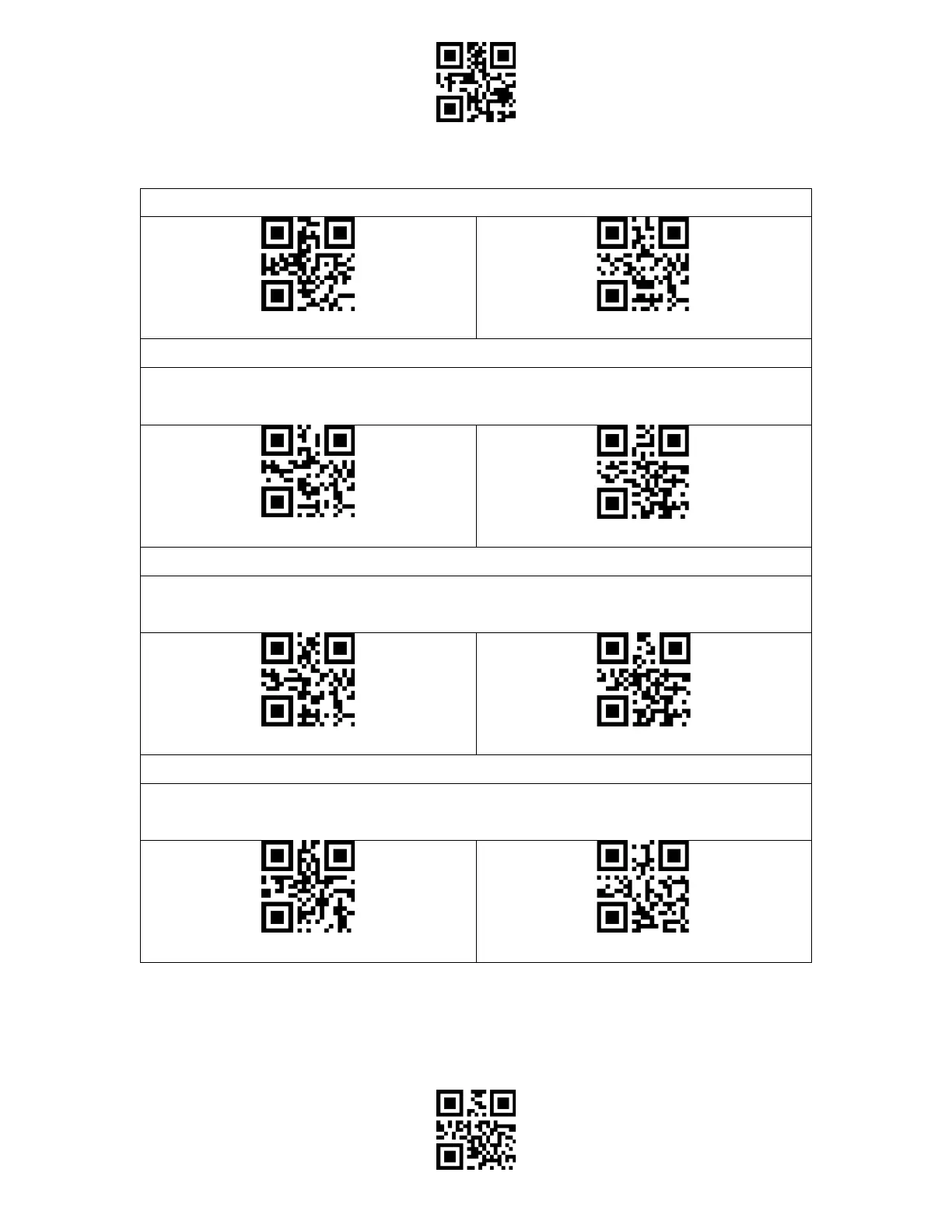
Enable/Disable UPC-A
(*) Enable UPC-A
Disable UPC-A
UPC-A Outputs 0
You may decide whether to add a character "0" to the output of UPC-A. The scanner defaults
disabling the 0 output.
UPC-A Outputs 0
(*) UPC-A Do not Output 0
Checksum Code
You may decide whether to transmit checksum code. The scanner defaults disabling
checksum code transmission.
Transmit UPC-A Checksum
(*)Do not Transmit UPC-A Checksum
UPC-A Number System Digit
The first digit of a UPC-A barcode is the number system digit. The scanner default enabling
the output of number system digit. You may disable it as per your needs.
(*) UPC-A Outputs Number System Digit
UPC-A Do not Output Number System Digit

Table of Contents

Related product manuals