EasyManua.ls Logo

Inateck BCST-91 - Scanning Controls and Modes; Duplicate Scan Handling; Volume and Vibration Alerts; Auto Red Light Shut off Mode

Inateck BCST-91
64 pages
Print Icon
To Next Page IconTo Next Page
To Previous Page IconTo Previous Page
Loading...
Enter Setup
Exit and Save
13
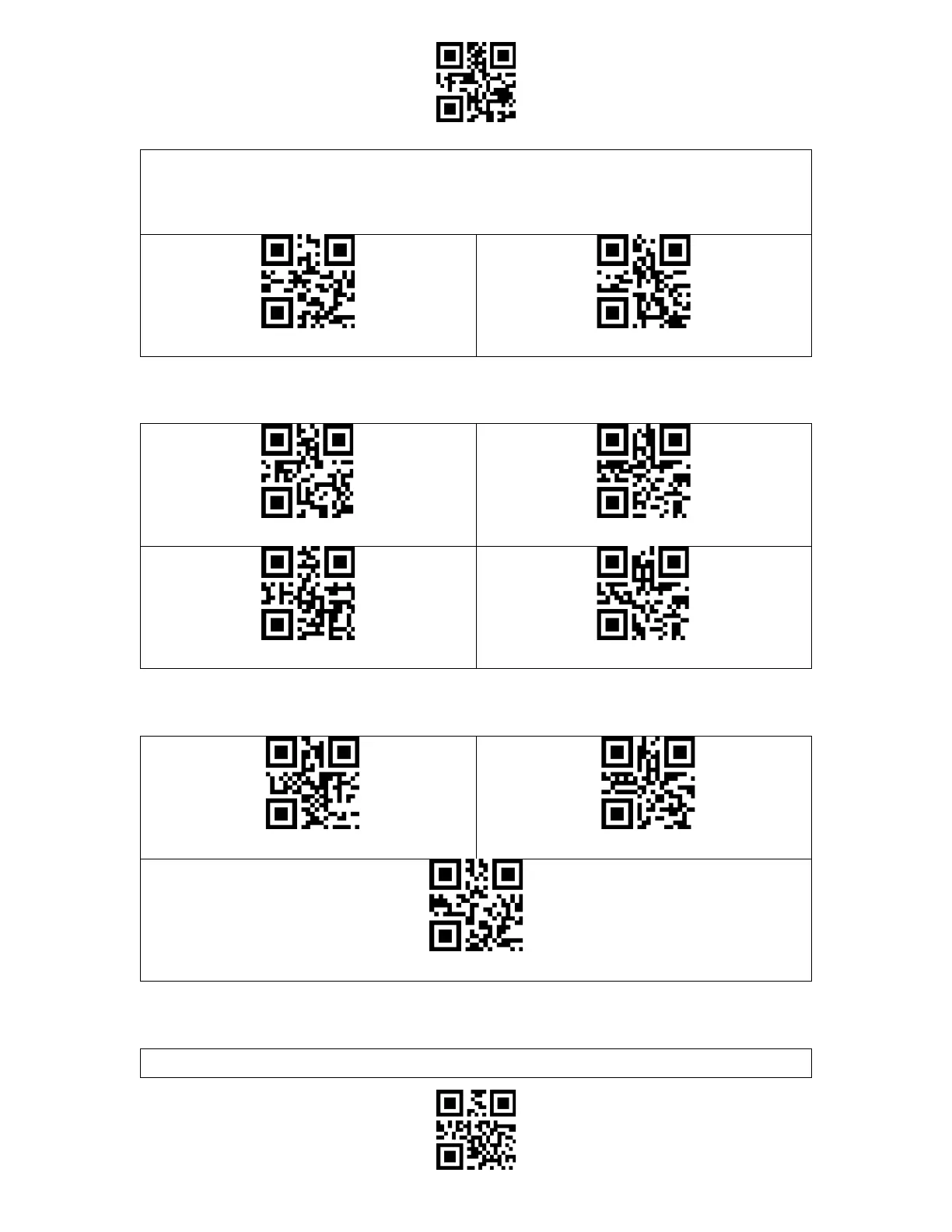
strange "beep" sound when it reads a duplicate barcode, and the duplicate barcode scanned
will not be stored in the buffer. The scanner defaults "Disable Duplicate Scan Check". You
may enable "duplicate scan check" as per your needs.
Enable Duplicate Scan Check
(*) Disable Duplicate Scan Check
Volume Control
Silent
Low Volume
(*) Medium Volume
High Volume
Vibration Alert
Disable Vibration Alert
(*) Enable Slight Vibration Alert
Enable Strong Vibration Alert
Scanning Mode
Auto Red Light Shut off Mode
Auto red light shut off mode is the default mode. When under this mode, the red light will

Table of Contents

Related product manuals