The Bluetooth mode (HID) is not a default mode. To switch to this mode, please scan the
setting barcodes in sequence " Enter to setup" - " Bluetooth mode (HID) " - " Exit with Save"
Note: Normally BCST-91 can re-connect to previously connected device automatically. If it
fails, please remove the paring history of BCST-91 in the list of host device. Afterwards, pair
them again.
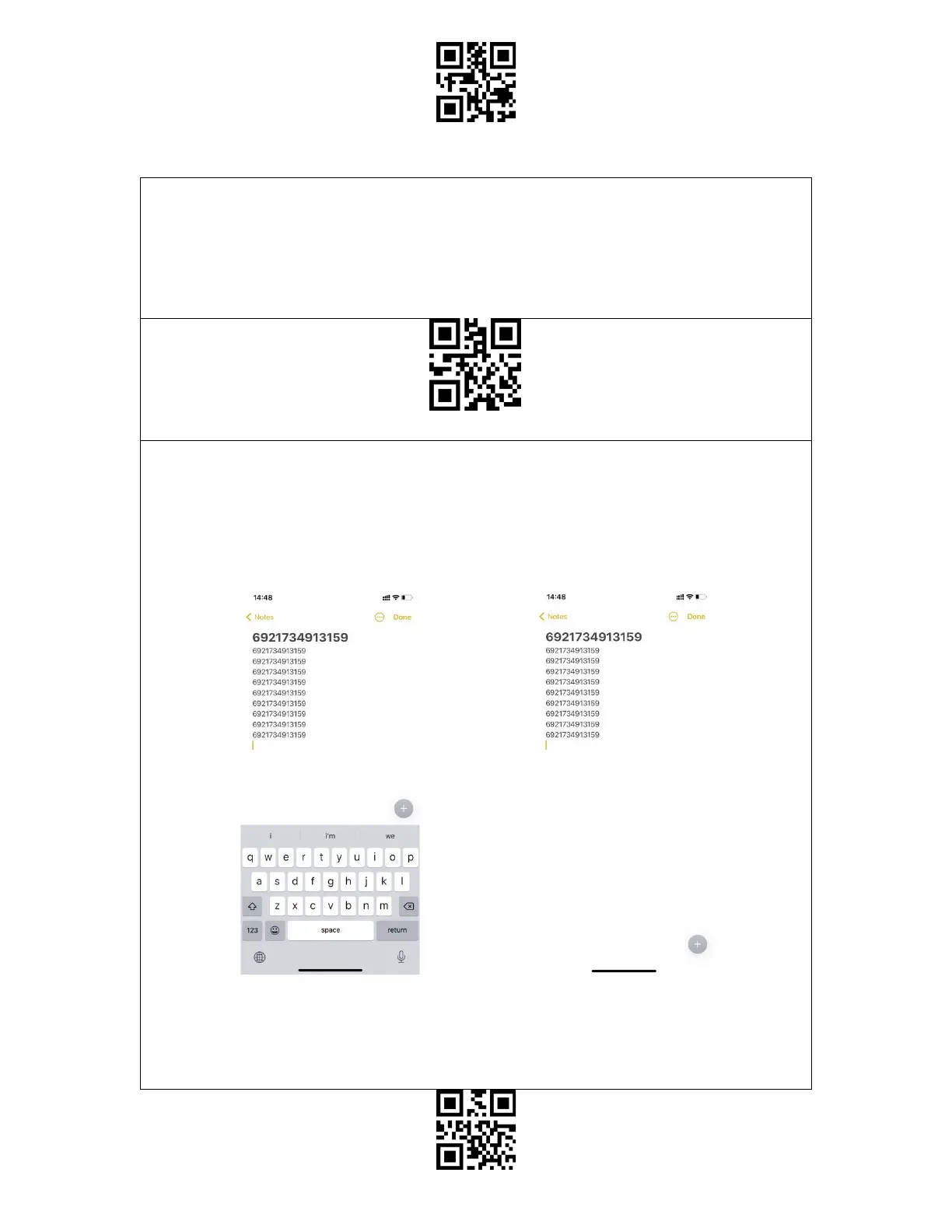
When under the Bluetooth HID mode, the phone will hide the virtual keyboard automatically
after connected with the BCST-91.
If you are on an iOS device and want to pop out the virtual keyboard when scanning, you
may long press the scan button for 3s and for another 3s to hide the virtual keyboard, which
is illustrated in the picture below.
If you are on an Android device and want to reactivate the virtual keyboard, please follow
the steps below:
1. Open the "Settings" app on your Android device.
2. Select language and input method, and conduct the steps below according to your



 To Next Page