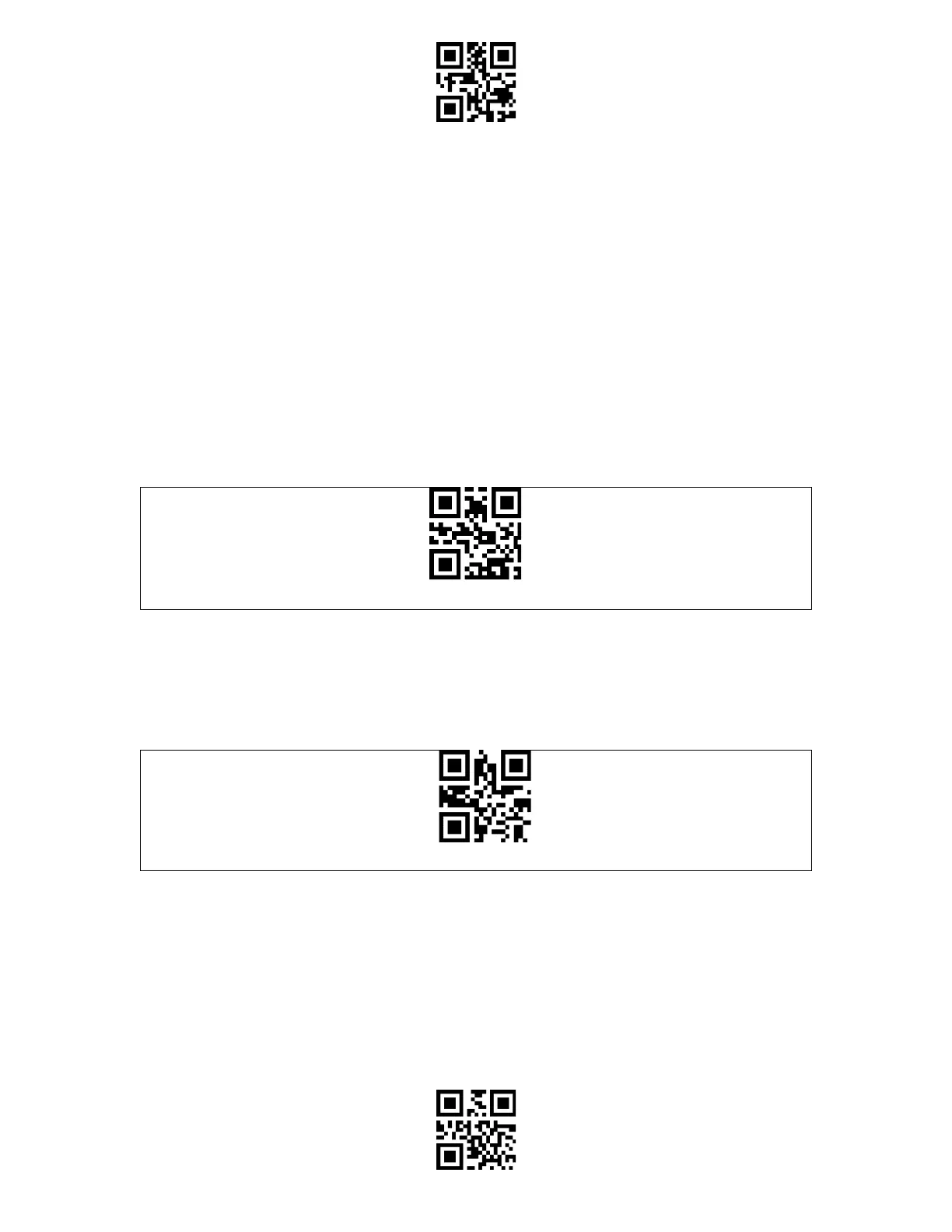
Enter Setup
Exit and Save
Connection
Wireless base mode
Wireless base mode is the default mode. Connect the base with your computer via the
included USB cable and the LED indicator on the base will turn on to indicate successful
connection. The base can receive signals from the barcode scanner and charge it by then.
Note:
1) Wireless base mode is the default connection mode of BCST-91 barcode scanner. If you are
using Bluetooth connection mode and want to switch it back to the Wireless base mode,
please scan the setting barcodes in sequence "Enter Setup" - " Wireless base mode" - "Exit
with Save".
2) Pair one or more scanners with one USB adapter
a) Connect the base with your computer via the included USB cable
b) Scan "Enter Setup" barcode
c) Scan the barcode " Pair one or more scanners with one USB adapter", and get the Inateck
BCST-91 as close as possible to the base (within 2 meters).
Pair one or more scanners with one base
d) A three-chord sound (from low to high) indicates a successful pairing. Once there is a long
high tone, it means the pairing fails and a repeated operation is needed. To pair more
scanners with the adapter, please operate as the steps mentioned above.



 To Next Page