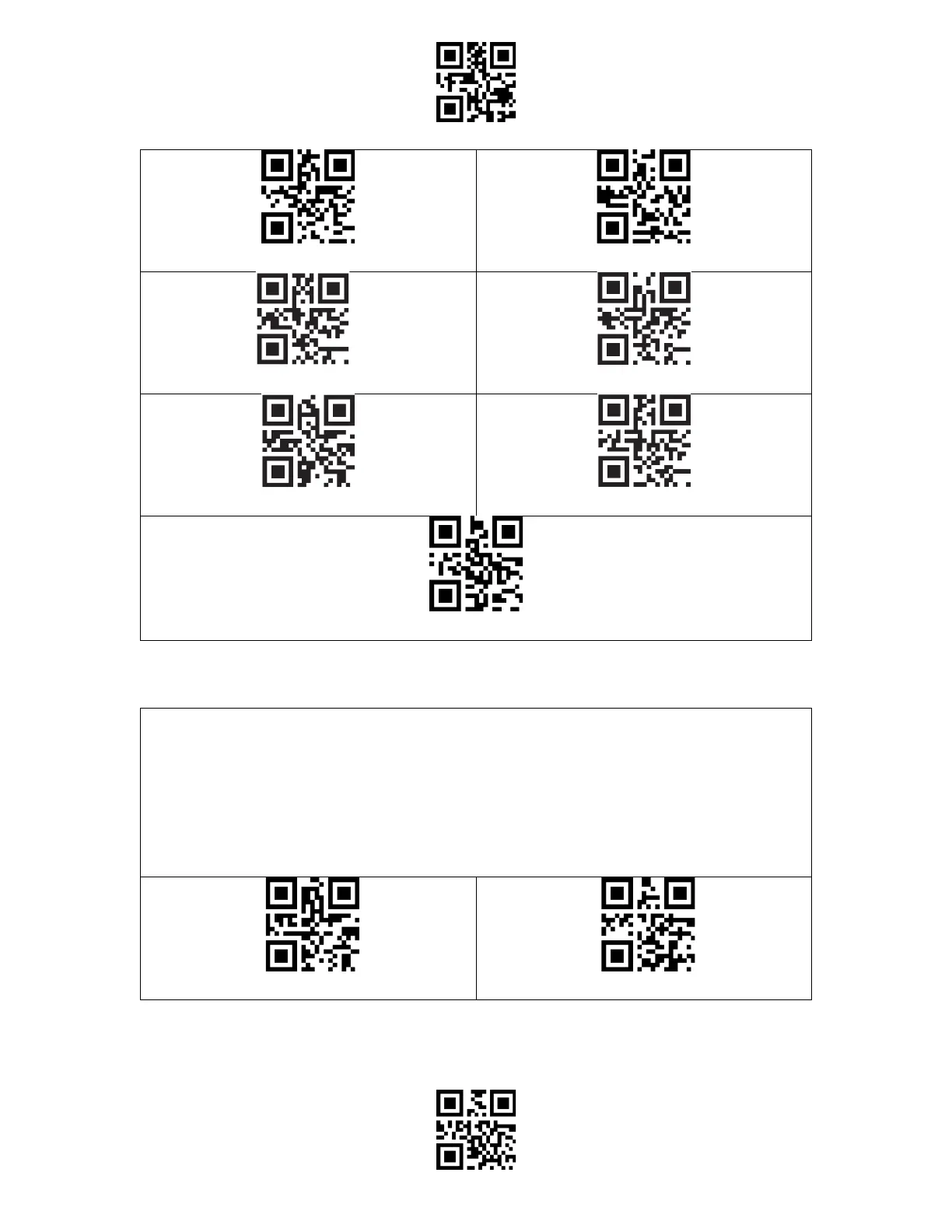
You may change factory defaults and customize some functions suitable for your own
applications when using your scanner. You need to scan 'Enter Setup' → 'Function setup
barcode you want to customize (e.g.: Output Code ID)' →"Write to Custom Defaults" in turn.
If you have reconfigured the scanner and want to restore to its custom setting mode, you
may scan the "Enter Setup" - "Restore to Custom Defaults" barcodes as below. The barcode
scanner will exit the setup mode after restoring to custom defaults.



 To Next Page