13
6 Graphical User Interface
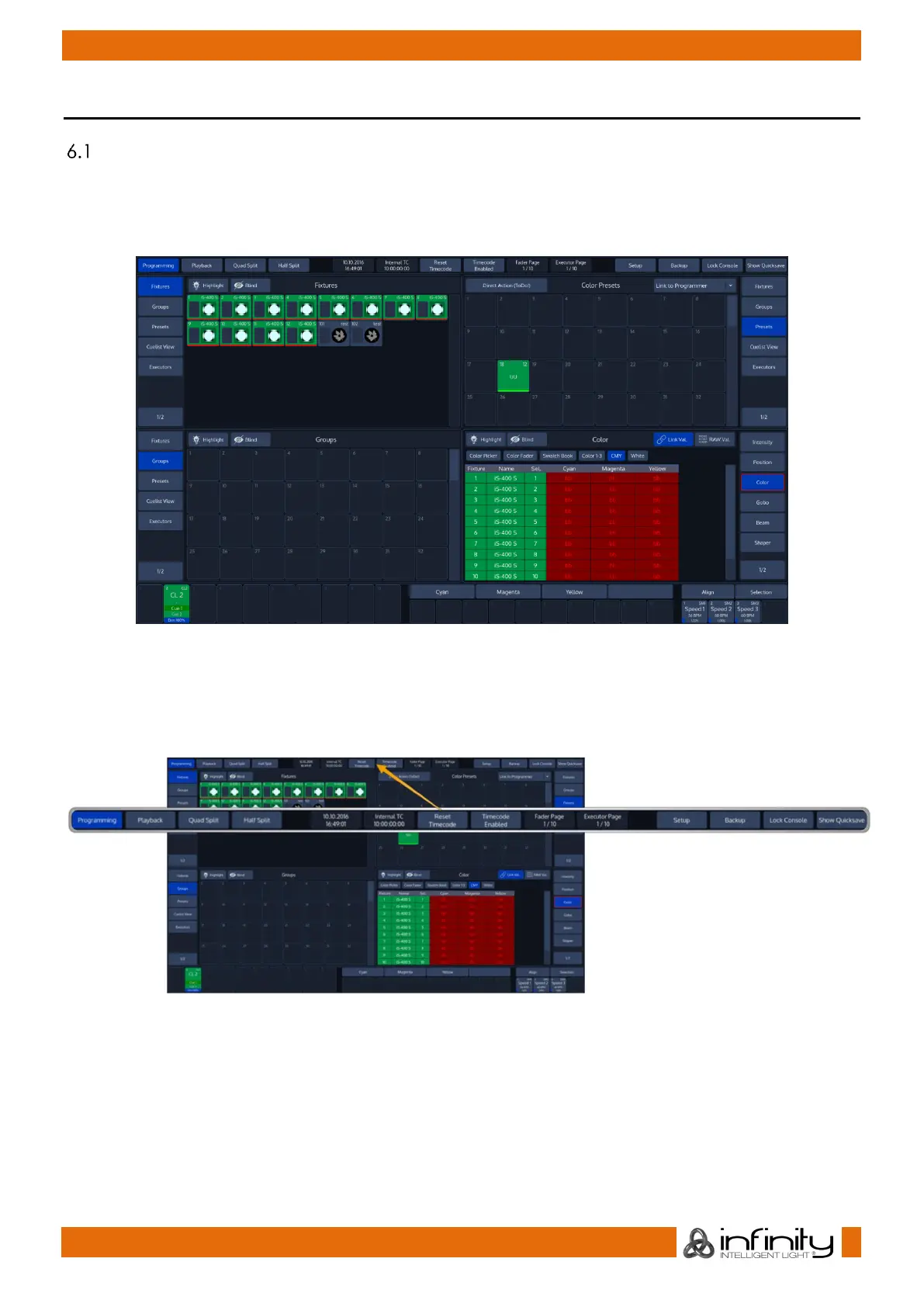
The Screen Layout
The Screen Layout of the Chimp Consoles is divided into three different parts: The Top Toolbar, the
Content Area and the Bottom Toolbar.
The Top Toolbar the Top Toolbar provides access to the different configuration and programming /
playback views.
Fig. 8: The Graphical User Interface
6.1.1 The “Top Toolbar”
The Top Toolbar is divided into three parts. The left part shows the views that are used for programming
and during playback. The center part shows status information like the current date and time, current
Timecode and the active fader and executor pages.
Fig. 9: GUI – Top Toolbar



 To Next Page