36
17 Create Speed Masters for Cuelists
Once you assigned one or multiple cues to a speedmaster, you may want to control the speed by using
a fader and a tap sync button.
To create a “Speed Master” which may be used to control playback speed for multiple cuelists at once,
simply press the [Link] –key followed by a masters [Go] or [Pause/Back] –key or a button below any of the
four master Faders.
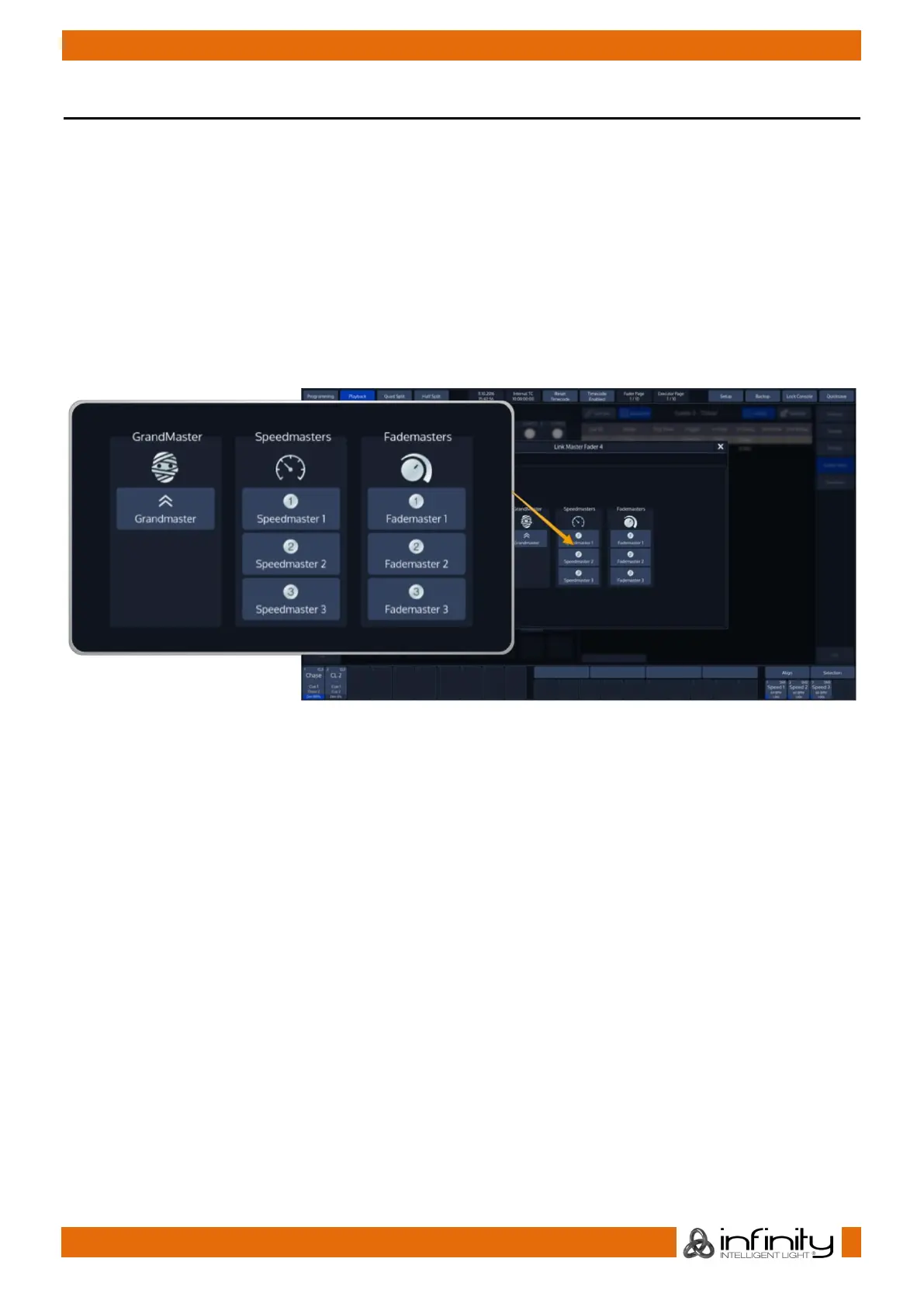
A window will open up asking you for the type of the master to be assigned. Choose either of the three
“Master Speeds” available.
These three different speed masters are independently usable, so changing speed master 1 will not
affect any of the other speedmasters.
Fig. 44: Link Fader Dialog



 To Next Page