18
9 Starting a new Show or loading an existing Showfile
The Chimp will now start to boot and shortly after you will be seeing a bootmenu which auto-continues
the boot process after a few seconds. Additionally, the boot menu offers some test and maintenance
utilities. The Chimp will perform a couple of checks while booting up and will present you with the
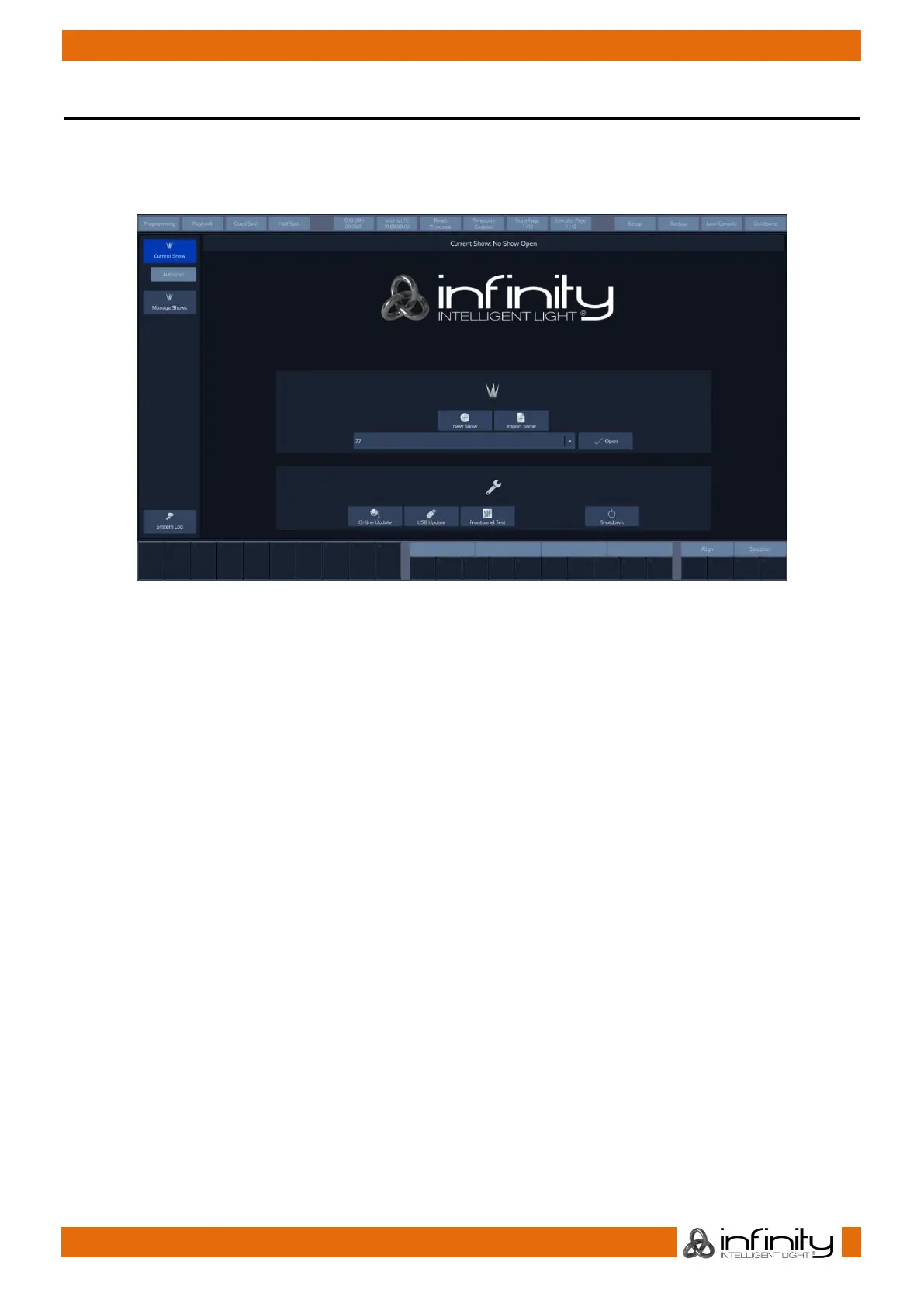
Welcome Screen as soon as it is done:
Fig. 18: Show Closed Screen
The welcome screen allows you to either create a new show, or load an existing showfile. Showfiles
contain all of your show related settings like fixture schedule and patch, input settings, groups, presets,
cues and master assignments.



 To Next Page