24
11 Selecting Fixtures
There are four different ways to select your fixtures.
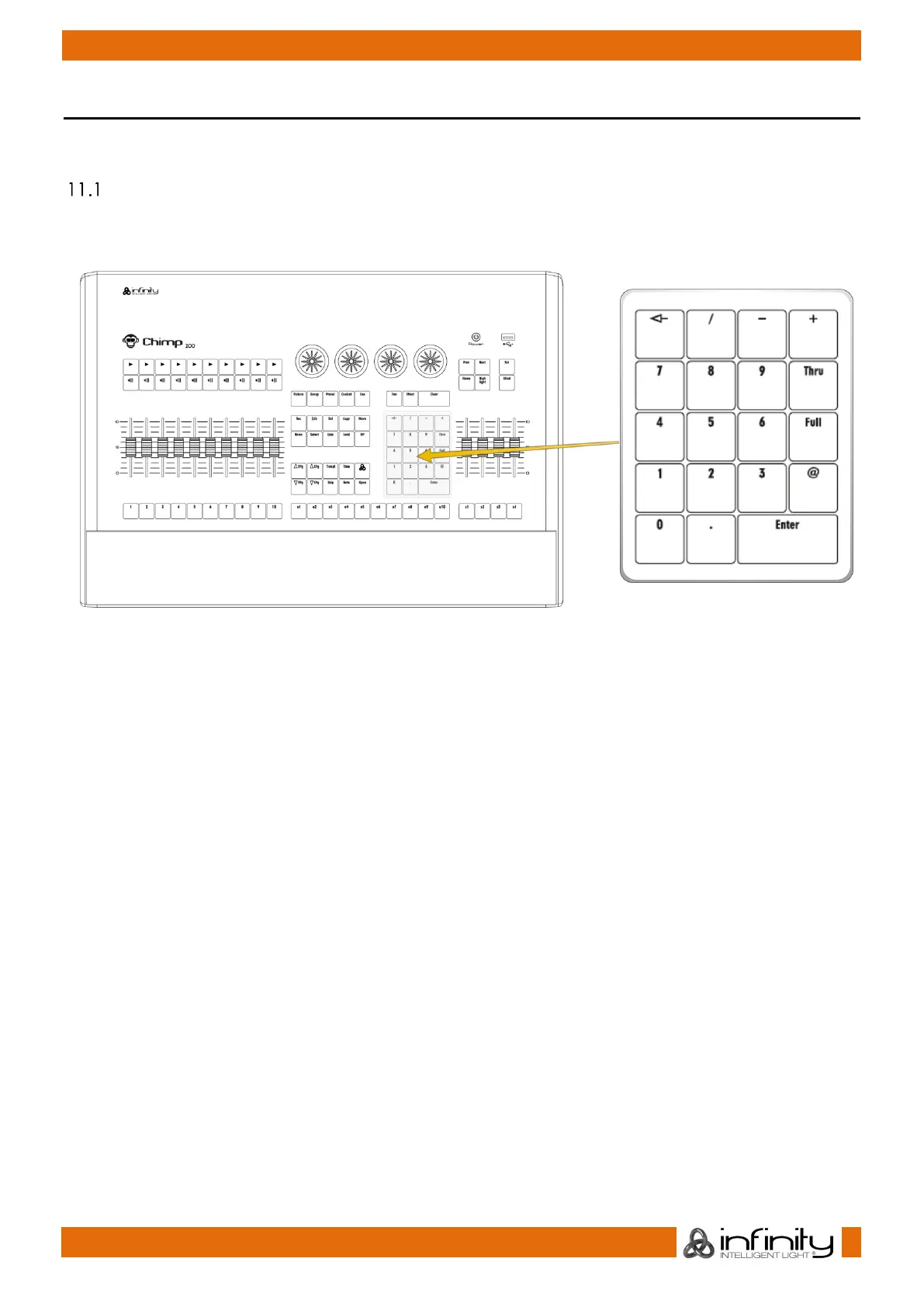
Select Fixtures using the keypad
To select fixtures on the keypad, simply do so by typing their user numbers, which you defined previously
during the “Add Fixtures” process. You may use the [Thru], [+] and [-] keys to further extend your selection.
[1] [Thru] [Enter] will select all fixtures following fixture 1 until a different fixture type starts, or a gap in the
numbering scheme is detected.
[1] [+] [2] [Enter] will select all fixtures 1 and 2
[1] [Thru] [10] [Enter] will select all fixtures from fixture 1 to 10
[1] [Thru] [10] [–] [3] [Enter] will select all fixtures from fixture 1 to 10 except 3
To deselect all fixtures, just type [0] [ENTER] on the keypad.
The keypad does also have special functions for extended fixture sub-selection, which will be applied on
your current selection.
Select fixtures 1 to 12 for the following example.
Now we are going to select every third fixture of the selection we just made by typing [1] [/] [3] [Enter] on
the keypad (In wording this would translate to “The first fixture out of three”). To select every second
fixture out of three, you would have to type [2][/][3] [Enter].



 To Next Page