19
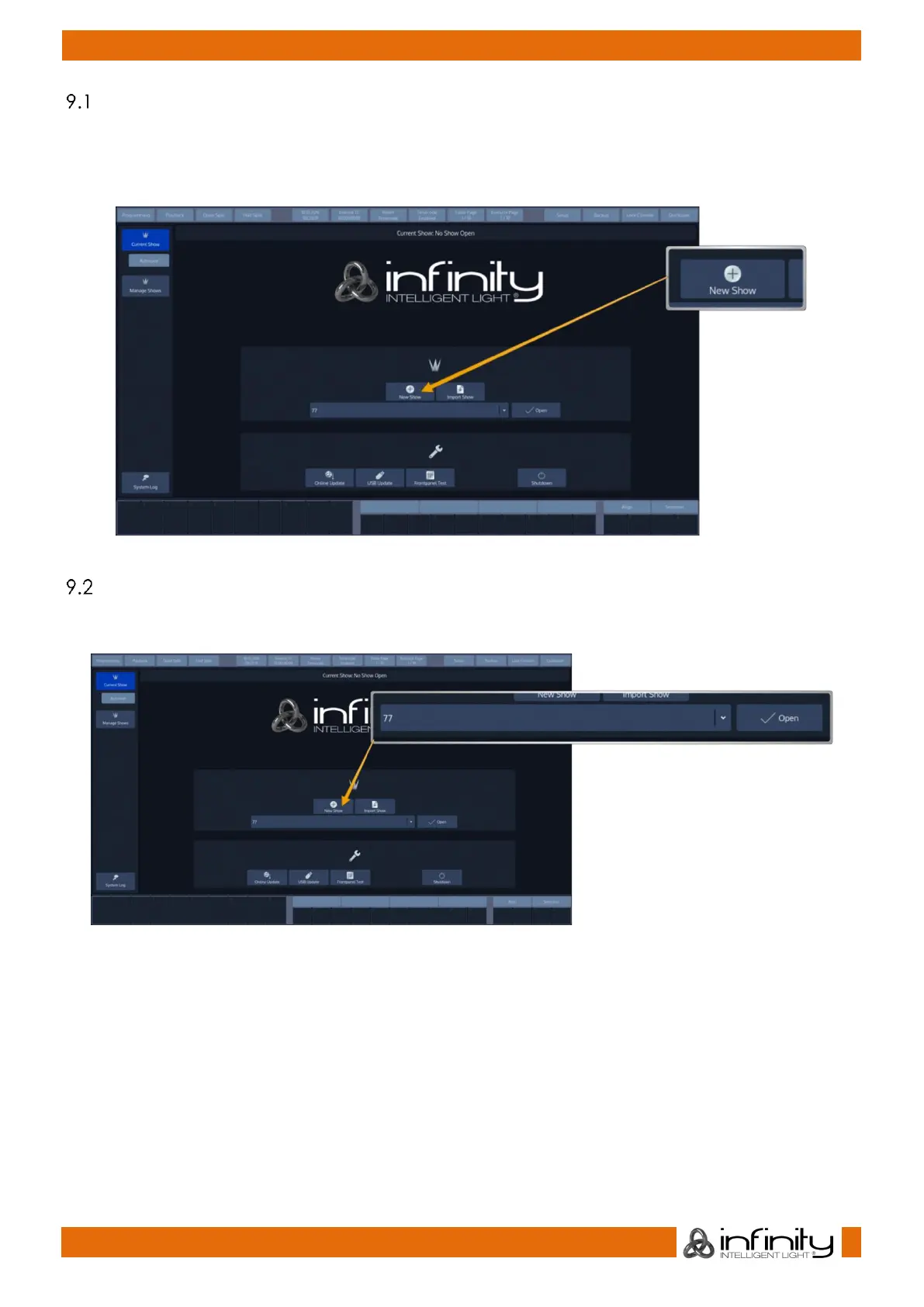
Creating a new show
Within the touchscreen display, hit the New Show button.
This will open up a keyboard dialog to enter the name of the show to be created. You may also enter the
Name using an attached USB-Keyboard anytime the keyboard dialog is shown. As soon as you hit the
enter button a new show with the name you just entered will be created.
Fig. 19: Show Closed Screen – Create New Show
Loading an existing show
Within the touchscreen display, simply select the show you would like to open up from the drop-down
menu. After you selected the desired show to load, hit the Open button.
Fig. 20: Show Closed Screen - Load Existing Show



 To Next Page