31
13.2.3 Alter Color-Values using Color Faders
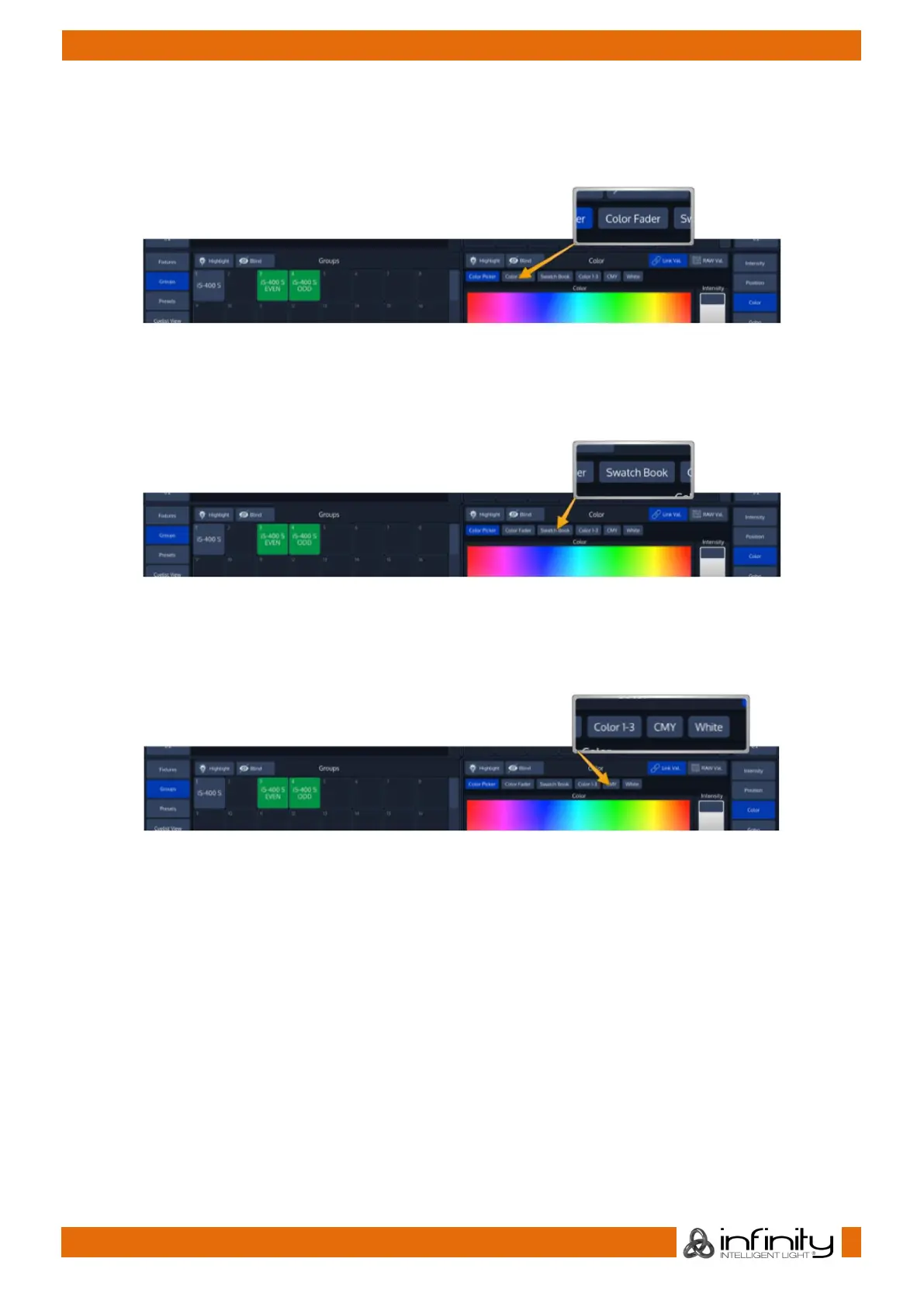
To control color values using HSI or different faders (for RGB and CMY), no matter the color mixing system
of the fixture , press the Color button found in the programmer side menu. Select Color Faders from the
menu bar.
Fig. 38: Programmer Color Faders
13.2.4 Alter Color-Values using the Swatch Book
To control color values using the integrated Swatch Book, press the Color button found in the
programmer side menu. Select Swatch Book from the menu bar.
Fig. 39: Programmer Swatch Book
13.2.5 Alter Color-Values using the encoders
To control color values using the natural fixture attributes, press the Color button found in the programmer
side menu. Select the appropriate option from the menu bar, in example Color 1-3.
Fig. 40: Programmer – Traditional Value Entry



 To Next Page