14
6.1.2 The “Content Area”
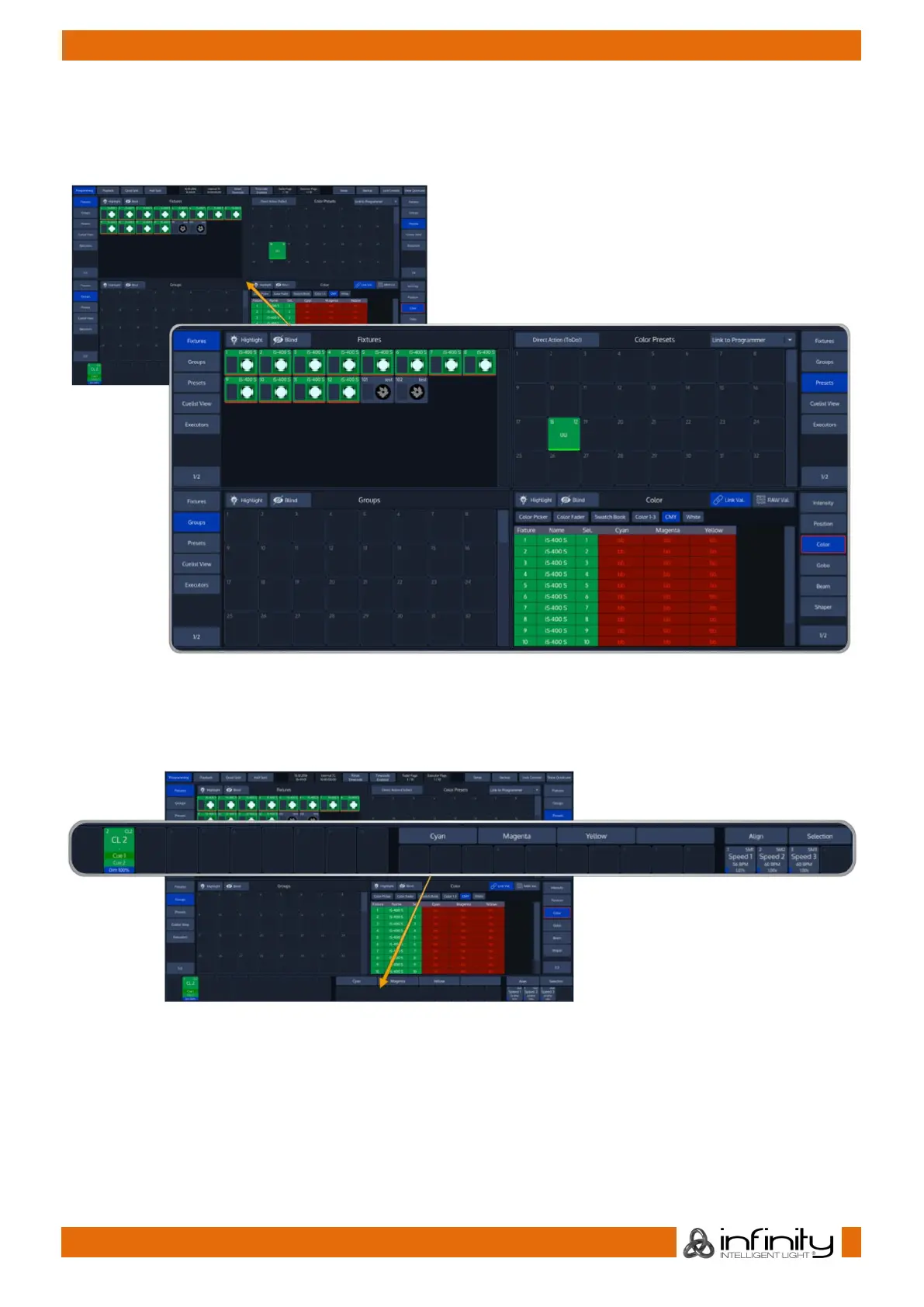
The Content Area is used to display context sensitive windows and widgets, based on the selection made
from the top toolbar. It also displays dialogs which may be opened using the hard buttons on the
frontpanel of the console.
Fig. 10: GUI – Content Area
6.1.3 The “Bottom Toolbar”
The Bottom toolbar is used to show fader labels on the left side, encoder labels as well as executor labels
on the center part, and the align settings, sub-selection and master faders on the right side.
Fig. 11: GUI – Bottom Toolbar



 To Next Page