37
18 Change Cuelist Behaviour
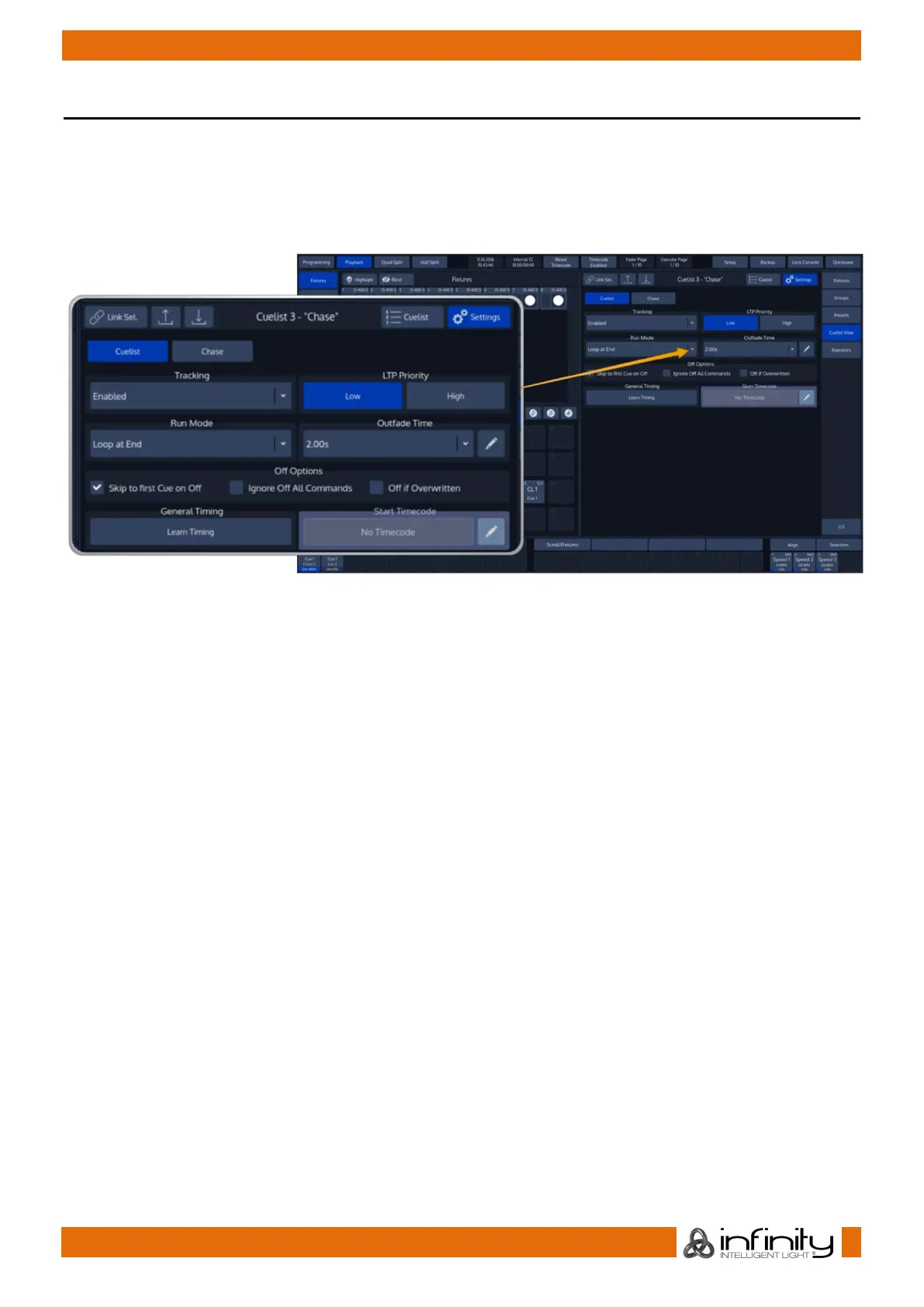
In order to alter Cuelist settings like Outfade time, Priority, Playback order, etc, you need to open up an
Cuelist Settings –Window.
Best way to do so is by opening a Cuelist View for the Cuelist, and selecting the Settings Button from that
Cuelist Views titlebar.
Fig. 45: Cuelist Settings
You may change the Cuelist from being a “complex” list with individual timings per Cue into an easy
Chaser type of list by the press of the Chase button.
A chaser will have identical timings for all steps contained in the Chaser.
Settings vary a little between a cuelist and a chase.



 To Next Page