21
10 Add & Patch Fixtures
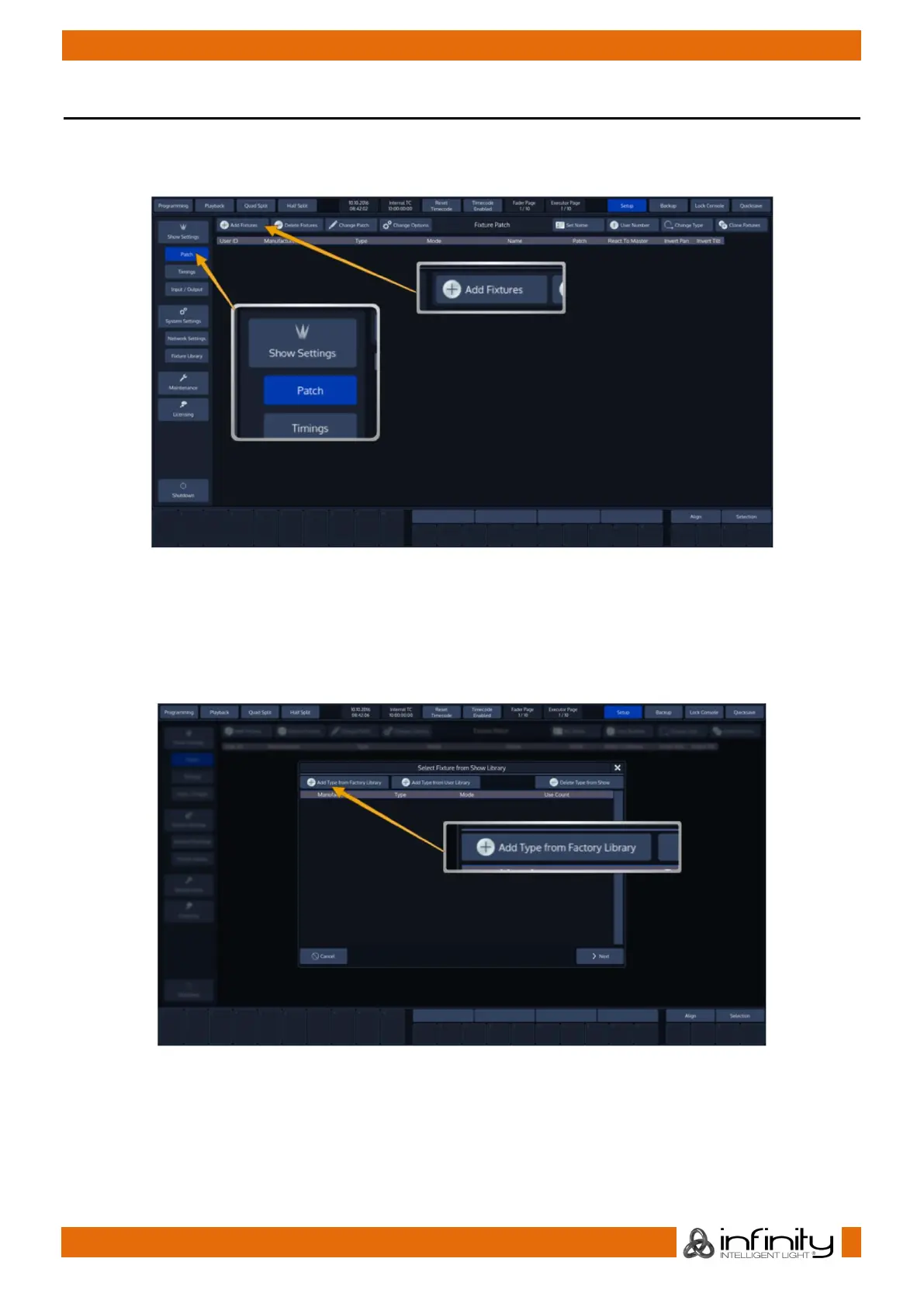
In order to add and patch fixtures, please press the Setup Button on the Chimps top-menu bar. A menu
will be opened on the touchscreen display, presenting you several options. Choose Patch. From within
the Patch Window, select Add Fixtures.
Fig. 22: Setup Screen: Add and Patch Fixtures
A menu allowing you to pick the manufacturer and fixture type from the Show Library (this is the Fixture
Library that contains all Fixtures in the Show File) will be opened. Since we haven’t added any fixture
types to the show yet, this Library is empty.
Click on Add Type from Factory Library to proceed.
Fig. 23: Show Library Dialog



 To Next Page