25
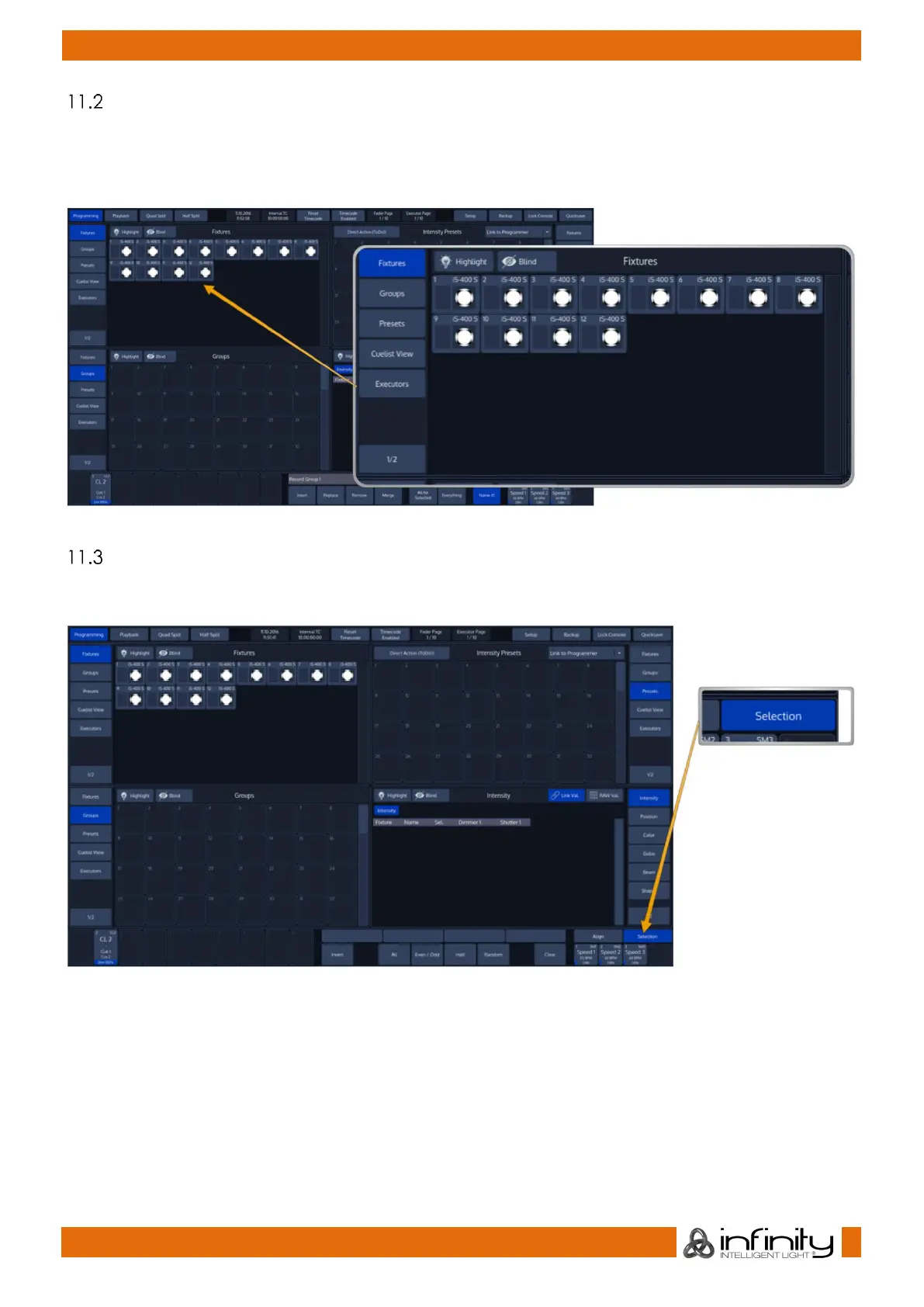
Select Fixtures using the Fixtures Split-Window
Once you selected the Fixtures button in one of the Split Widget Menus, this particular split widget will
change to “Fixtures” mode.
Now simply click on an item to select it. Selected Items will be indicated by a green background color.
Fig. 28: Fixture Split Widget
Select Fixtures using the “Selection” –toolbar
On the bottom right of the screen, click on the first button that reads Selection. The “Selection” -toolbar
will now be shown.
Fig. 29: Selection Button



 To Next Page