30
Alter Fixture Parameters
13.2.1 Alter Parameters using the Encoders
To be able to alter fixture parameter values, Ie. set Dimmer values, you first need to select some fixtures.
Go on by selecting Fixture Group 1.
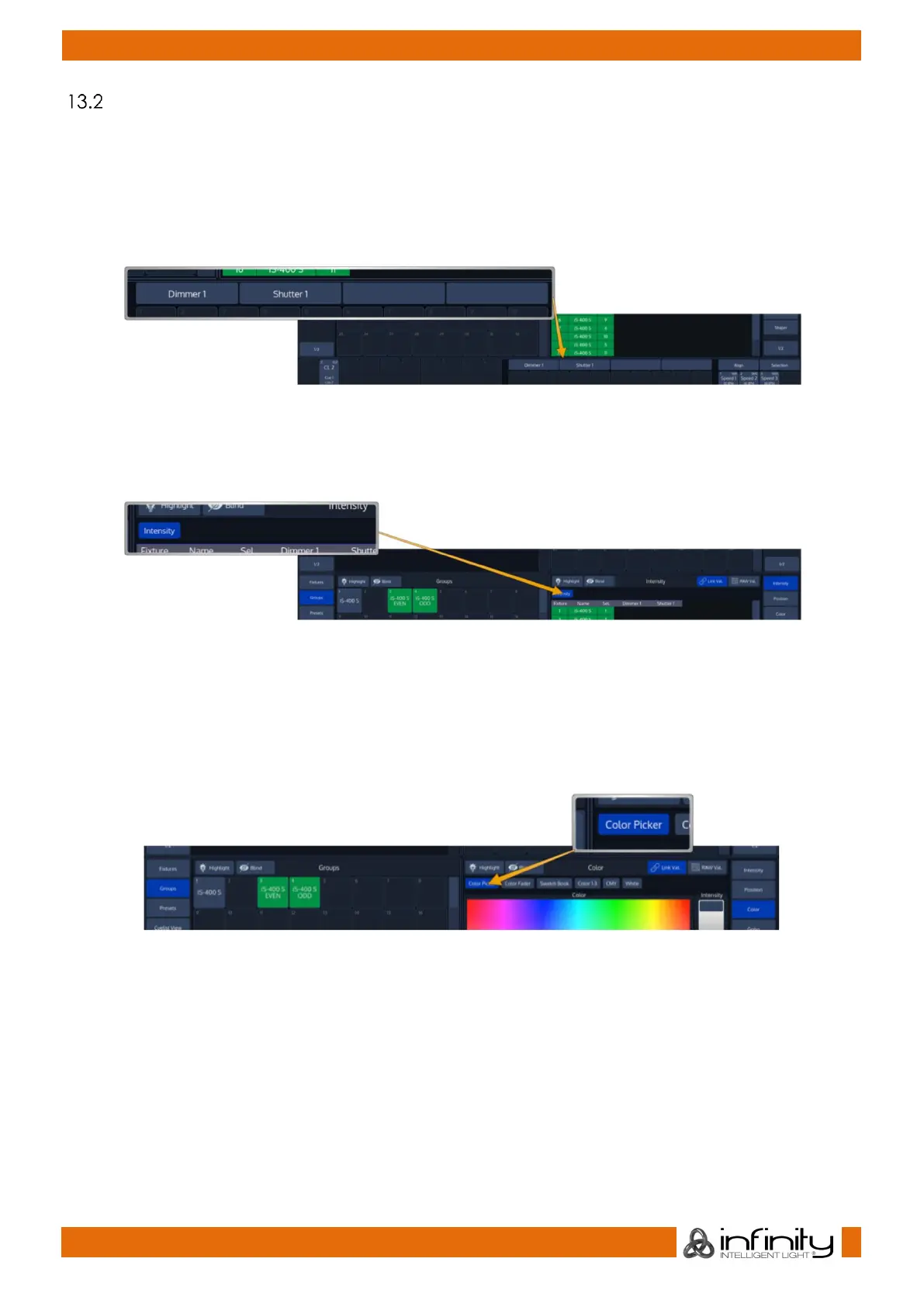
In order to adjust the Dimmer level, select Intensity from the side menu. The programmer will now alter
Dimmer and Shutter values and the encoder labels will read the selected features.
Fig. 35: Alter Parameters using the Encoders
To have the encoders control different features within the selected group (Ie. Gobo 3 and 4), simply press
the the appropriate button within the programmers menu bar. Only attribute groups supported by the
patched fixtures are shown.
Fig. 36: Programmer Menu Bar
Clicking on the Encoder label or pushing the encoder on the frontpanel will open either a Keypad
Dialog, or a visual value picker which may be used to show Gobo thumbnails or similar.
13.2.2 Alter Color-Values using the Color-Picker
To open up the color picker, press the Color button found in the programmer side menu. Select Color
Picker from the menu bar.
Fig. 37: Programmer: Color Picker



 To Next Page