13
English
Installation
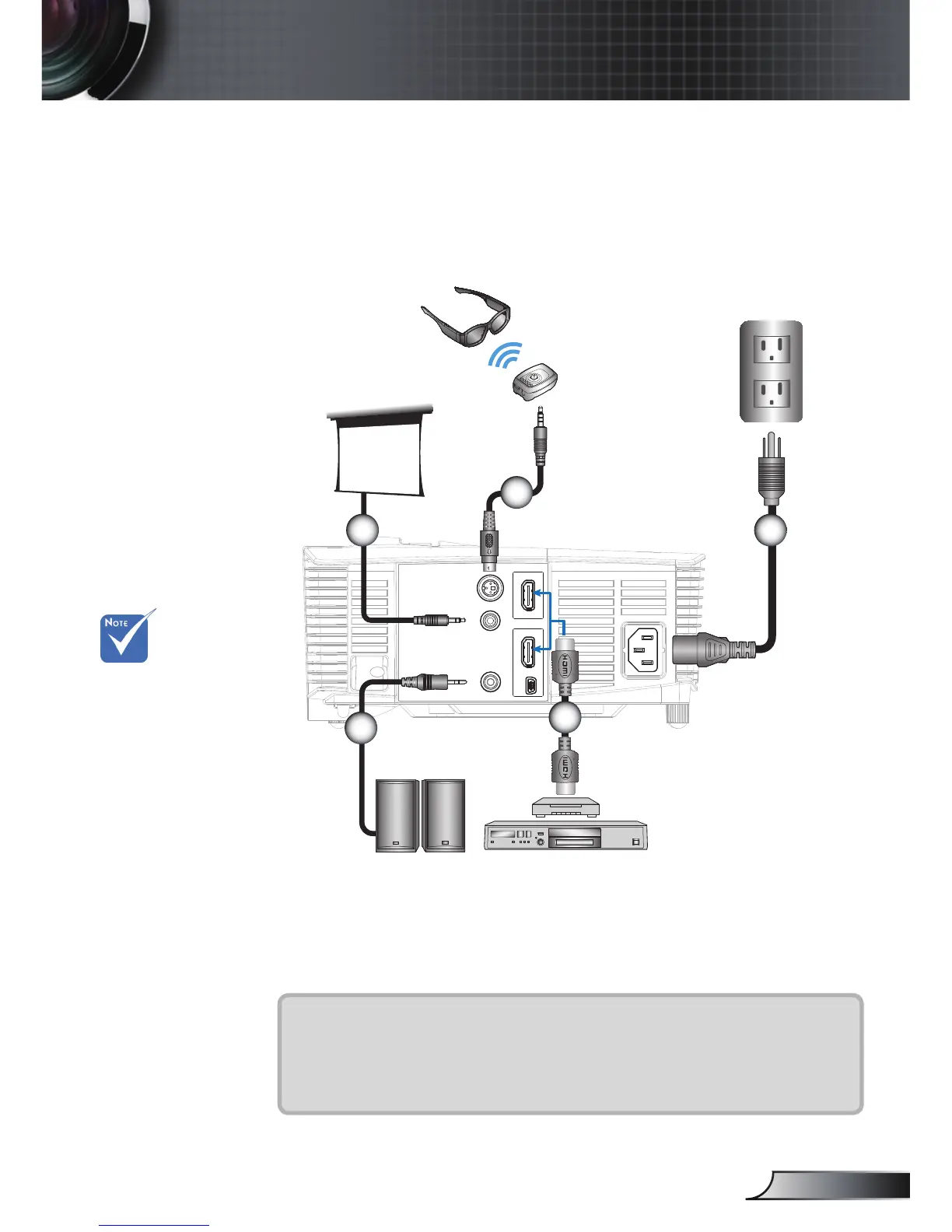
Connecting a Video source
Due to the
di erence in
applications for
each country,
some regions may
have di erent
accessories.
(*) Optional
accessory
AUDIO-OUT
12V OUT
Out (5V)
3D SYNC
HDMI 2
USB
HDMI 1
4
1
2
Audio output
3D glasses
3
6
DVD player,
Set-top box,
HDTV receiver
1.................................................................................................*12V DC plug
2........................................................................................... *3D emitter cable
3.....................................................................................................Power cord
4............................................................................................ *Audio out cable
5....................................................................................................HDMI cable
DVD player, Blu-ray player, Set-top box,
HDTV receiver, Games console



 To Next Page