50
English
User Controls
Options |
Optional Filter
Settings
IMAGE
DISPLAY
SETUP
OPTIONS
OPTIONS
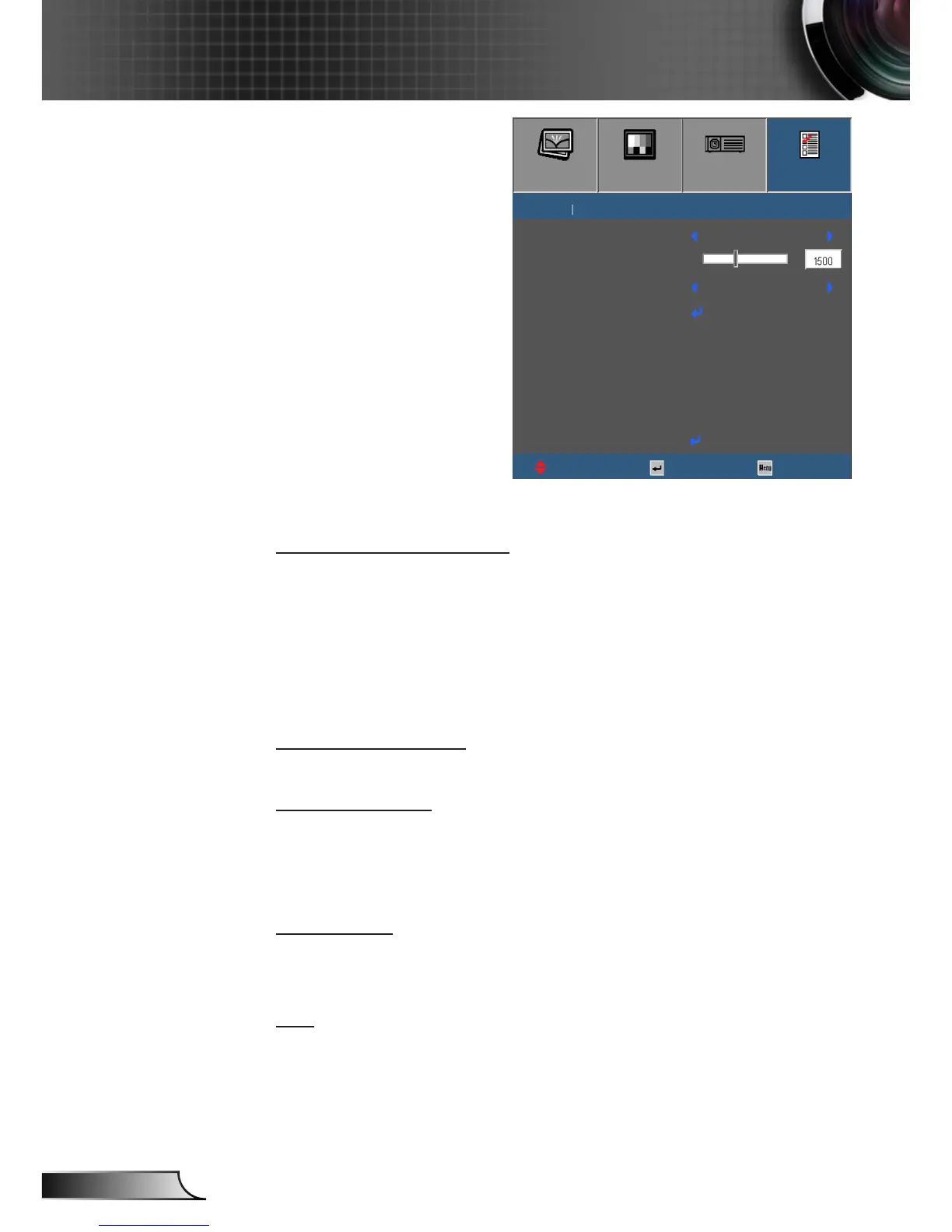
Optional Filter Installed
UpDown Select Exit
Exit
Optional Filter Settings
No
Filter Usage Hours
Filter Reminder
Filter Reset
O
Optional Filter Installed
Select “Yes” to display warning message after 500 hours of use.
Select “No” to turn o warning message.
The default setting for Filter is “No”. After assembling lter, please
turn on the projector then press “Menu”, go to “OPTIONS ->
Optional Filter Settings -> Optional Filter Installed” and select
“Yes”.
Filter Usage Hours
Display the lter time.
Filter Reminder
Choose this function to show or hide the warning massage when
the changing lter message is displayed. (Factory default setting:
500 hours)
Filter Reset
Reset the dust lter counter after replacing or cleaning the dust
lter.
Exit
Exit the Optional Filter Settings menu.



 To Next Page