37
English
User Controls
Image | Advanced
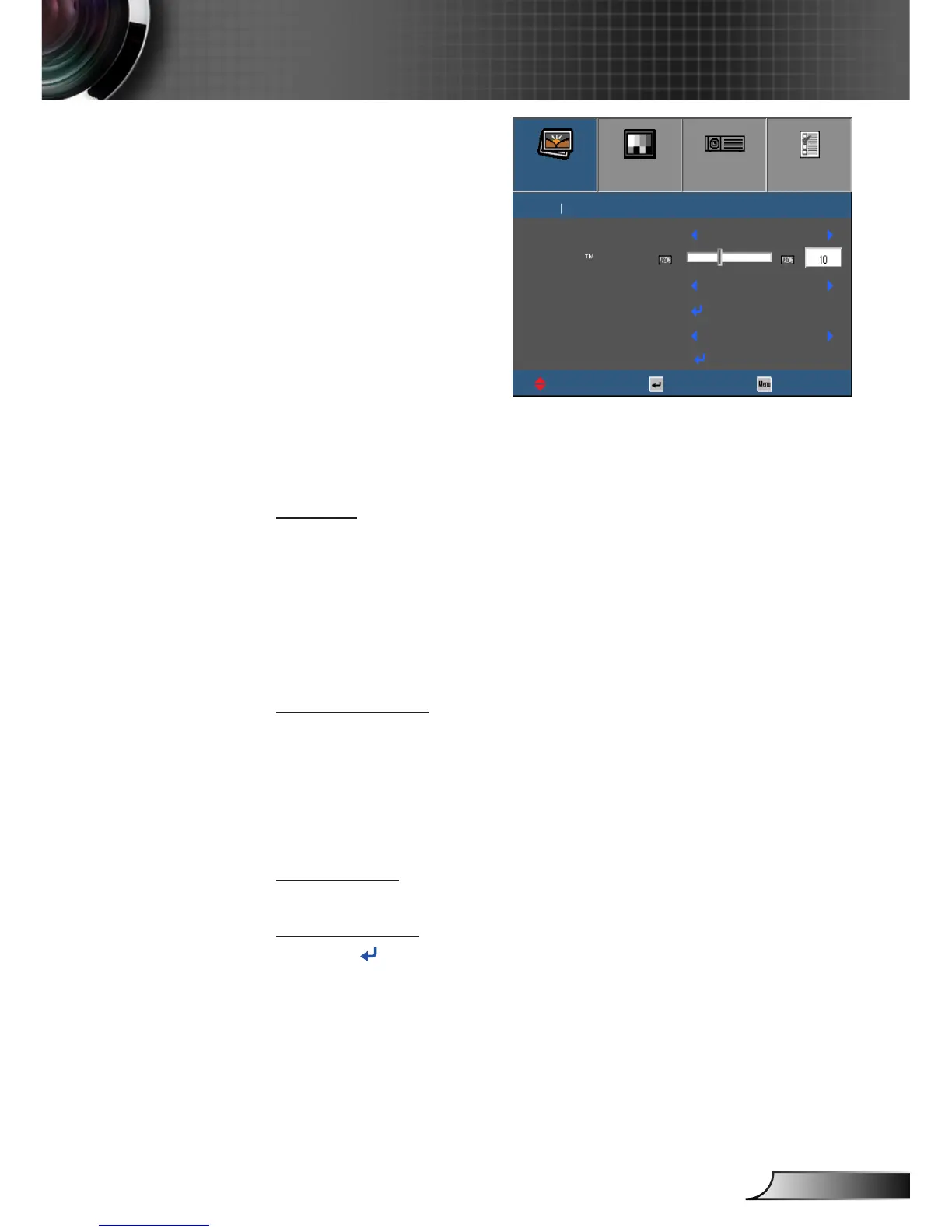
Gamma
This allows you to set up gamma curve type. After the initial setup
and ne tuning is completed, utilize the Gamma Adjustment steps
to optimize your image output.
` Film: for home theater.
` Video: for video or TV source.
` Graphics: for PC / Photo source.
` Standard: for standardized setting.
BrilliantColor™
This adjustable item utilizes a new color-processing algorithm and
enhancements to enable higher brightness while providing true
more vibrant colors in the image. The range is from “1” to “10”. If
you prefer a stronger enhanced image, adjust toward the maxi-
mum setting. For a smoother, more natural image, adjust toward
the minimum setting.
Color Temp.
Select a color temperature from Warm, Medium, and Cold.
Color Settings
Press into the next menu and then use ▲ or ▼ to select item.
IMAGE
DISPLAY
SETUP
OPTIONS
IMAGE
Gamma Standard
BrilliantColor
Color Temp.
Color Settings
Color Space
Exit
Select
ExitUpDown
Advanced
AUTO
Medium



 To Next Page