18
English
Installation
Powering O the Projector
1. Press the “ ” button on the Keypad or the remote control
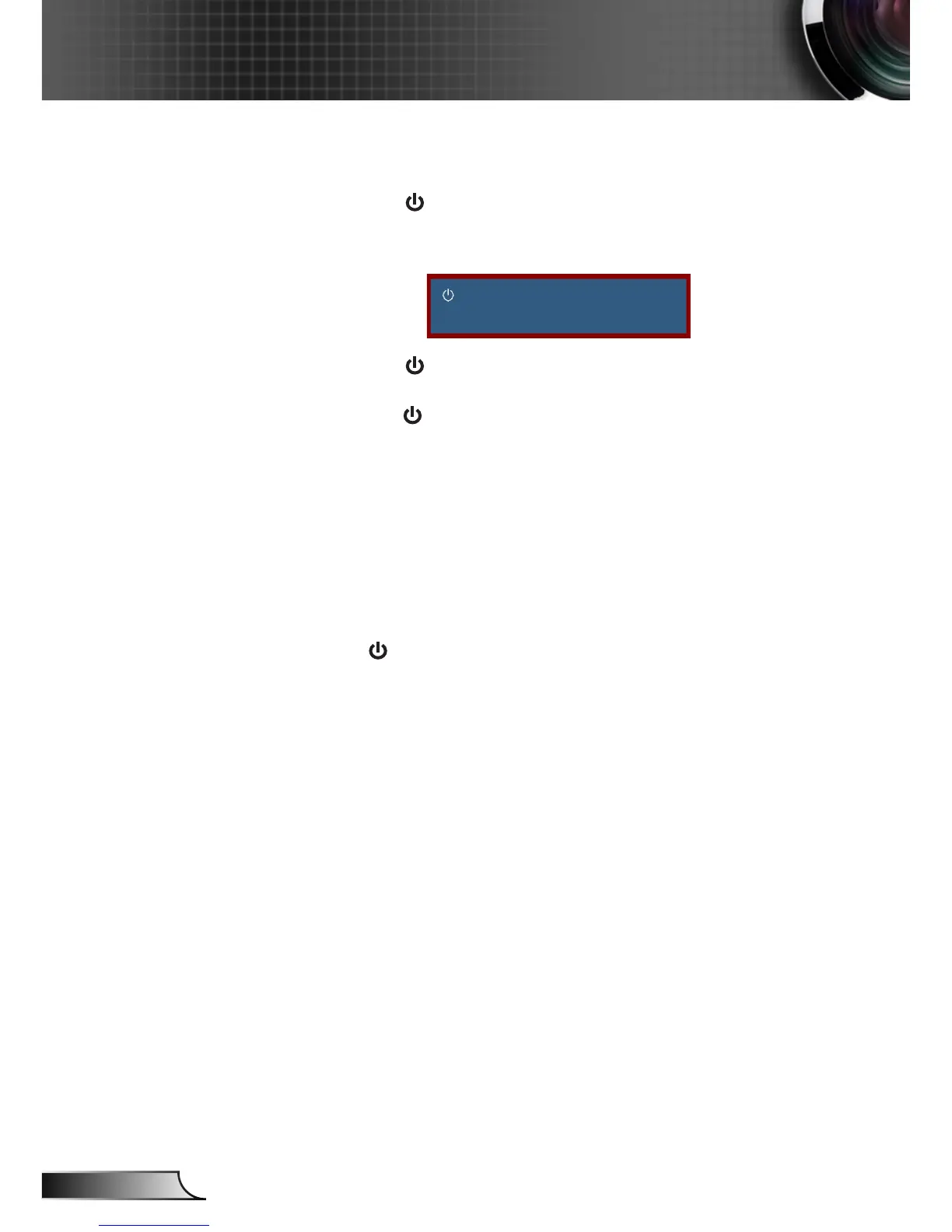
to turn o the projector. The following message will be
displayed on the screen.
Power o?
Press power key again.
Press the “ ” button again to conrm otherwise the
message will disappear after 15 seconds. When you
press the “ ” button for the second time, the projector will
display countdown timer and will shut down.
2. The cooling fans continue to operate for about 10 seconds
for cooling cycle and the On/Standby LED will ash Blue.
When the On/Standby LED lights solid Red, the projector
has entered standby mode.
If you wish to turn the projector back on, you must wait
until the projector has completed the cooling cycle and
has entered standby mode. Once in standby mode, simply
press “ ” button to restart the projector.



 To Next Page