EasyManua.ls Logo

InFocus IN119HDxa - Menu Tree; Safety Information...............................2 Setup | Advanced

InFocus IN119HDxa
63 pages
Print Icon
To Next Page IconTo Next Page
To Previous Page IconTo Previous Page
Loading...
31
English
User Controls
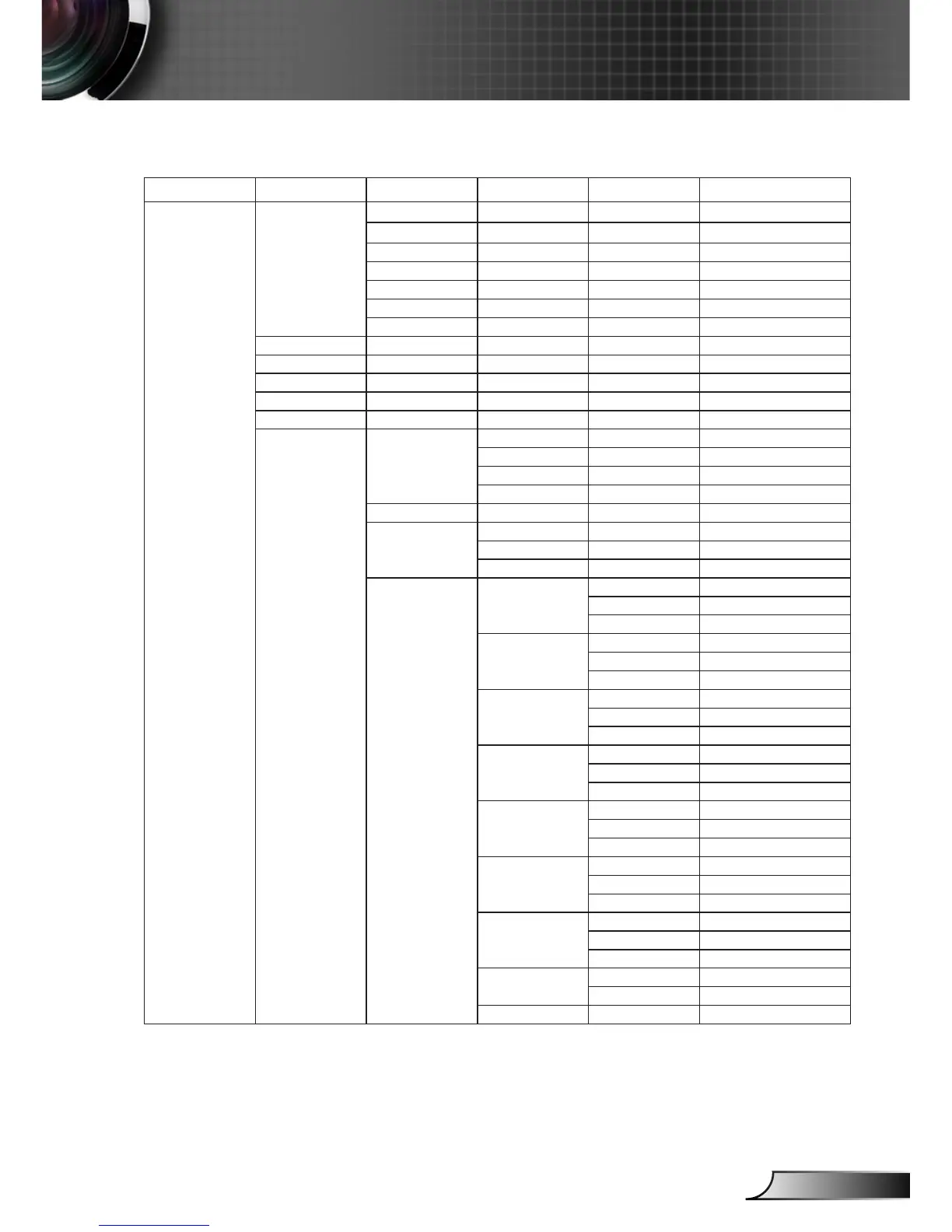
Menu Tree
Main Menu Sub Menu Sub Menu2 Sub Menu3 Submenu4 Values
Image
Display Mode
Presentation [Default]
Bright
Movie
sRGB
Blackboard
User
3D
Brightness -50~50
Contrast -50~50
Sharpness 1~15
Color -50~50 [Default:0]
Tint -50~50 [Default:0]
Advanced
Gamma
Film
Video
Graphics
Standard
BrilliantColor™ 1~10
Color Temp.
Warm
Medium
Cold
Color Settings
Red
Hue -50~50
Saturation -50~50
Gain -50~50
Green
Hue -50~50
Saturation -50~50
Gain -50~50
Blue
Hue -50~50
Saturation -50~50
Gain -50~50
Cyan
Hue -50~50
Saturation -50~50
Gain -50~50
Magenta
Hue -50~50
Saturation -50~50
Gain -50~50
Yellow
Hue -50~50
Saturation -50~50
Gain -50~50
White
Red -50~50
Green -50~50
Blue -50~50
Reset
Yes
No [Default]
Exit

Table of Contents

Related product manuals