48
English
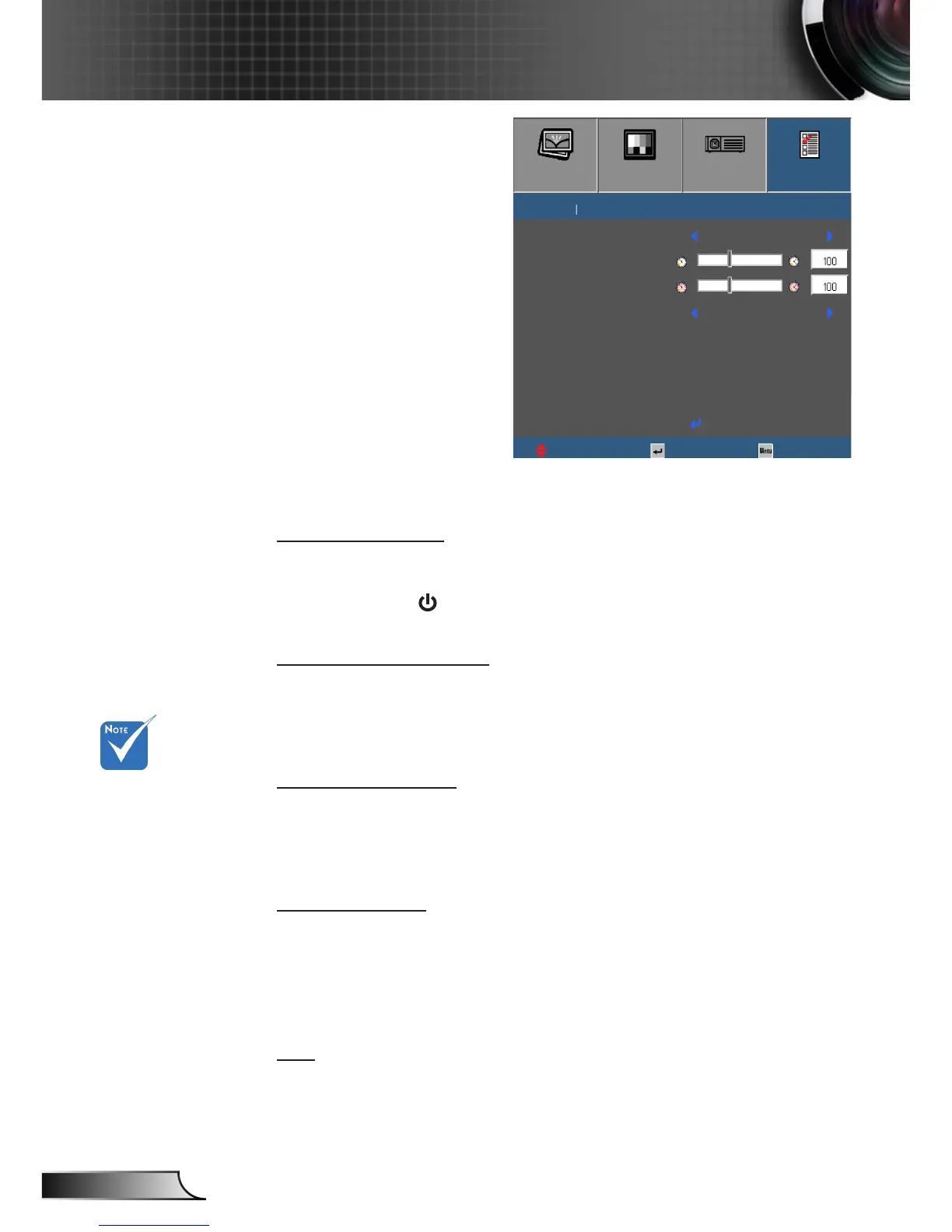
User Controls
Options | Advanced
Direct Power On
Choose “On” to activate Direct Power mode. The projector will
automatically power on when AC power is supplied, without
pressing the “ ” key on the projector Keypad or on the remote
control.
Auto Power O (min)
Sets the countdown timer interval. The countdown timer will start
when there is no signal being sent to the projector. The projector
will automatically power o when the countdown has nished (in
minutes).
Sleep Timer (min)
Sets the countdown timer interval. The countdown timer will start
with or without a signal being sent to the projector. The projector
will automatically power o when the countdown has nished (in
minutes).
Quick Resume
` On: If the projector is accidentally turned o, this feature
allows the projector to be instantly powered on again, if
selected within a period of 100 seconds.
` O: The fan will start cooling the system immediately when
user turns o the projector.
Exit
Exit the Options Advanced menu.
The value of
sleep timer will
be reset to zero
after the projector
power o.
IMAGE
DISPLAY
SETUP
OPTIONS
OPTIONS
Direct Power On
UpDown Select Exit
Exit
Advanced
Auto Power O (min)
Sleep Timer (min)
Quick Resume
On
O



 To Next Page