46
English
User Controls
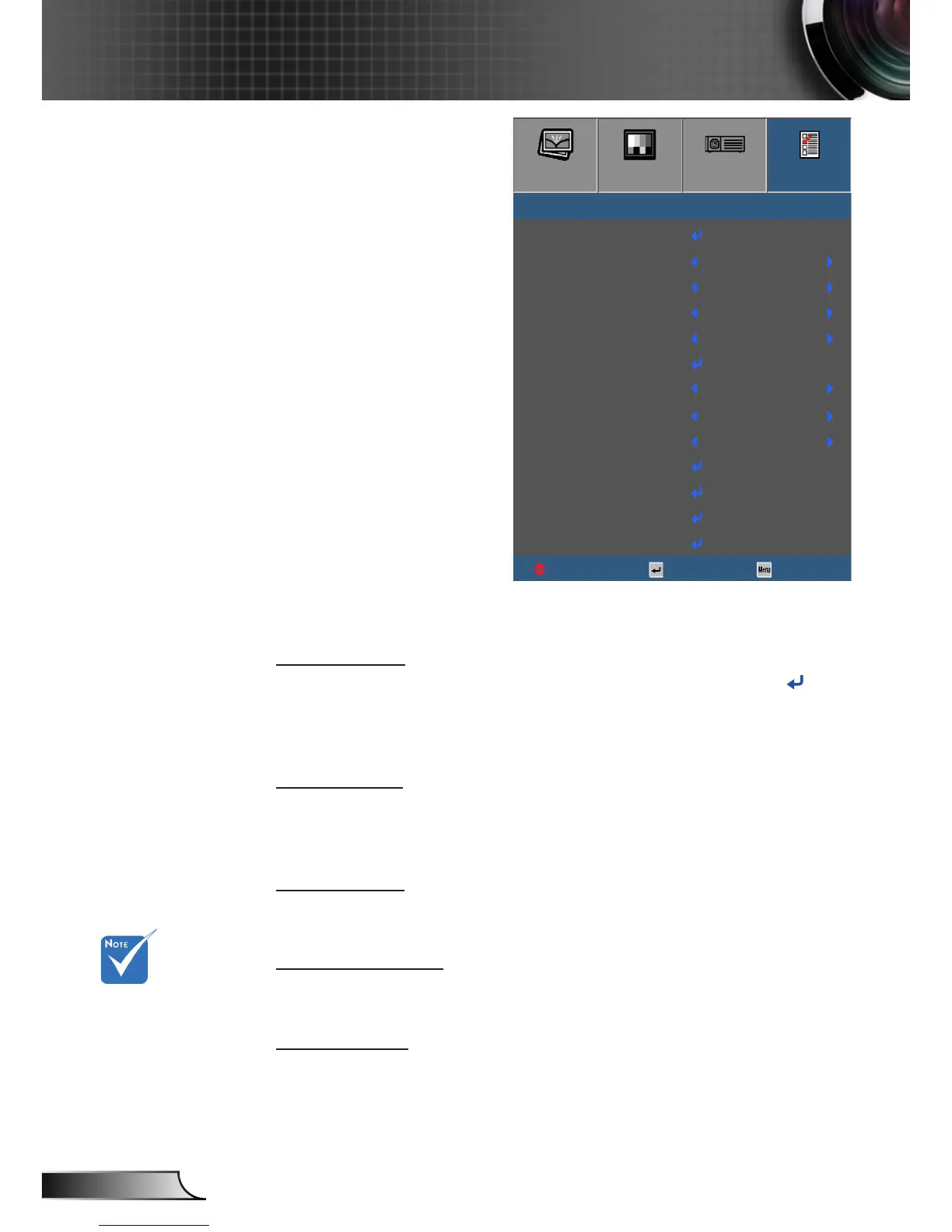
Input Source
Use this option to enable/disable input sources. Press the to
enter the sub menu and select which sources you require. Press
“Enter” to finalize the selection. The projector will only search for
inputs that are enabled.
Source Lock
` On: The projector will only search current input connection.
` O: The projector will search for other signals if the current
input signal is lost.
High Altitude
When “On” is selected, the fans will spin faster. This feature is
useful in high altitude areas where the air is thin.
Information Hide
` On: Choose “On” to hide the info message.
` O: Choose “O” to show the “searching” message.
Keypad Lock
When the keypad lock function is “On”, the Keypad will be locked
however, the projector can be operated by the remote control. By
selecting “O”, you will be able to reuse the Keypad.
Options
To turn o the
keypad lock, press
and hold “Enter”
key on top of the
projector for 5
seconds.
IMAGE
DISPLAY
SETUP
OPTIONS
OPTIONS
Input Source
UpDown Select Exit
O
Source Lock
High Altitude
Information Hide
Keypad Lock
Test Pattern
IR Function
Background Color
12V Trigger
Advanced
Lamp Settings
Optional Filter Settings
O
O
O
O
O
Red
Reset



 To Next Page