38
English
User Controls
IMAGE DISPLAY SETUP OPTIONS
IMAGE
Red
Select
ExitUpDown
ADVANCED Color Settings
Green
Blue
Cyan
Magenta
Yellow
White
Reset
Exit
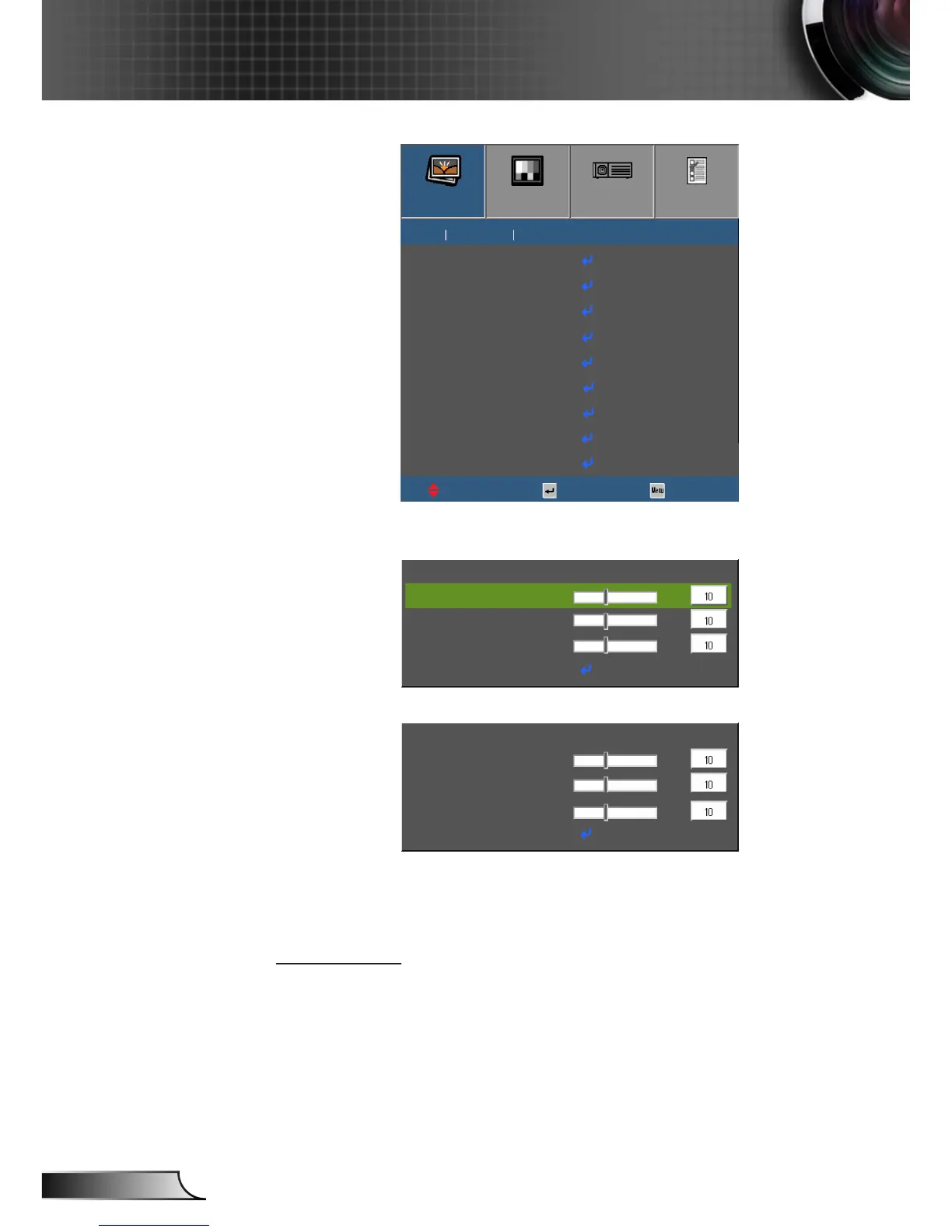
` Red/Green/Blue/Cyan/Magenta/Yellow: Use ◄ or ► to select
Hue, Saturation, and Gain Colors.
Red
Exit
Hue
Saturation
Gain
` White: Use ◄ or ► to select Red, Green, and Blue Colors.
White
Exit
Red
Green
Blue
` Reset: Choose “Yes” to return the factory default settings for
color adjustments.
` Exit: Choose Exit to exit the Advanced Color Settings menu.
Color Space
Select an appropriate color matrix type from Auto, RGB(0-255),
RGB(16-235) or YUV.



 To Next Page