9. Pressing the UP arrow will activate the pump and count down from 600
seconds down to 0 seconds (Figure 11.6).
10. Pressing the DOWN arrow will stop the water pump.
11. Repeat Steps 5 to 9 for draining any remaining optical Handpiece.
12. Observe the reservoir; when no more water is pouring out turn off the System.
11.8 Draining the Laser/IPL Handpieces with the Water Draining
Tool
When only applicators are shipped or stored, follow applicators draining instructions
below. It is possible to connect them to the System and perform the draining
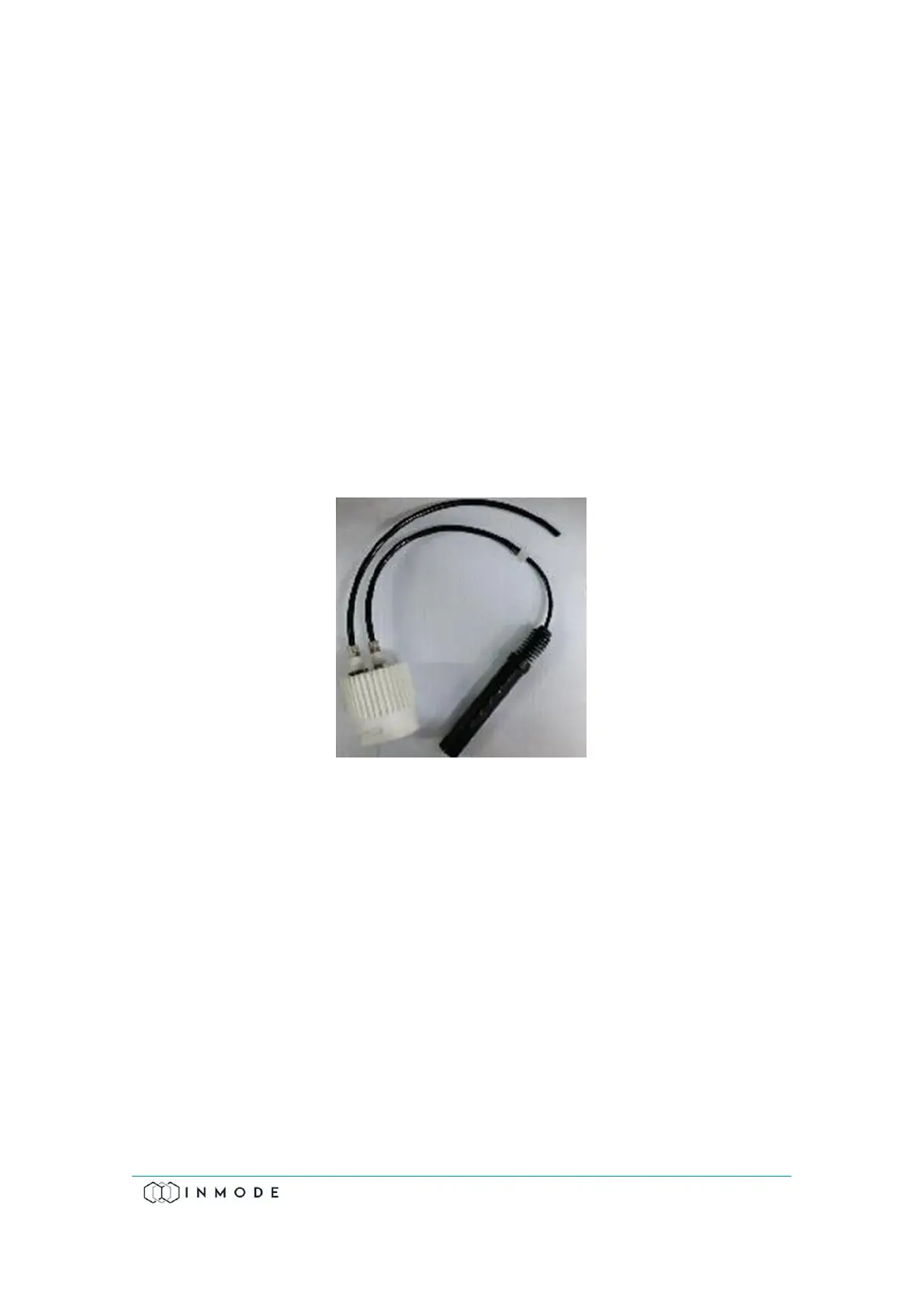
procedure, as above. It is also possible to use the InMode Water-draining tool
(Figure 11.10).
Figure 11-10: Water-Draining Tool
The DiolazeXL, Vasculaze and Lumecca Handpieces may be damaged in cold
(freezing) temperatures that occur during transportation or the local storage
environment. In cold climates, especially during the winter, systems and handpieces
may be damaged during transportation or storage when exposed to freezing
temperature.



 To Next Page