13. Repeat steps 2 to 5 since the System and Handpiece will take some of the
water.
14. Turn the System OFF.
15. Connect additional Handpieces.
16. Repeat Steps 6 to 12 for each Handpiece.
17. Ensure the water level is checked periodically.
11.7 Draining Water for VASCULAZE, DIOLAZEXL and LUMECCA
For shipping and storage, the Optimas Systems and optical Handpieces must be
drained of water during freezing temperature. Failure to do so will void the service
warranty. Frozen water in the System and Handpiece hoses can lead to damages
1. Open the back cover and take out the bottle.
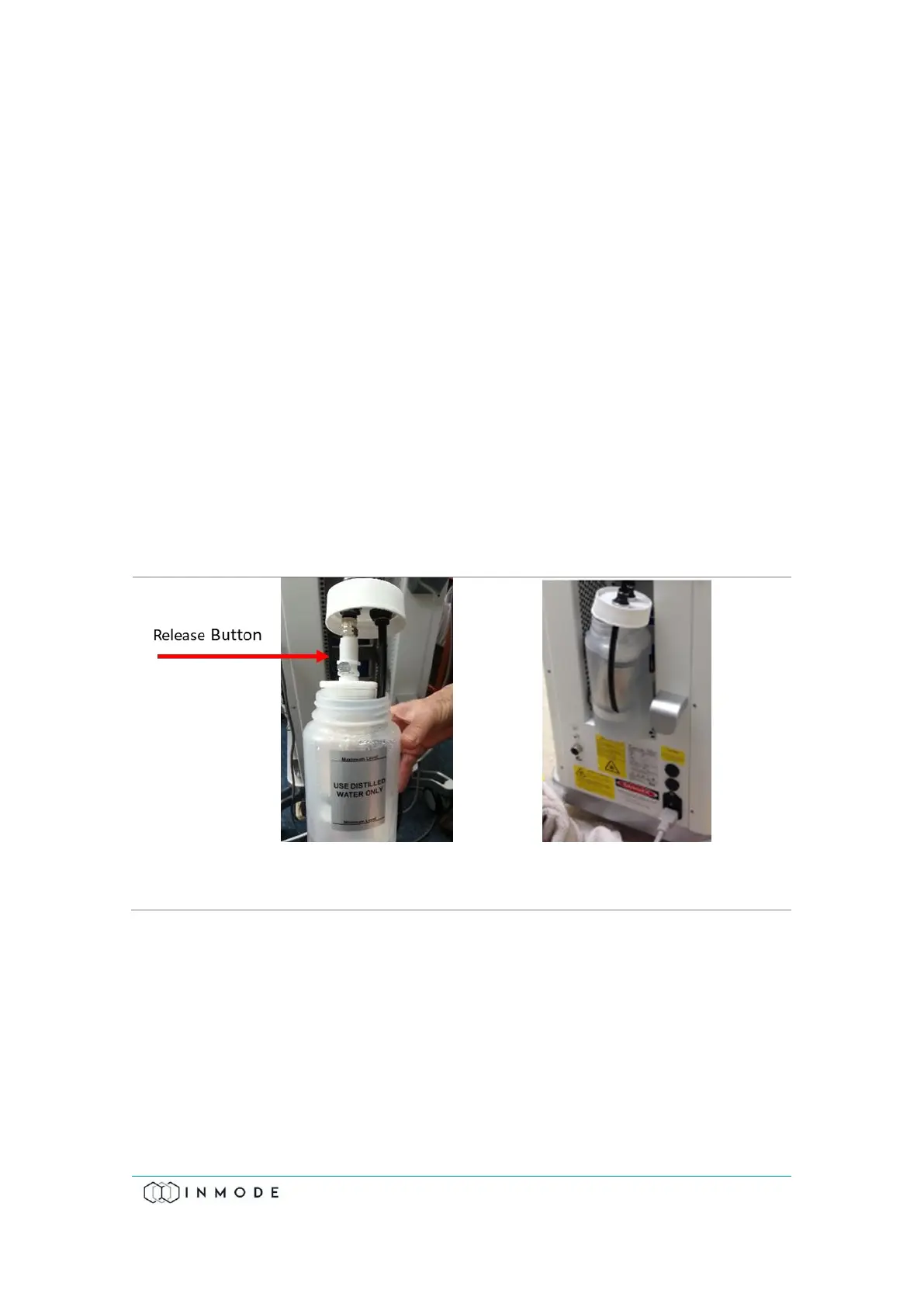
2. Unscrew the water bottle cap and slowly remove it from the bottle
(Figure 11.8).
3. Empty the bottle.
4. Place the bottle inside the chamber with the black hose outside the bottle
(Figure 11.9).
5. Connect the available optical Handpieces, one by one.
6. Turn the System ON.
7. Select “Utilities” on the Main Menu (Figure 11.4).
8. Select “Water Drain/Fill” (Figure 11.5).



 To Next Page