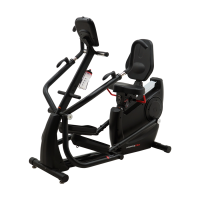
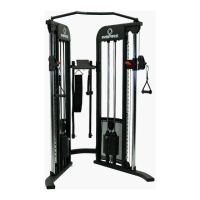
Required Parts:
1x (#2) Mast 1x (#83) Front Cover
Attaching the Mast
A.) Position the bottom of the (#2) Mast at the upper opening of the main frame.
B.) Connect the pair of cables inside the mast, to their respective cables out of the main frame.
Cable end (#175) EMS Upper Cable connects to (#178) EMS Middle Cable
Cable end (#176) Incline Upper Cable connects to (#179) Incline Middle Cable
C.) Once cables have been safely connected, gently insert the bottom of the mast into the opening
of the main frame.
CAUTION: DO NOTE PINCH CABLES WHEN INSERTING.
Attach using:
6x (#158) Button Head Allen Screw 6x (#159) Spring Washer
6x (#160) Flat Washer
D.) Slide (#83) Front Cover over the attachment point and attach using:
4x (#150) Phillip Screw


 To Next Page